EasyManua.ls Logo

ALTAI A2 - Getting Start; Setup Local Area Connection on Your PC

ALTAI A2
58 pages
Print Icon
To Next Page IconTo Next Page
To Previous Page IconTo Previous Page
Loading...
20130115_rev1.1_A2_Configuration_Manual_-_1.0.6.48.doc
Commercially Confidential
8
3 GETTING START
3.1 SETUP LOCAL AREA CONNECTION ON YOUR PC
Altai A2 can be connected with your PC in wireless mode. In the followings, wireless mode will
be introduced.
Please kindly refer to the Altai A2 Installation Guide.
Start Network Configuration on your PC.
For Windows XP user,
1. Click the “start” menu and choose “Control Panel”.
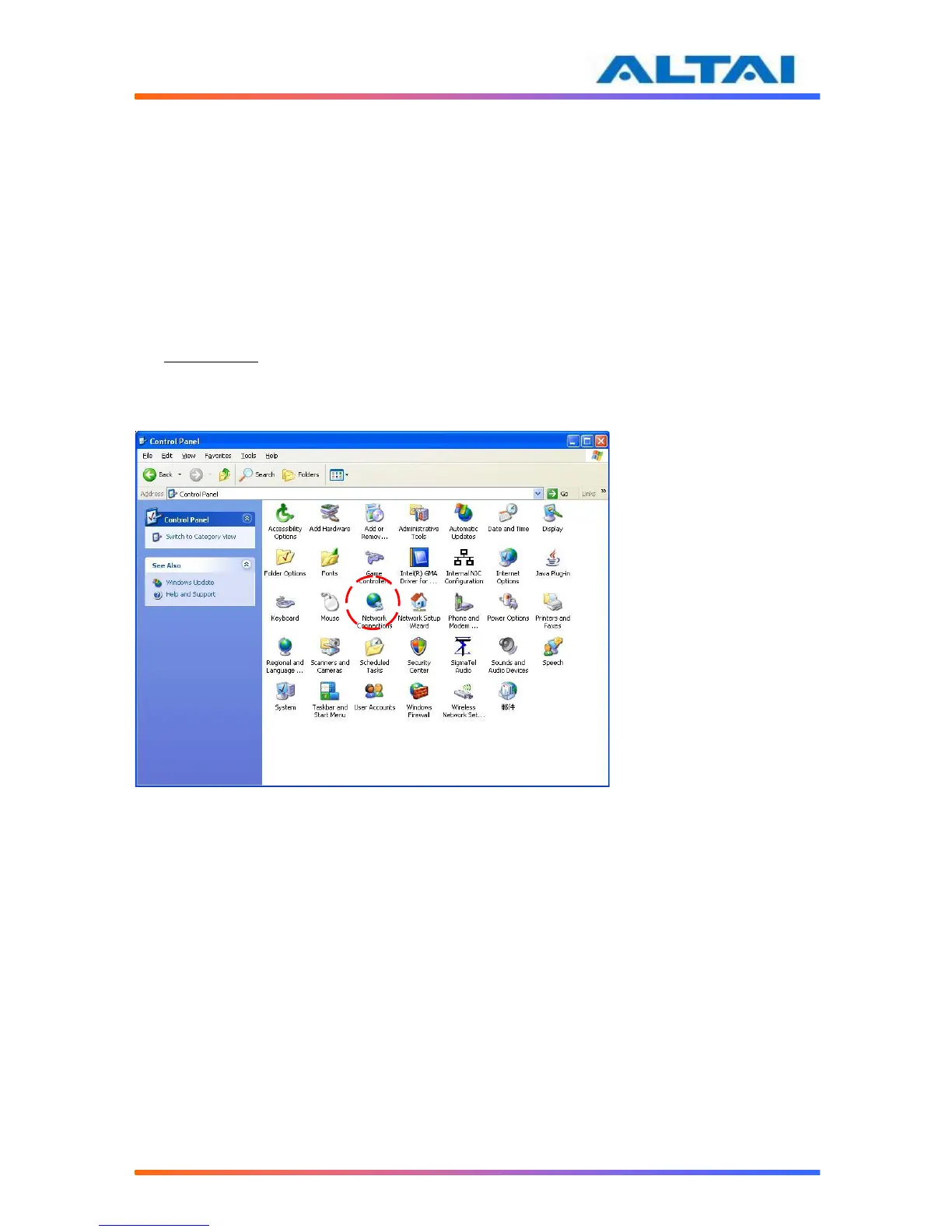
2. Click “Network Connections”.

Figure 1 Control Panel in Windows XP

Table of Contents

Other manuals for ALTAI A2

Related product manuals