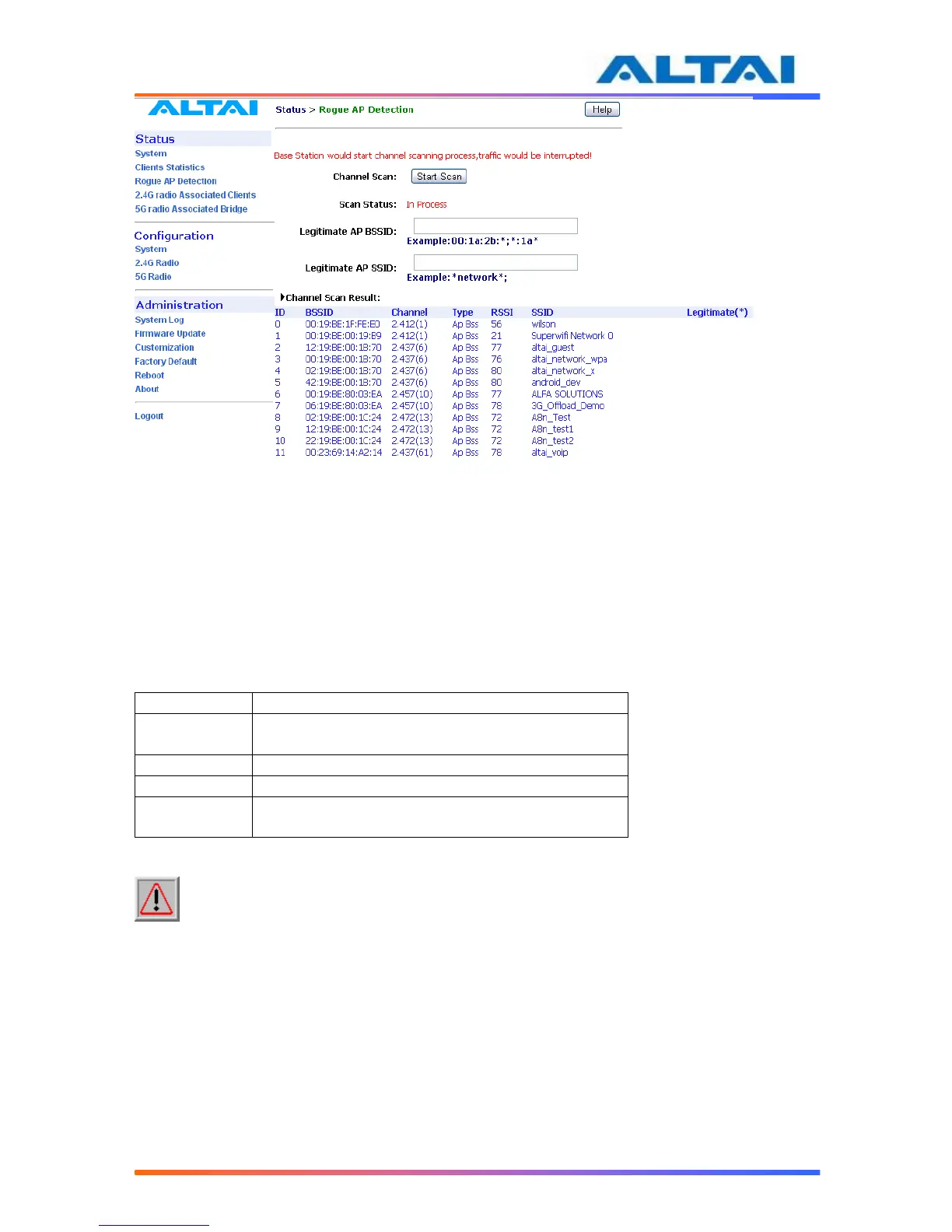
Figure 33 Channel scan
5.4 RADIO ASSOCIATION-AP MODE
The each radio association statistics can be monitored by selecting Radio Association under the
field of Status in the menu bar. The corresponding statistics can be shown by selecting the
related MAC Address, as shown in Figure 34.
The Association Table shows the ID, Mac Address, RSSI, and VAP of each station as shown in
Figure 34. A more detailed 2.4GHz Association Statistic of each station can be brought up by
selecting the related Mac Address as shown in Figure 35.
Station ID, a number randomly generated by A2 to
represent a mobile client
Table 11 2.4GHz Client Association Status
NOTE: The association page would be refreshed for every 15 seconds



 To Next Page