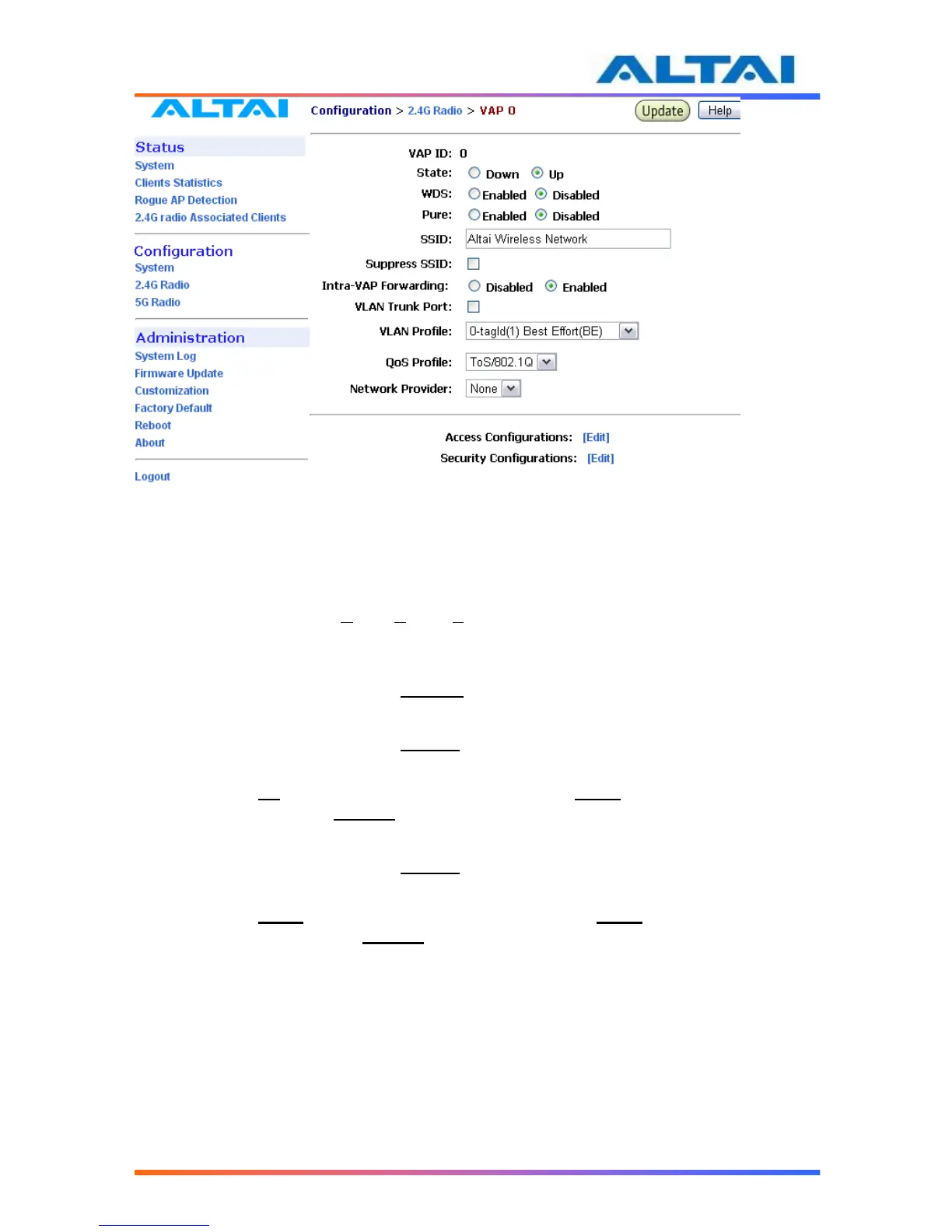
Figure 172 VAP Setting
4.17.7 Access Control List (ACL)
By selecting Access Configurations, a window, as shown in Figure 3, is brought up for
choosing the ACL mode, adding MAC Address with ACL Type (Allow or Deny).
There are three modes in the Access Control List (ACL). They are Disabled, Enabled-Allow and
Strict-Deny:
1. Disabled
- The function of ACL is disabled.
2. Enabled–Allow
- The function of ACL is enabled.
- The MAC addresses which are specified in the ACL will consider as Allow.
- i.e. No computer can access to the base station, unless the computer which has an
MAC address matches one of the entries of the ACL with its ACL Type is Allow.
3. Enabled–Deny
- The function of ACL is enabled.
- The MAC addresses which are specified in the ACL will consider as Deny.
- i.e. Every computer can access to the base station, unless the computer which has
an MAC address matches one of the entries of the ACL with its ACL Type is
Deny.



 To Next Page