4 CONFIGURATION WITH WEB-ADMIN
4.1 WEB BROWSER CONNECTION
A2 can be accessed through a Web Browser, for example, Internet Explorer (IE).
1. Open an IE session and type the IP address of the A2. Example: https://192.168.1.20,
where 192.168.1.20 is the A2’s IP address. The A2 default IP Address is 192.168.1.20.
Note: the release version 1.0.6.48 only supports https format URL link.
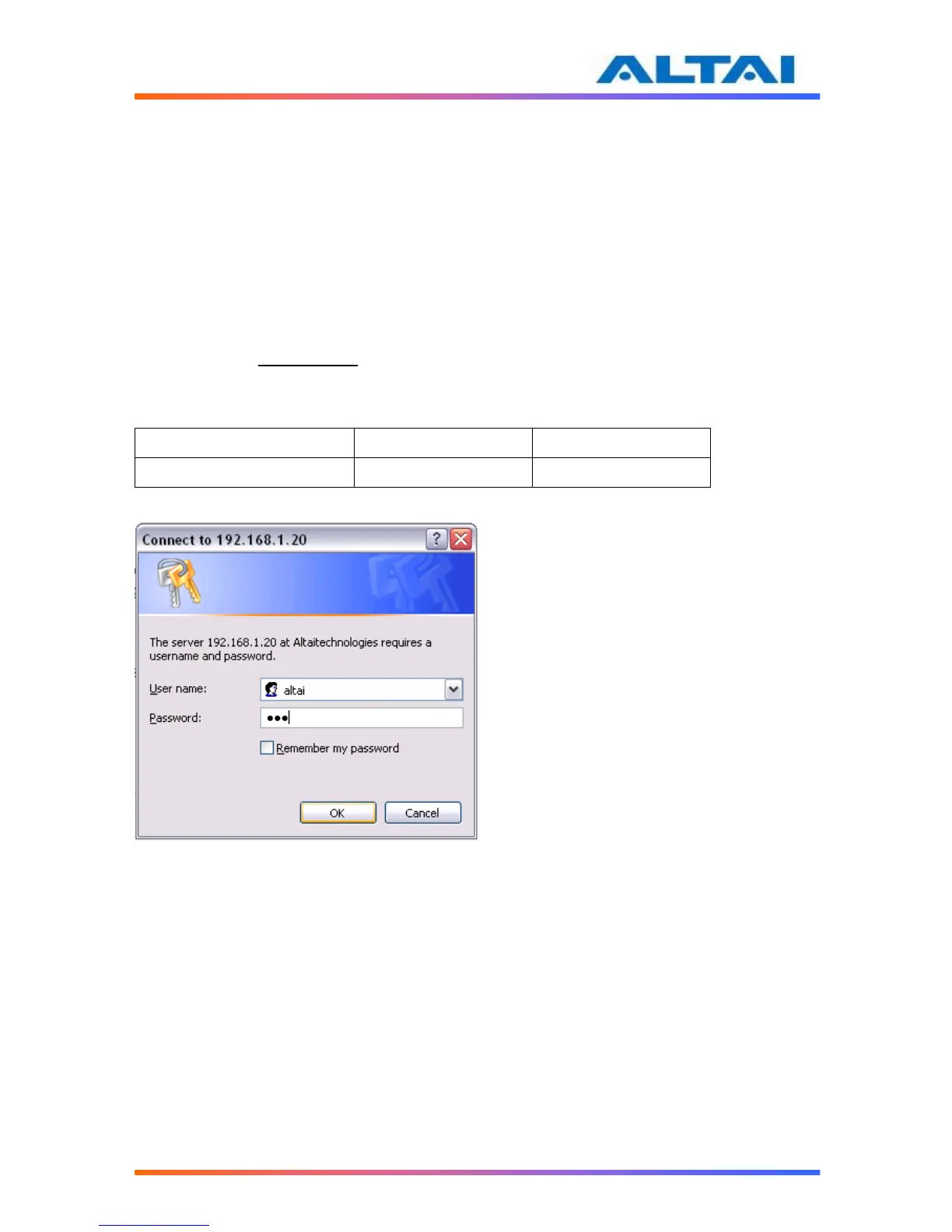
2. A window will pop up, as shown in Figure 7. Enter the user name and password in the
corresponding fields. The default User Name and Password are shown in Table 1.
They are case sensitive.



 To Next Page