4.23 RESTORE CONFIGURATION TO DEFAULT SETTING
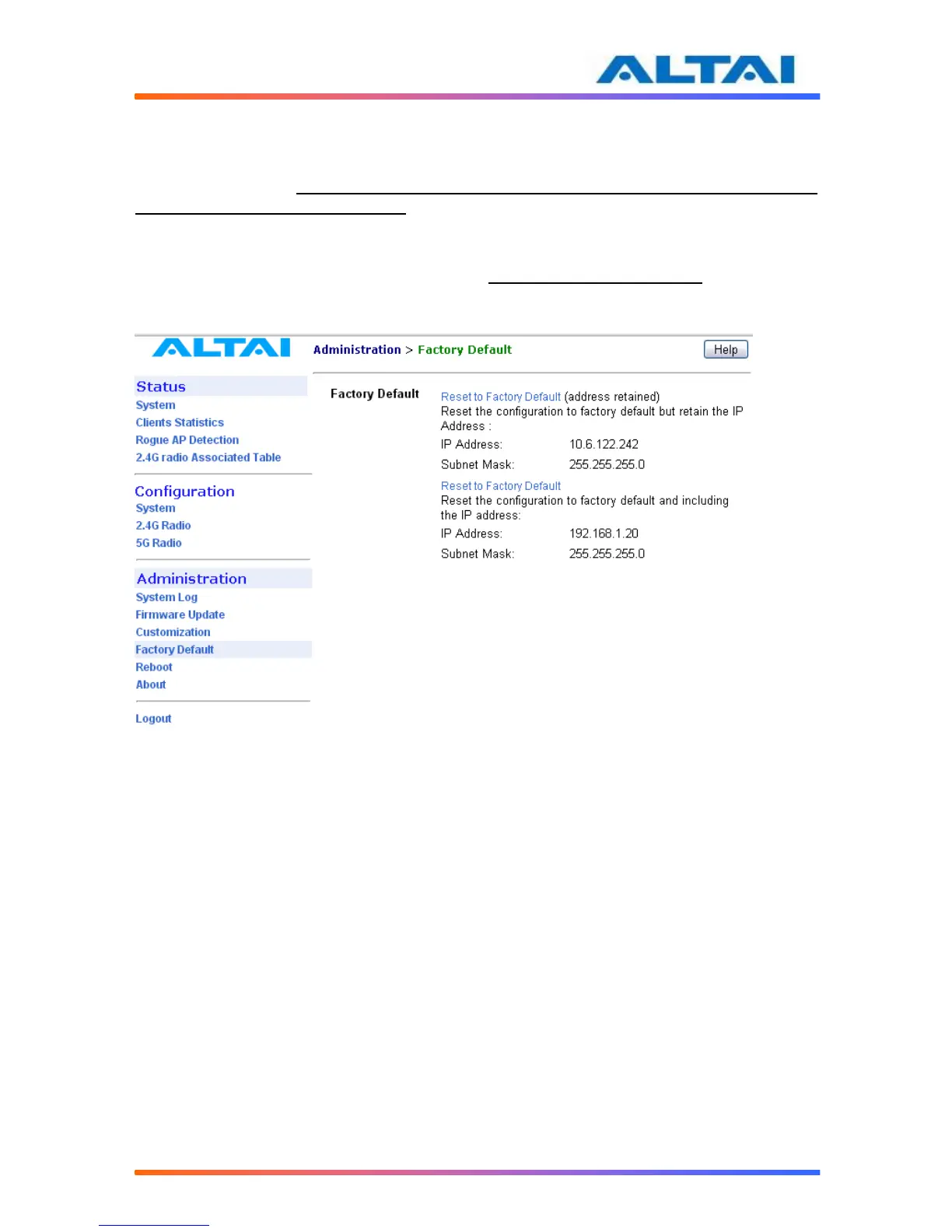
The choices of factory default can be chosen by selecting Factory Default under
Administrations in the menu bar.
The default settings (IP Address, Subnet Mask, Default Gateway Address and Remote
Bridge Configurations are retained) can be restored by selecting the icon Reset to Factory
Default (address retained) or Reset to Factory Default, as shown in Figure . Please reboot the
A2 afterwards.
Note: after resetting to factory default without address retained, please type
<https://192.168.1.20> to open A2 web-admin.
Figure 29 Reset to Factory Default Setting in Web-admin



 To Next Page