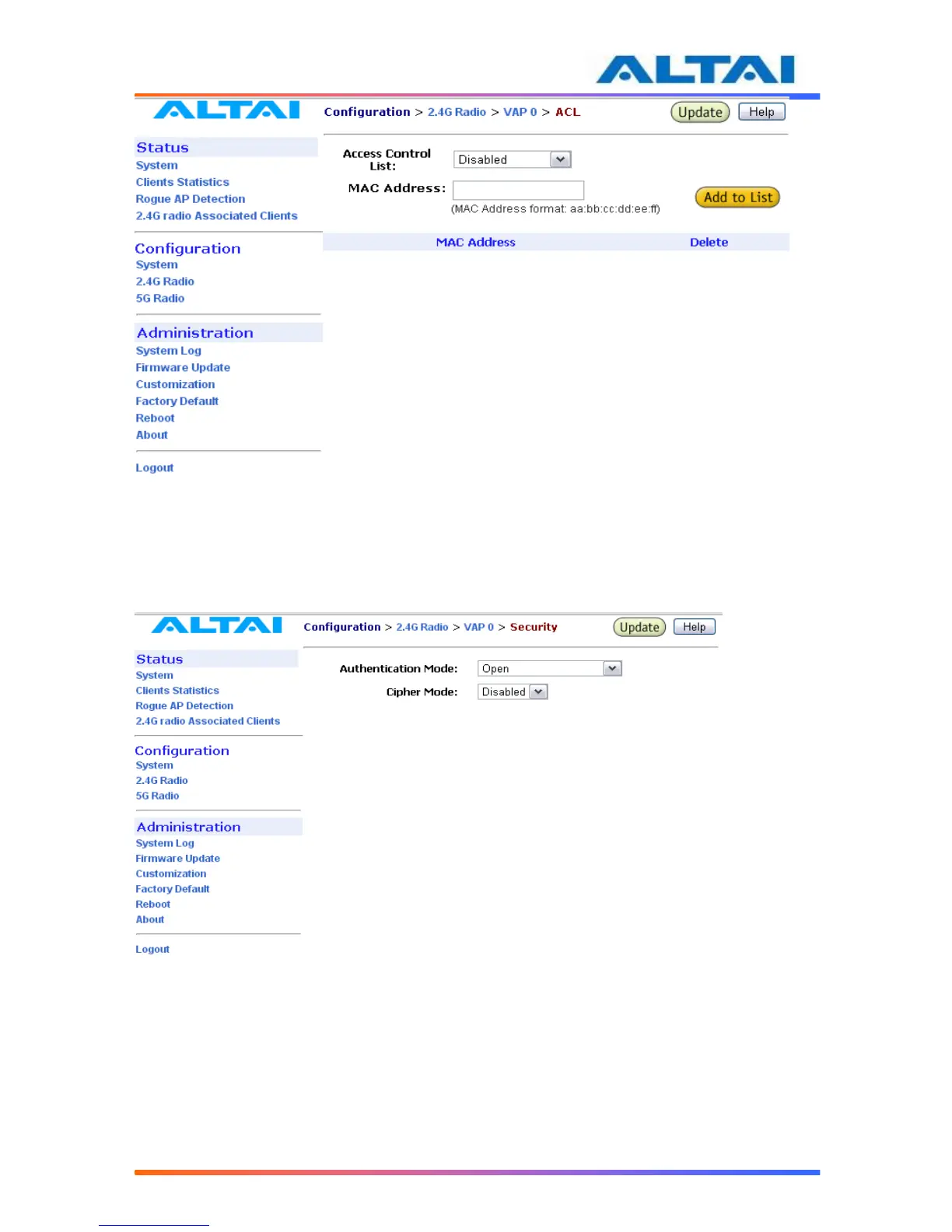
Figure 23 ACL
4.17.8 Encryption and Authentication
By selecting Security Configurations, a window, as shown in Figure 184, is brought up for
choosing the Authentication Mode and Cipher Mode.
Figure 184 Wireless Radio Security Configuration
After selecting Open or Shared-Key for Authentication Mode, WEP for Cipher Mode, the WEP
key settings can be defined as shown in Figure 195.
WPA/WPA2 or WPA-PSK/WPA2-PSK can be enabled by selecting WPA/WPA2 or
WPA-PSK/WPA2-PSK for Authentication Mode. The AES and TKIP are the two available
options for Cipher Mode. The related settings are shown in Figure 206 and Figure 217.



 To Next Page