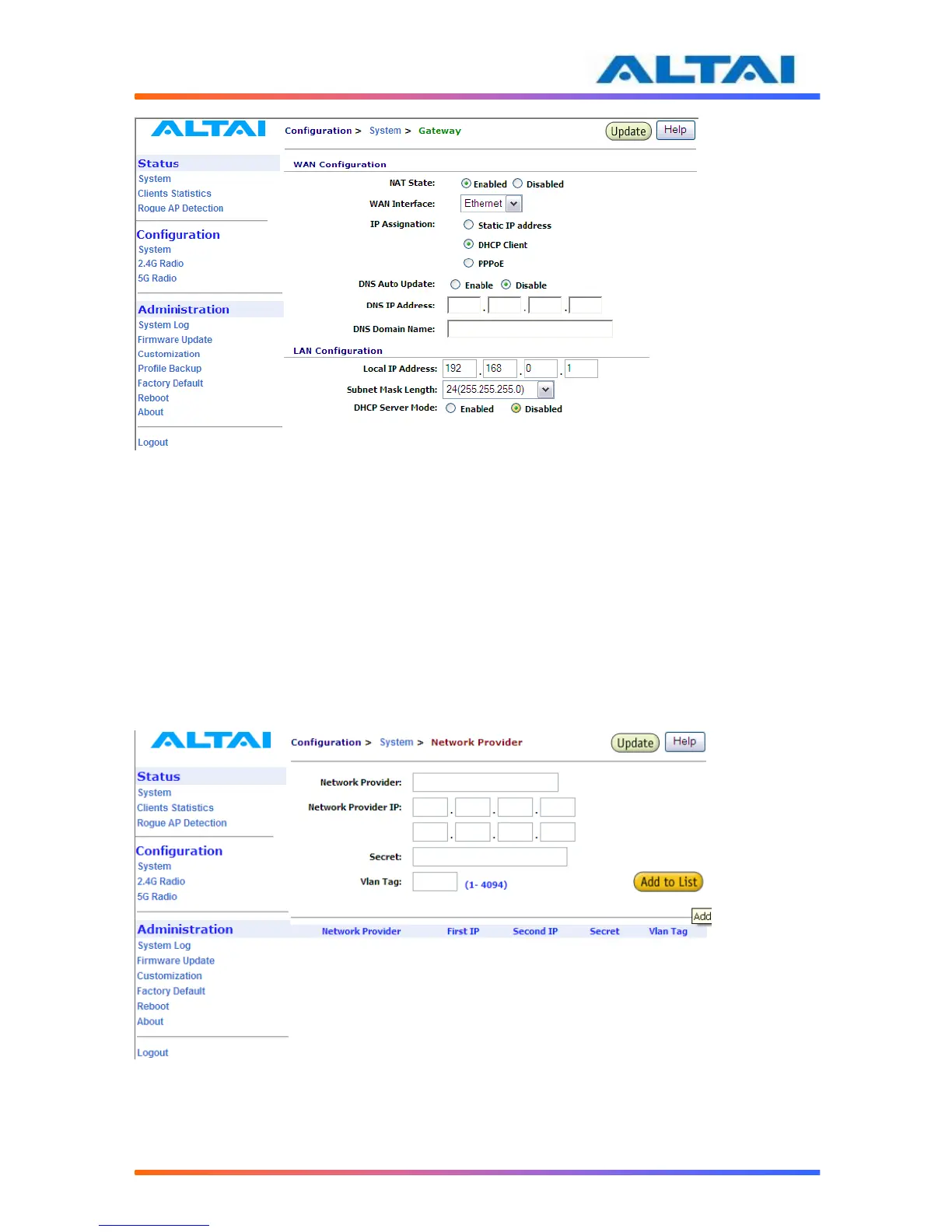
Figure 14 Configure DHCP Server Disable
4.13 NETWORK PROVIDER
Network Provider is to build in Ethernet Virtual Interface. It is designed to establish a layer 2
tunnel with Ethernet Virtual Interface Concentrator. Ethernet Virtual Interface Concentrator has
a trunk interface that connects to multiple VLAN (Network Provider) Ethernet Virtual Interface
in Access Point will pick up all Layer 2 traffic that are generated by users, encapsulate it in an IP
packet and forward it to the Ethernet Virtual Interface Concentrator (EVIC). The EVIC will
remove the encapsulated Layer 2 frame before forwarding it on to the upstream network.
Enter the Network Provider’s name in the first column, follow by IP address, secret key and
VLAN tag. These parameters can be found in the EVIC and must be match in both EVI and
EVIC. See Figure 19.
Figure 159 Configure DHCP Server Disable



 To Next Page