4.18 CPE MODE
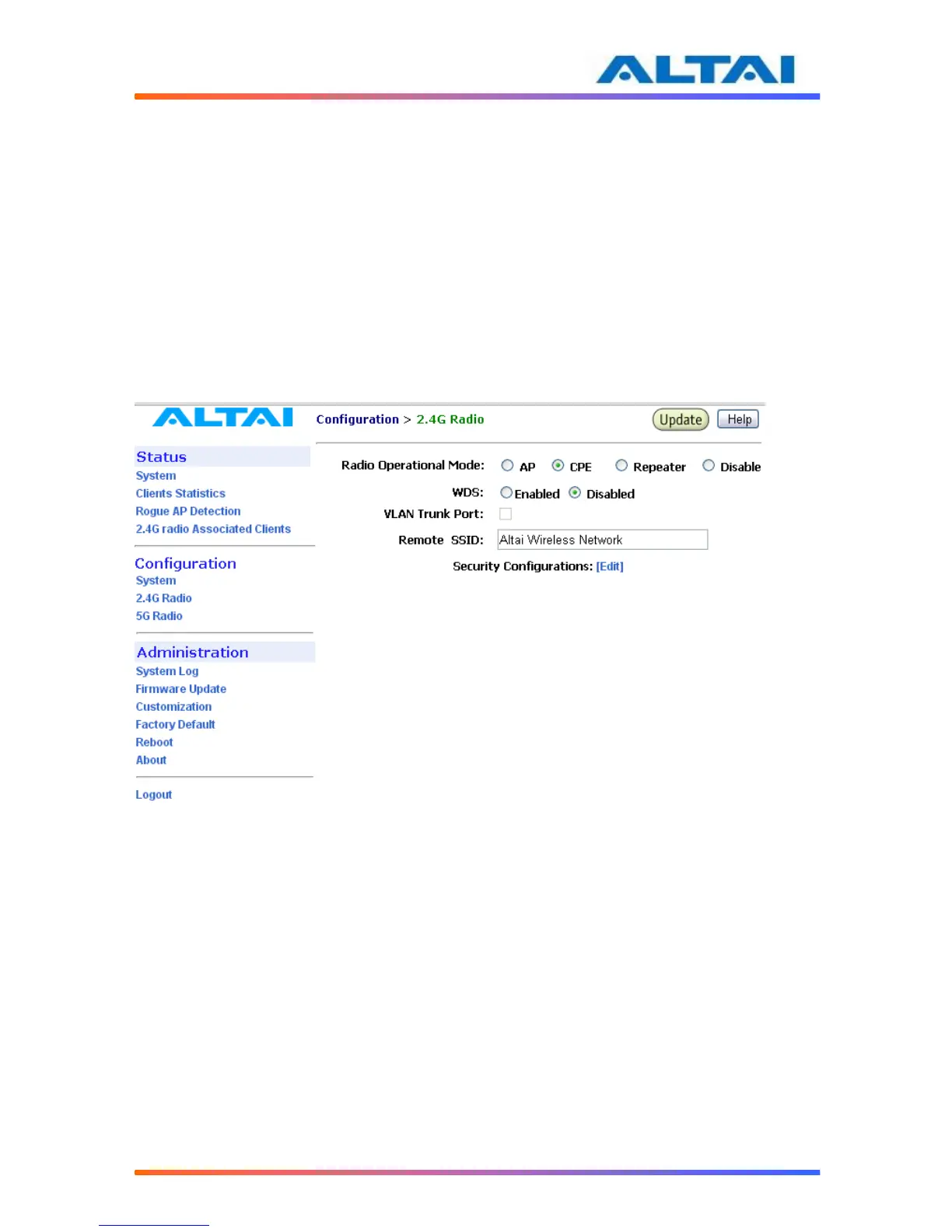
Under VAP web-site interface, AP mode, Repeater mode, and (CPE) Station mode can be
chosen. When A2 is set to CPE mode, and backhaul link can be established through associating
the Station VAP with the remote APs. That means Station VAP works as backhaul link, clients
can connect with C1 by Ethernet end. The Security configuration should match to the remote
SSID security type and pass phase. VLAN Trunk can be establish if the remote SSID is running
trunk mode as well.
There are three different station modes: NAT mode, WDS mode and MAC address translation
mode (MAT mode).
When station works in NAT mode, A2 works in Gateway mode and the Station mode VAP is
enabled. Repeater works in WDS mode when WDS is enabled and A2 works in Station mode.
The MAT mode can be enabled when A2 runs in Switch mode and WDS is disabled.
Figure 228 Station Mode Configuration



 To Next Page