5. After the A2 reboots, check the firmware version by selecting About under the field of
Administrations in the menu bar, as discussed in Section 4.2, to ensure the expected
firmware is uploaded.
6. Select Factory Default under the field Administrations in the menu bar and click Reset
to Factory Default (address retained) or Reset to Factory Default to make the default
settings effective. Note: If press Reset to Factory Default with address retained, the IP
address of A2 web-admin will not be changed after rebooting the AP. While Reset to
Factory Default is chosen, IP address of A2 will be changed into 192.168.1.20 .
7. Click the icon REBOOT AP to reboot the A2.
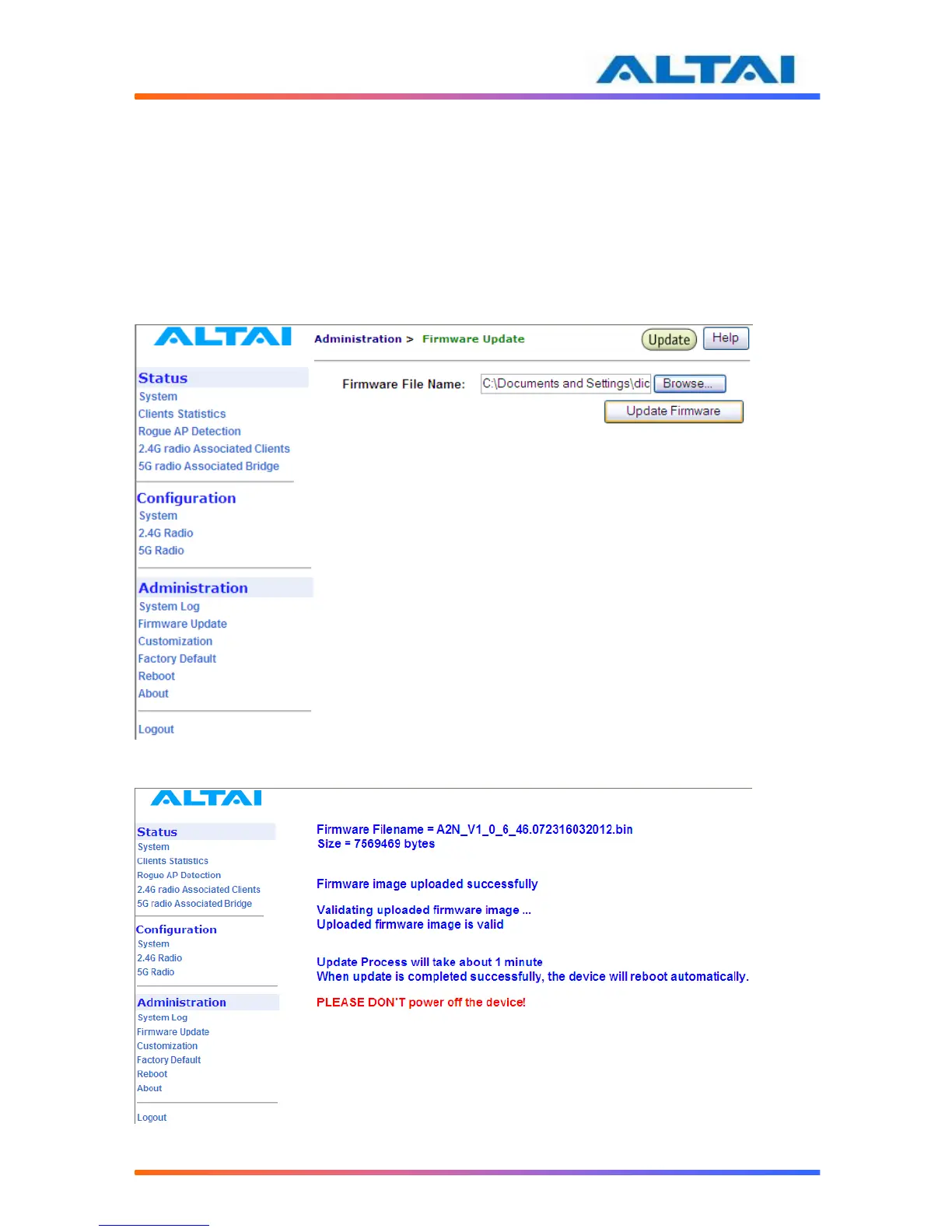
Figure 395 Upload the Firmware through HTTP or HTTPS
Figure 406 Firmware Uploading – Web-admin



 To Next Page