6 MaxAgent for Lync Manual
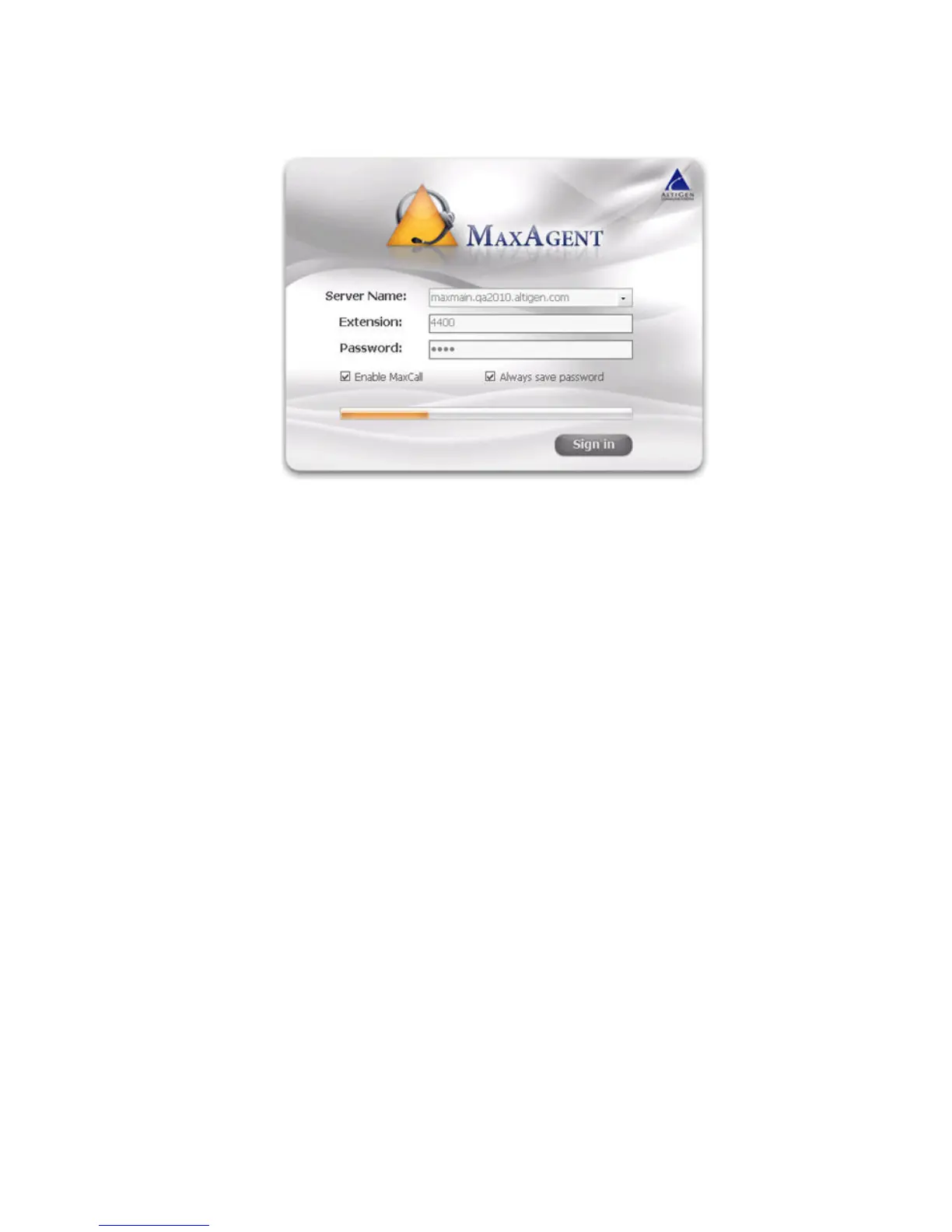
4. Enter your extension number and your password.
If you want to use MaxCall to display specific Caller ID information
when you make calls, check Enable MaxCall.
If you want to store your password and have it entered automatically
the next time, check Always save password.
Note: Up to eight unsuccessful login attempts are allowed, after
which login will be disabled for from 1 to 24 hours (depending
on the duration set by your administrator).
5. Click Sign In.



 To Next Page