26 MaxAgent for Lync Manual
This section describes the following tasks:
• Transmitting Phrases
• Recording Phrases
• Reviewing or Deleting a Phrase
Transmitting Phrases
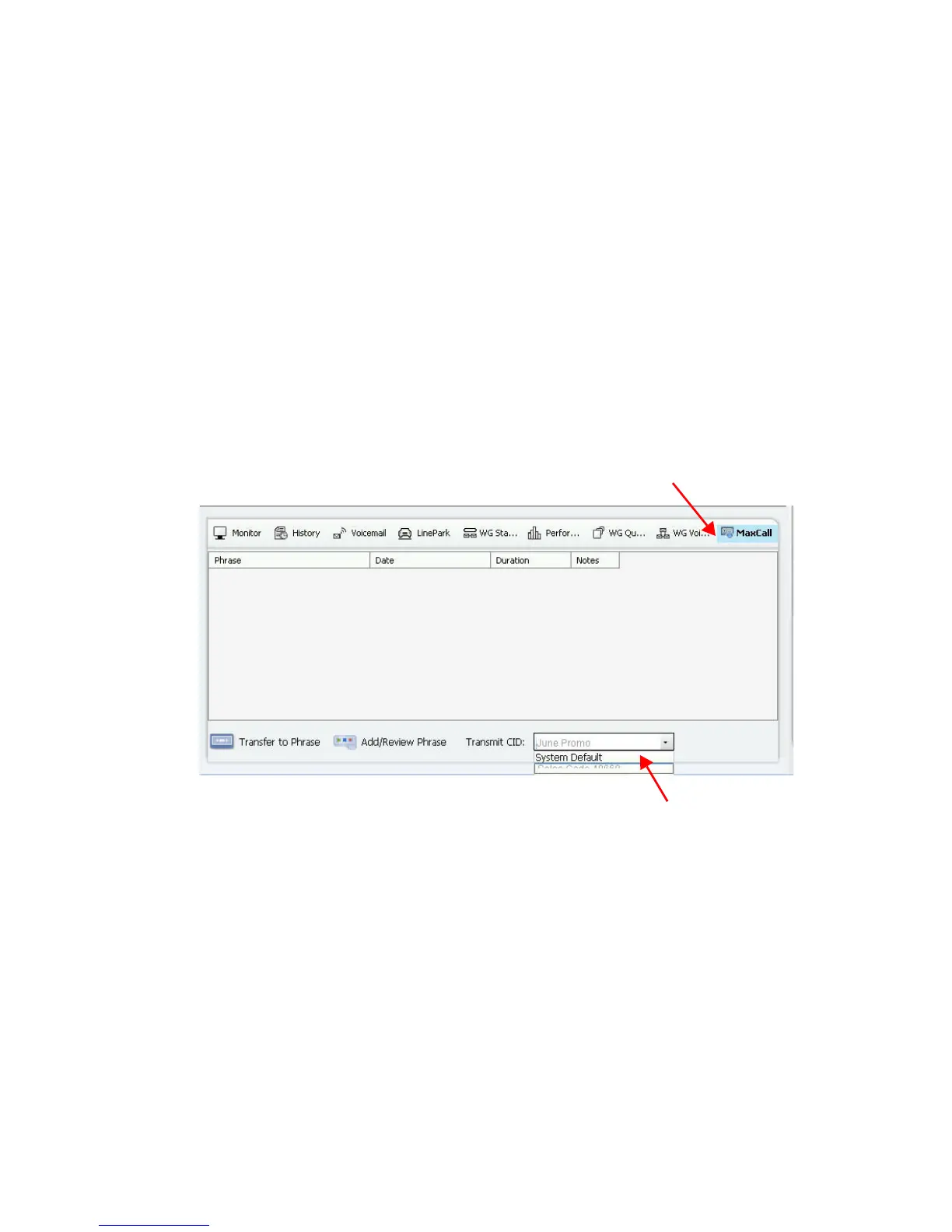
1. When you are ready to make the call, click the MaxCall tab.
2. From the bottom bar, use the Campaign Transmit CID menu to
choose the campaign you want to use for this call.
If the callee’s phone is set to display caller ID, then that phone will
show the caller ID that your administrator configured for that cam-
paign instead of showing your actual caller ID.
3. After you choose the CID and place the call, if the call goes to
voicemail, click Transfer to Phrase. MaxACD takes control of the
call and plays the recorded phrase associated with that campaign. Your
phone is released so that you are free to place another call. (You can
also click the phrase after the call connects.)



 To Next Page