20 MaxAgent for Lync Manual
Making Calls
Note: You should dial out a personal call from Lync. The personal call
will not appear in MaxAgent, but the MaxAgent line state will
show Connected or In Use.
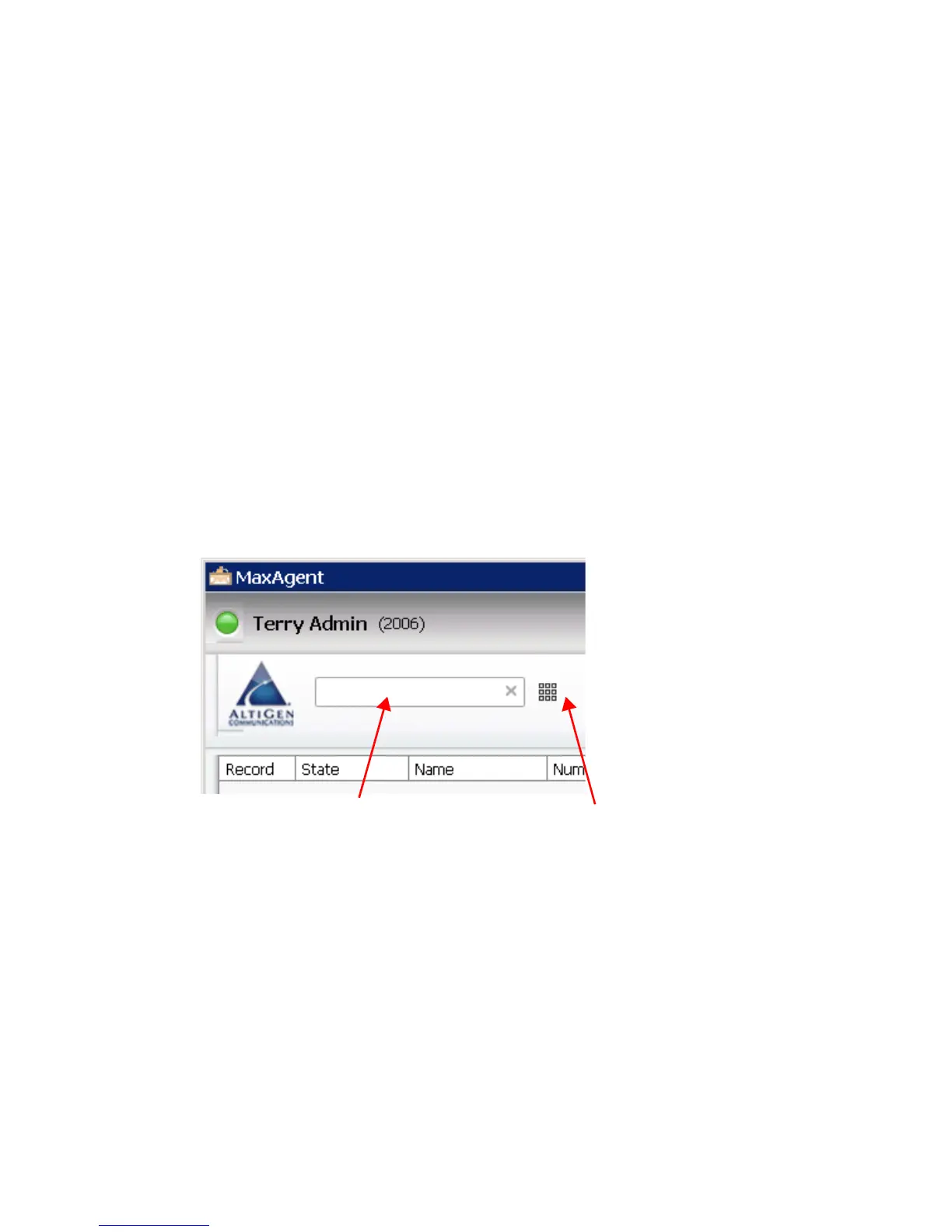
To dial a number, click in the MaxAgent Dialing field, enter a number or
name, and then click the Dial button.
• Enter a number – You can enter a number in the Dialing field by
using the keypad on your computer, or by using the dial pad in
MaxAgent.
• Enter a name – For names recorded in the system, you can enter a
name by using the keyboard on your computer to type the name. Then
select the name from the list that opens. The number for that name
appears in the Dialing field.
To close the list or clear the Dialing field, click the “x” in the field.
Shortcut-Key Dialing and Smart Tag Dialing
Shortcut-key dialing – If you configured MaxAgent to let you use shortcut
keys to dial a selected phone number in another program, for example,
Excel or Internet Explorer, you can make a call by selecting the number and
using those shortcut keys. To find out more about this option, see the
discussion of Select-N-Dial in the section Adjusting General Settings.



 To Next Page