16 MaxAgent for Lync Manual
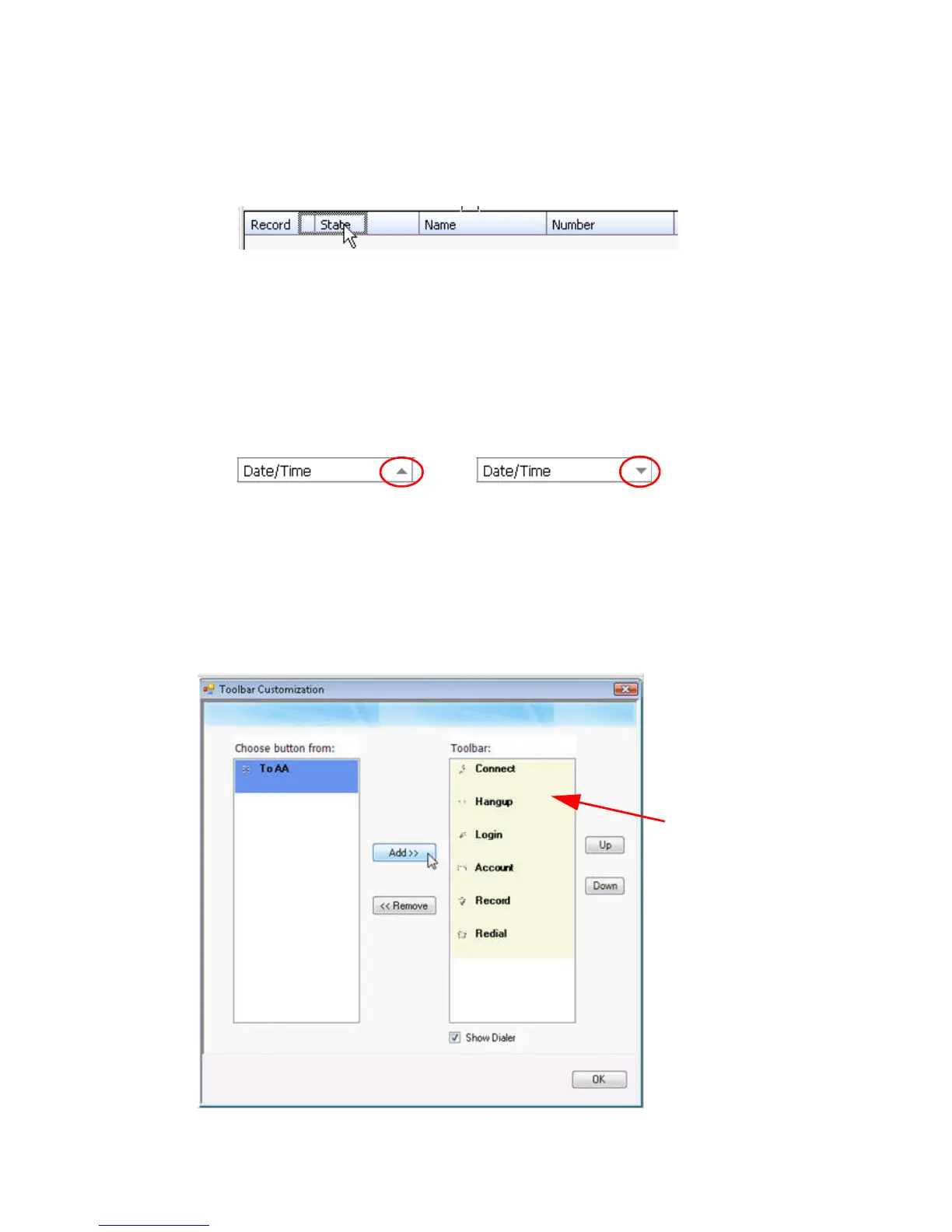
To rearrange columns, click and drag a column name to the location you
want.
To sort columns in ascending or descending order, click the column heading.
An ascending (first to last) or descending (last to first) arrow appears. Click
the column heading again to sort in the reverse order. If you click a column
heading, and all the data in that column is the same, MaxAgent keeps the sort
order of the previously clicked column.
Showing, Hiding, or Rearranging Toolbar Buttons
To add, remove, and rearrange the toolbar buttons, right-click in the button
area and choose Customize Toolbar Buttons.



 To Next Page