8 MaxAgent for Lync Manual
1. If you connect to the Internet through a modem connection, establish
a connection to your internet service provider (ISP).
2. Log in using your extension and password as usual.
3. Click OK.
Overview of the Main Window
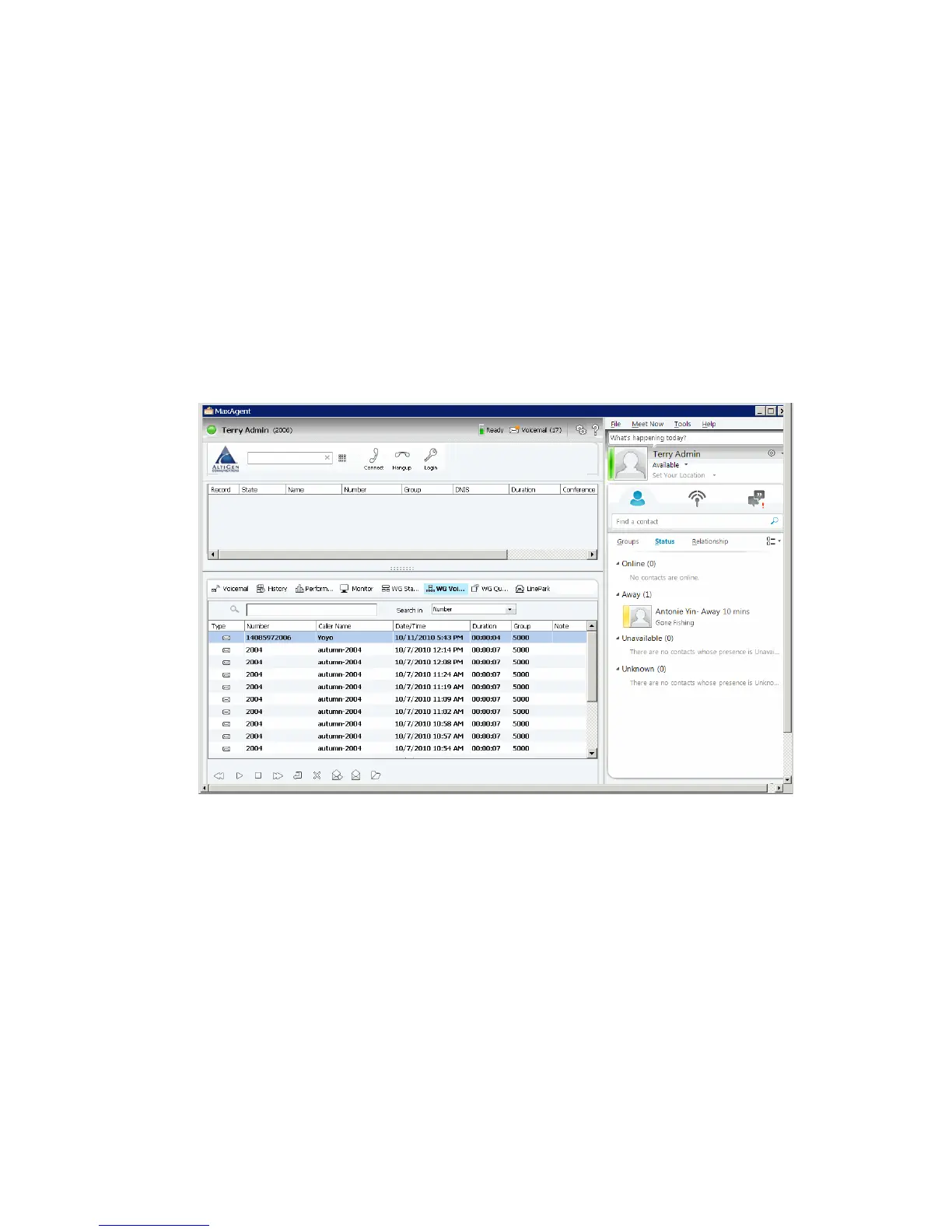
Once you log in, MaxAgent and Lync appear in the same window side by
side, MaxAgent on the left and Lync on the right:
You use MaxAgent for workgroup calls and use Lync primarily for instant
messaging, call transfers, and conference calls.



 To Next Page