MaxAgent for Lync Manual 9
Getting Started
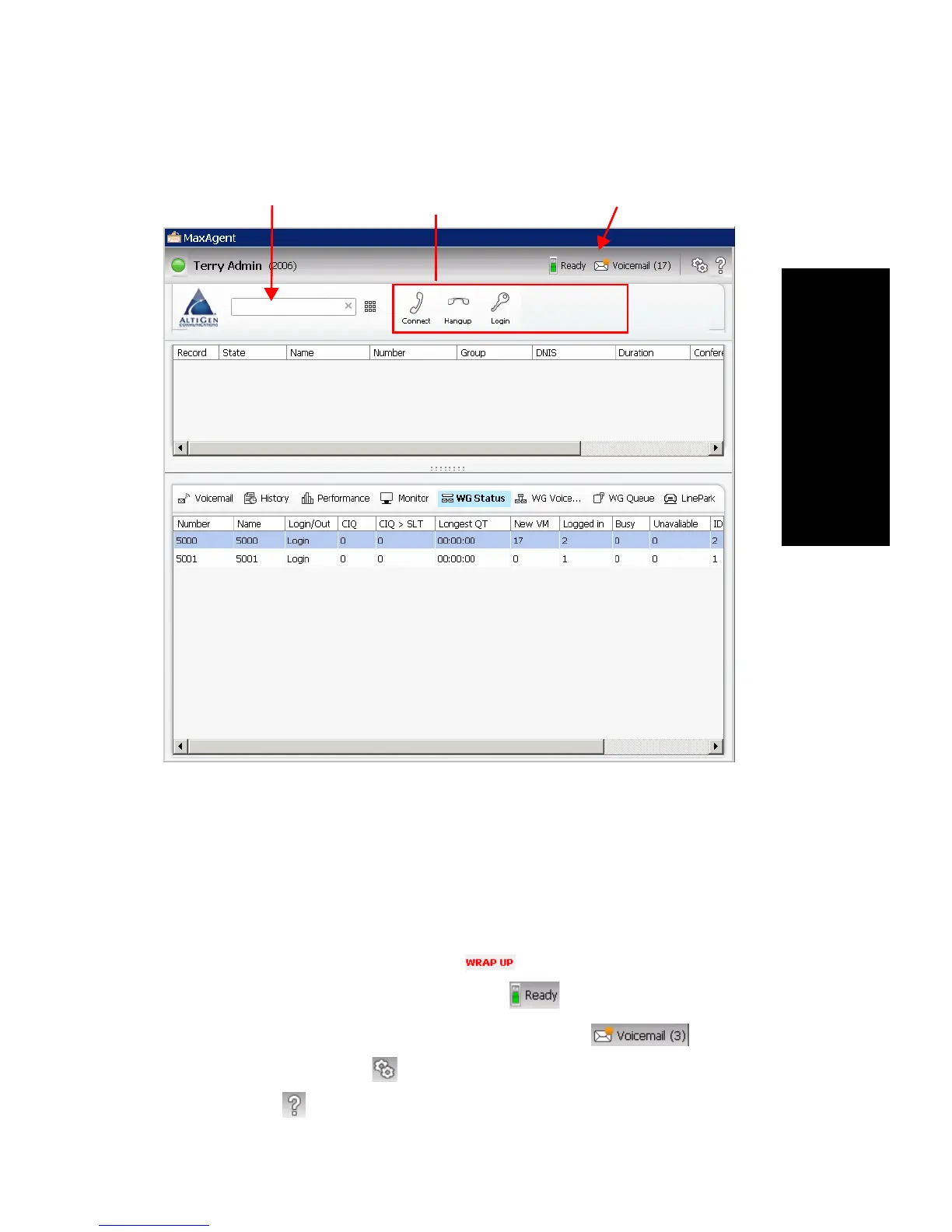
MaxAgent Side of the Window
MaxAgent provides tools to manage and monitor calls, and is your window
into your workgroup environment.
Status Bar
From the status bar, you can do the following:
• See when the agent is in wrap-up mode (you have transferred the call,
sent it to voicemail, or hung up):
• Toggle between Ready and Not Ready .
• See the number of unopened voicemail messages .
• Configure MaxAgent (see Configuring MaxAgent).
• Open help .



 To Next Page