MaxAgent for Lync Manual 43
Configuration
Configuring Internet Explorer to display Smart Tags
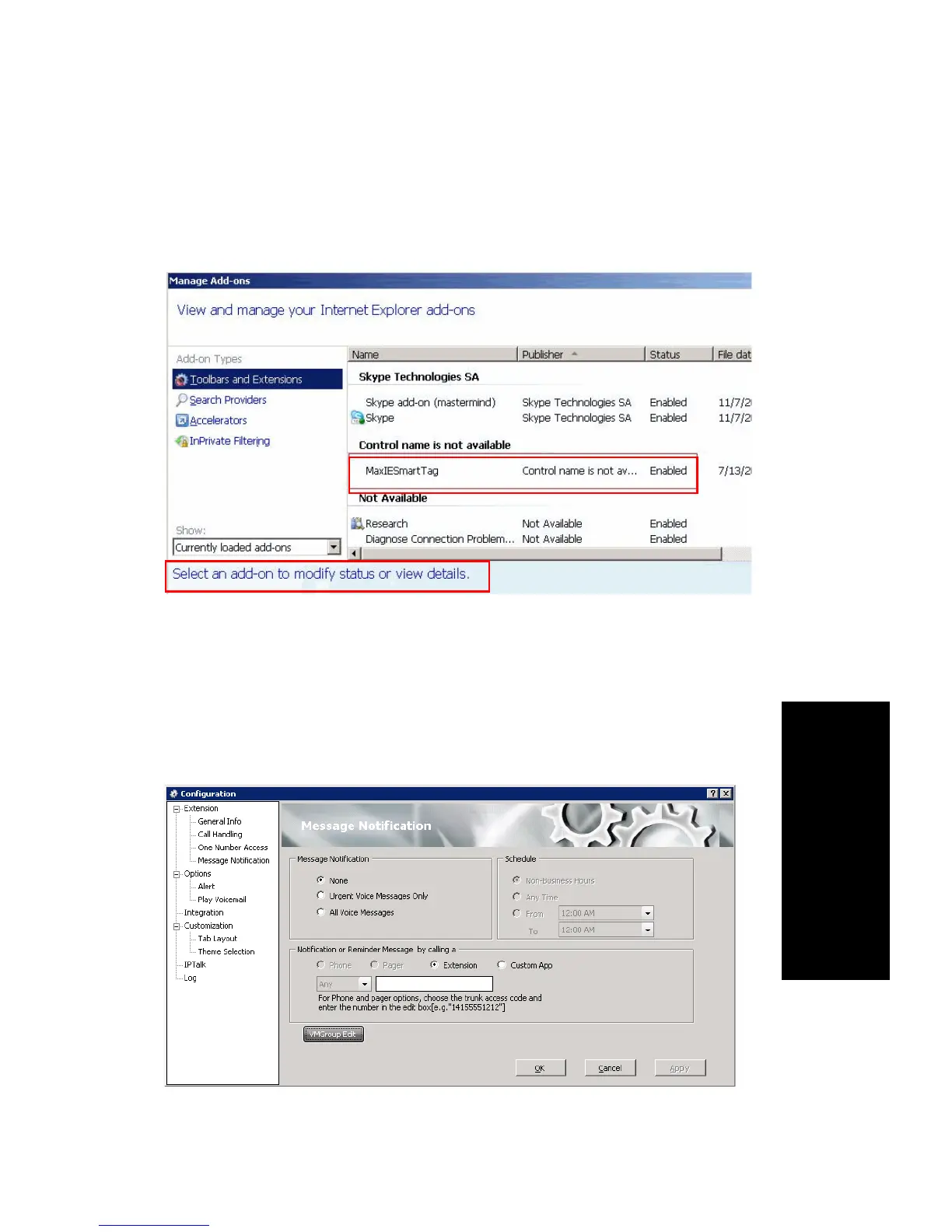
1. In Internet Explorer, click Tools > Manage Add-ons.
2. In the dialog box, select MaxIESmartTag, right click and select
Enable (or click the Enable button on the bottom of the window).
Customizing Message Notifications
You can specify how and when you’d like to be alerted to new messages
when you’re away from your desk. In the Configuration window, click
Extension > Message Notification.
You can set these notification options:



 To Next Page