46 MaxAgent for Lync Manual
5. Enter the VM Group Name and any Comments. Comments are
optional, but will help you identify the group.
6. Choose members by selecting the boxes next to the extensions. (You
can click Clear to deselect all extensions if you need to.)
7. Click OK. (Or click Cancel to exit without saving your edits).
Updating Voicemail Groups
To change a personal voicemail group,
1. In the Configuration window, click Extension > Message
Notification.
2. Click VMGroup Edit.
3. Select the group and click Change.
4. Make your changes. To add or remove a member, select or clear the
check box.
5. Click OK.
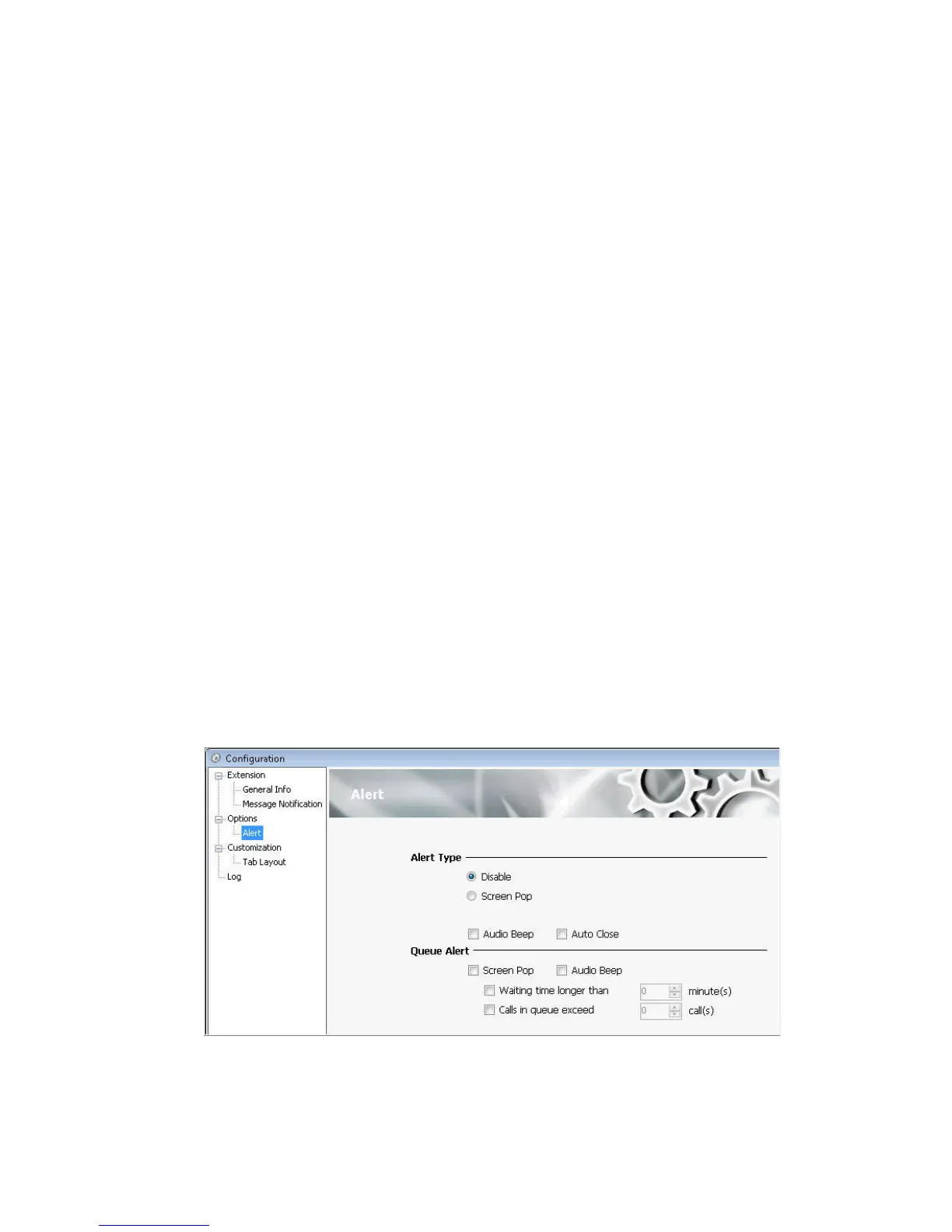
Setting Alert Preferences
To set call notification options, use the Configuration window’s Options >
Alert screen.



 To Next Page