48 MaxAgent for Lync Manual
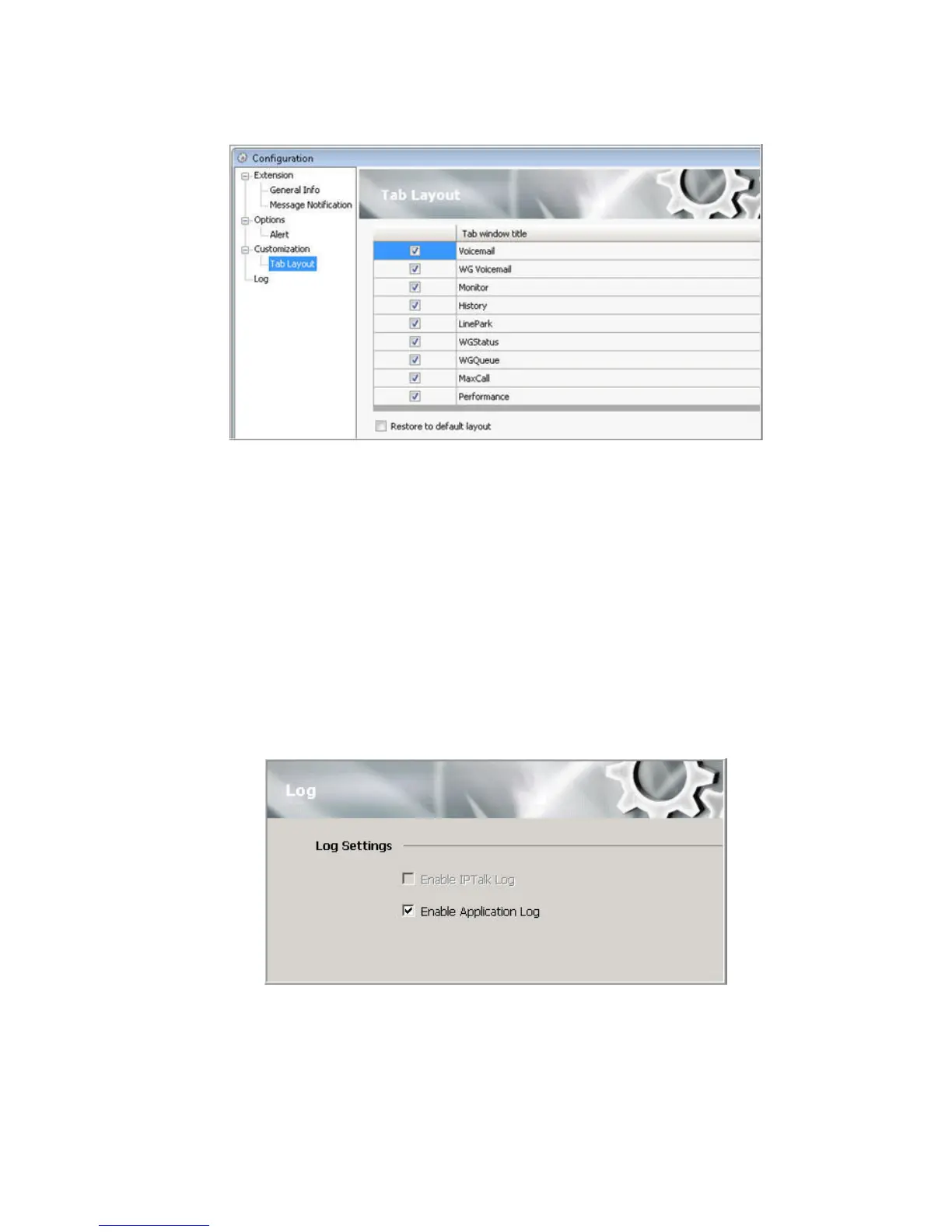
Check the tabs you want to display in MaxAgent, and click OK.
To restore all call control buttons, tabs, and application window sizes to the
default settings, check Restore to default layout and click OK.
Logging Errors
If you want the system to keep an error log for troubleshooting, in the
Configuration window check the Enable Application Log check box. The
log is stored in your \\Documents and Settings\username\Application
Data\AltiGen\MaxAgent Lync Edition folder.



 To Next Page