MaxAgent for Lync Manual 15
Getting Started
Check the tabs you want to display; clear the tabs you want to hide.
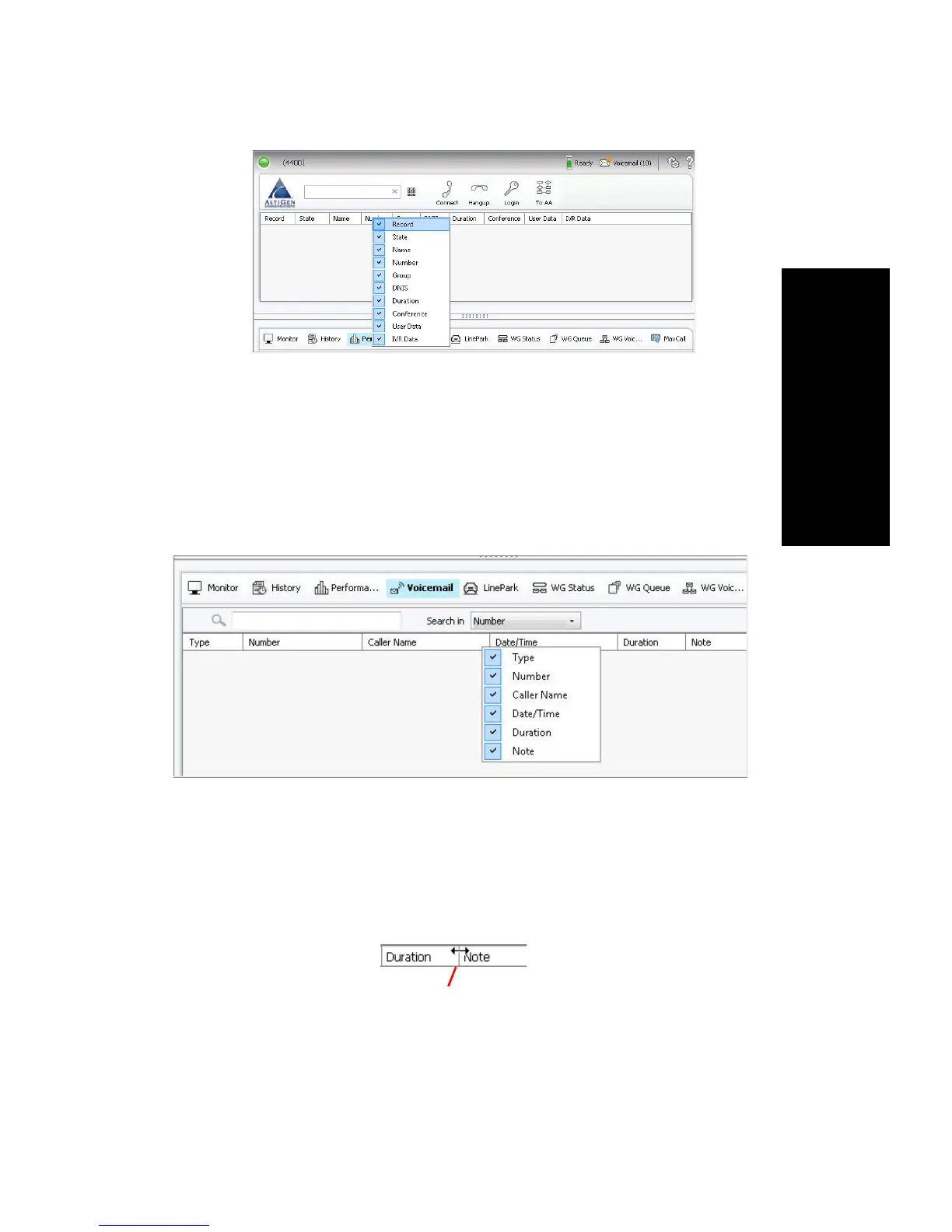
Showing or Hiding Columns
To specify the columns you want to see, right-click a column heading and
check or clear the names in the list. Checked columns will be displayed.
Resizing, Rearranging, and Sorting Columns
To resize columns, position the cursor on a column divider in the header
area until it changes to a double arrow. Then drag to resize the column.



 To Next Page