MaxAgent for Lync Manual 37
Using MaxAgent
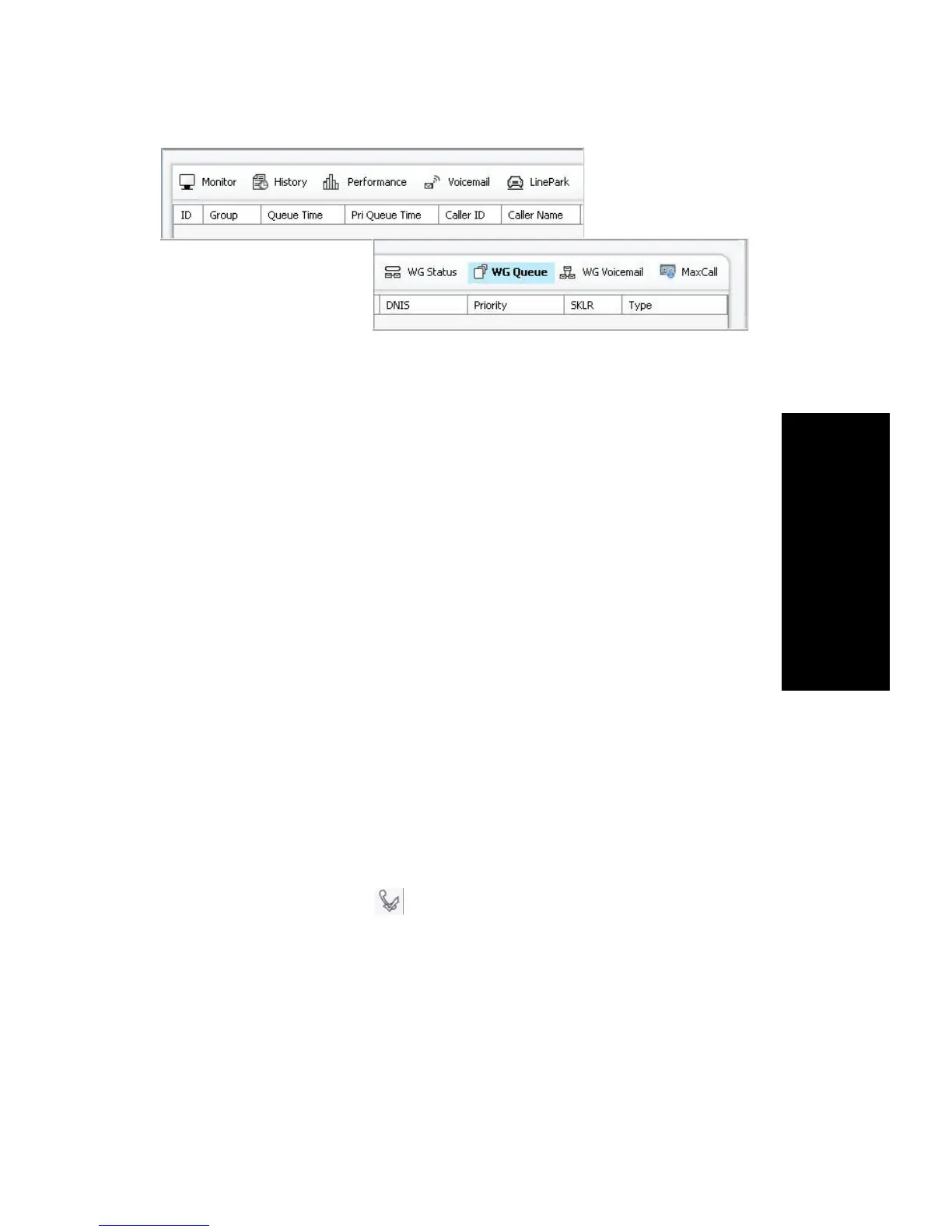
Information includes:
• ID – The Call ID in the queue of one workgroup. The ID is unique
within a workgroup, but may be repeated in all workgroups.
• Group – The workgroup name or workgroup number.
• Queue Time – The duration of the call in queue.
• Priority Queue Time – The duration the call has been in queue at the
current priority level. Priority queue time is reset to 0 when the call’s
priority is promoted to a higher level.
• Caller ID – The caller ID of the call in the queue.
• Caller Name (if available) – The name of the caller for that call.
• DNIS – The DNIS digits for the call in the queue.
• Priority – The priority level assigned to the call.
• SKLR – The skill level required.
• Type – The type of call; usually a voice call.
Picking Up Calls from Queue
To pick up a call from a workgroup queue, click on the queued call and
click the Pickup Call icon



 To Next Page