IS-200A
4. How to Operate Screens
4-21
(j) PAGE DOWN
When the cursor is at , moving the cursor down will change the display to the
screen shown below. For details of the external communication, see 10. External
Communication Function.
-MODE SELECT PAGE UP
△
COMM CONTROL OFF COMM SPEED 38.4k
COMM MODE RS-232C SCAN MODE OFF
a) COMM CONTROL
Selects a communication function.
OFF No communication
--> One-way communication
<-> Both-way communication
b) COMM MODE
Selects a communication mode.
RS-485 Communication by RS-485
RS-232C Communication by RS-232C
c) COMM SPEED
Selects a communication speed.
9.6k Communication at 9600 bps
19.2k Communication at 19200 bps
38.4k Communication at 38400 bps
d) SCAN MODE
Selects a TRANS SCAN MODE.
2ND STAGE
SQD(SCH2)
SCH2
SCH3 SCH4
SCH5
SCH6
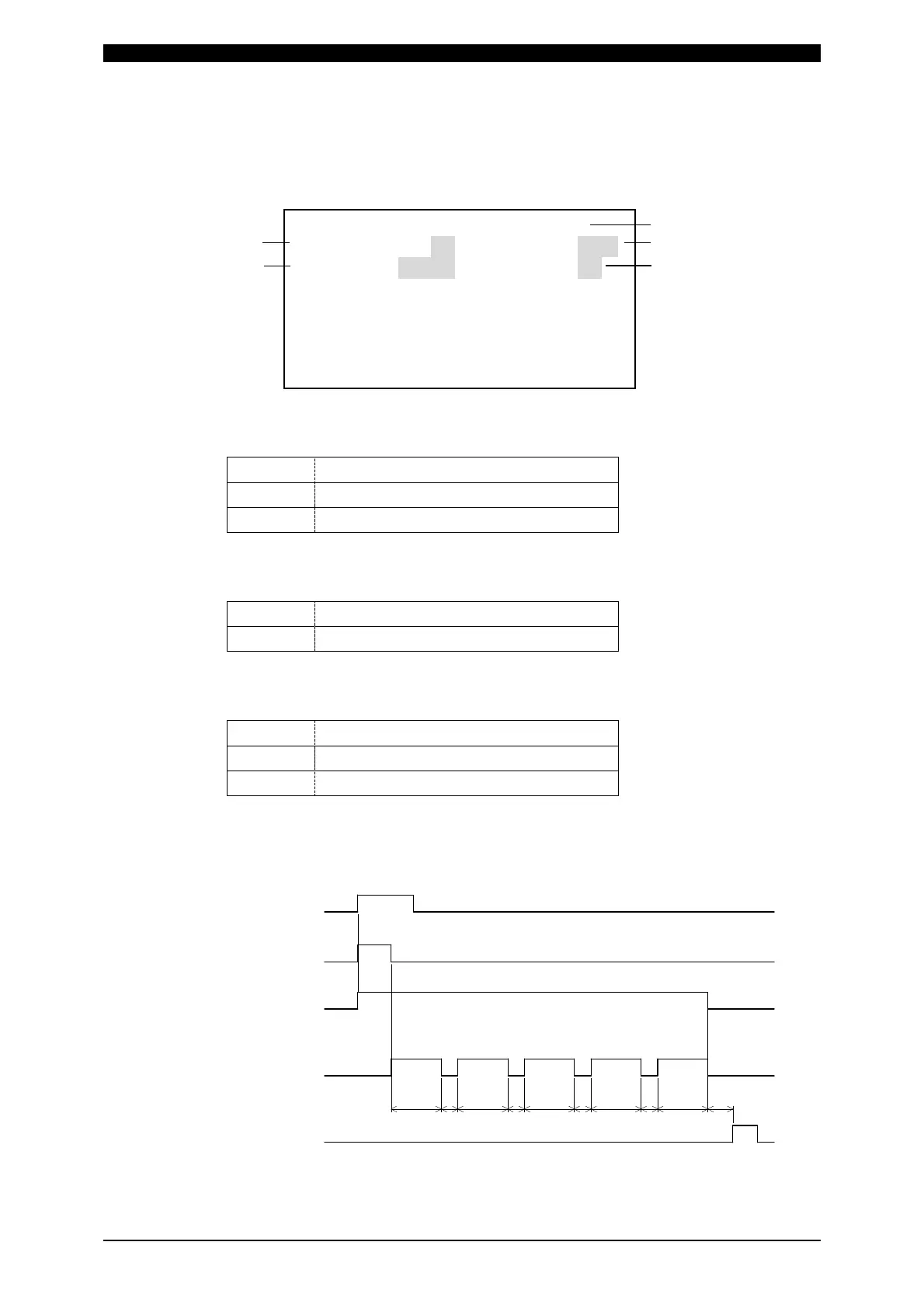
Transformer selector 1-5 (when SCH2 is selected)
Welding sequence
SOL1 or SOL2
Transformer number
(SQZ to HOLD of SCH2 to 6)
(Valve output selected in SCH2)
END output
a
a
aa
b
TR#4
TR#2 TR#3 TR#5 TR#1
a: 13 ms max. b: 1 ms max.
a)
b)
d)
c)
e)



 To Next Page