Service menu continued ...
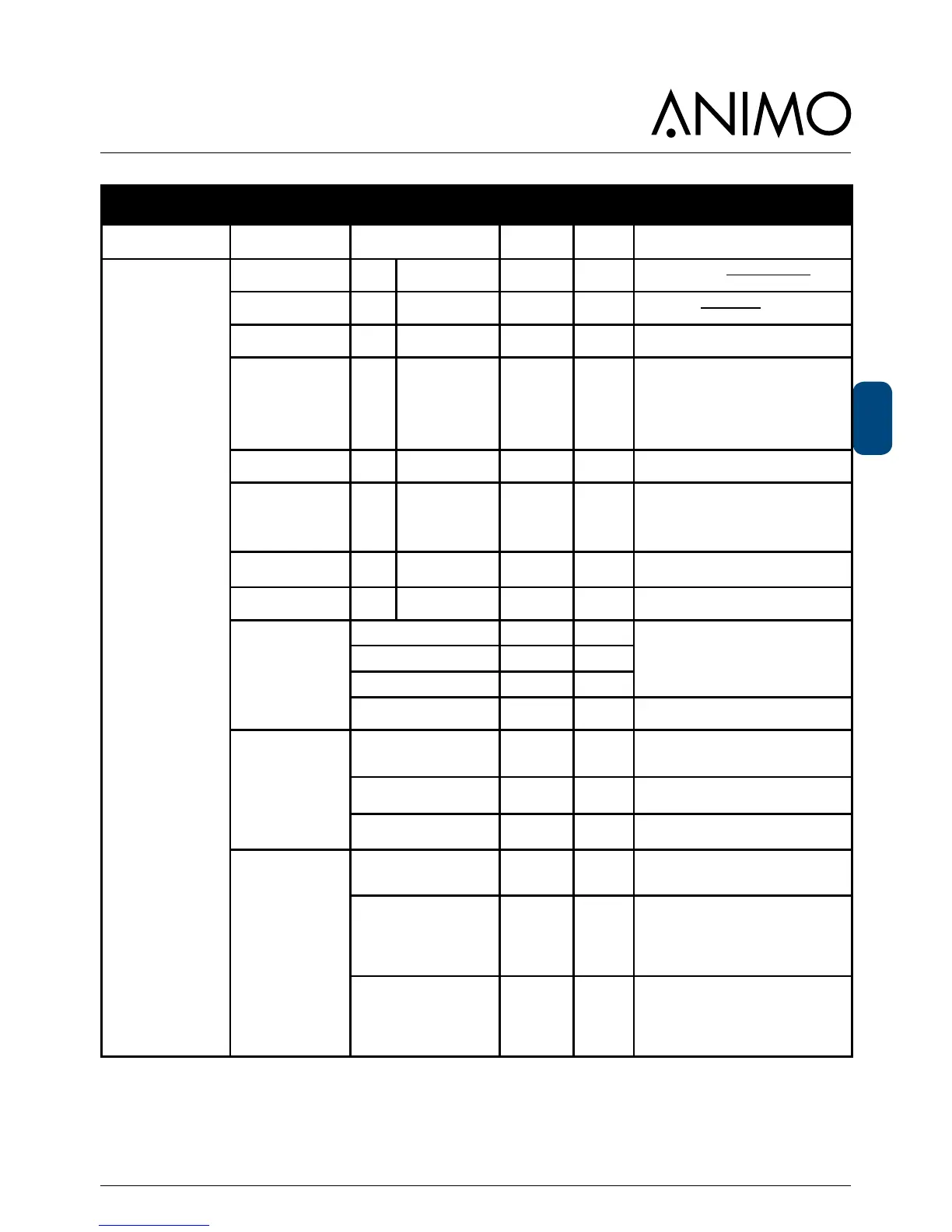
Main item Sub-item Item Range Set Description
2.4 Settings
(continued...)
I/0 reset counters yes-no no
Add menu item Reset counters to the
operator menu.
I/0 Quick recipe yes-no no
Menu item Snelrecept aan het opera-
tormenu toevoegen
Drip tray signal
yes-no yes
Deactivate the drip tray sensor warn-
ing in the software.
Demo modus yes-no yes
This function can be used when the
machine is in a showroom or at a
trade fair. The machine does not then
need to be connected to a water sup-
ply. In the display, DEMO is shown
on the bottom line. Keys, LEDs and
the Display operate normally.
Stop button yes-no yes
If this function is standard set to yes.
To deactivate the stop button, set no
Direct choice yes-no no
If this function is set to Yes, the
chosen product will be started im-
mediately, without the start key being
pressed.
Strength setting is possible.
Free vend yes-no yes
Set the machine for free or paid
vending.
I/0 Free vend yes-no yes
Add/remove menu item 1.0 Free
vend to the operator menu.
Cup sensors
Cup sensor left yes - no yes
yes; cup sensor active
no; cup sensor inactive
Cup sensor middle yes - no yes
Cup sensor right yes - no yes
I/0 Cup sensors yes - no yes
Add/remove menu item 1.10 Cup
sensors to the operator menu.
Optilight brewing
process
blink during process yes - no no
Blinking OptiLight during dispensing
a drink
blink rate 0,1 - 10,0 0,3 blinking rate setting
Optilight R G B red coulour setting during blinking
Telemetry
None No telemetry system connected.
MDB



 To Next Page