5. SOFTWARE
5.1 Memory card specs
Geheugen kaart spec’s
Type: SD (Secure Digital card)
Size: 16 Mb or bigger
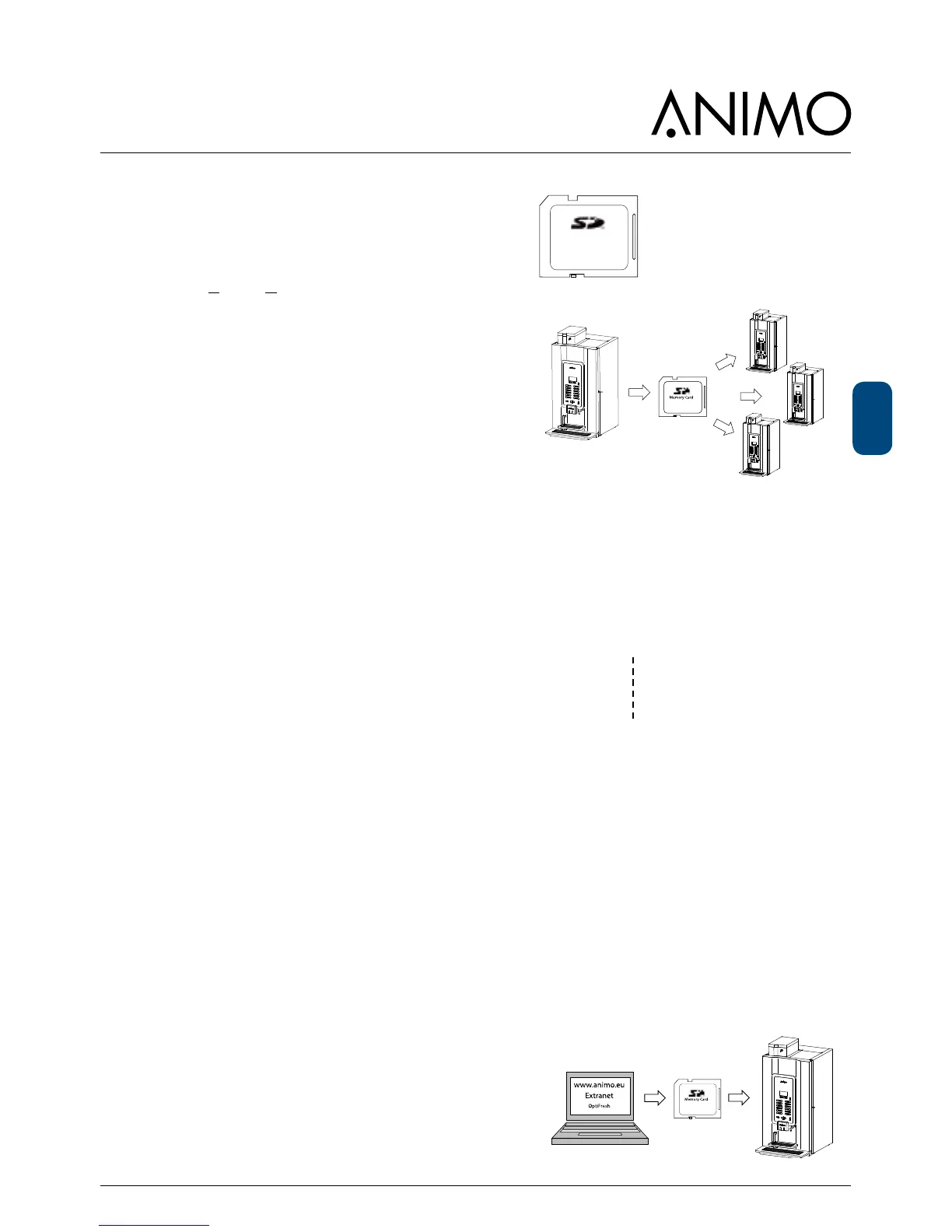
5.2 Machine setting management
The following changed settings can be saved on an SD
memory card and/or copied to another machine:
- Personal settings
- Recipes
The following data maintained by the machine can be
saved on an SD memory card and reloaded (e.g. when
tting a new circuit board):
- Counters
- Log
- Operating hours
See Page. 59 & 60 menu item 2.11 SD menu of this
service book for further explanation.
Reading les on a computer
The following les can simply be opened on a computer.
Counter le *.CNT
Log le *.LOG
Operating hours le *.TMR
Place the SD card in your computer and open the re-
quired le with notepad or wordpad. See the example
Note: Depending on your settings, Windows can see
the LOG le as a TXT le.
5.3 Software installation
New software can easily be installed on the machine.
New software can be made available in the following
ways:
● www.animo.eu / dealer login: Extranet
● by e-mail













 To Next Page