Service menu continued ...
Main item Sub-item Item Description
2.8 read log Last 20 error messages including time and date will be saved
2.9 Erase log Are you sure? Log will be erased
2.10 Load defaults
# See Section
1.2 Model code
Model #
OB1
OB3
Type code
2B1A
2BAA
The defaults must be loaded when a new circuit board is installed.
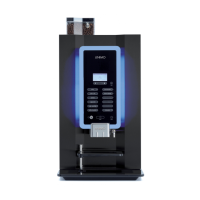
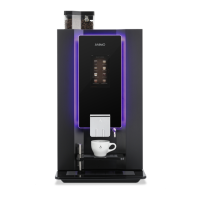
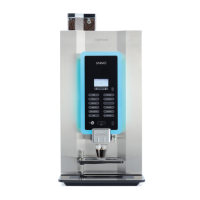
When loading the defaults, the OptiBean model stated on the type
plate must be set. Only after conrming the question ‘are you sure?’
the right model settings will be loaded.
Note;
● When you conrm this setting, all factory settings are loaded into
the control and all changed programmed values are lost.
● After loading the defaults, the PIN code is 2-2-2-2-2 again and the
language is set to English again. Change as necessary.
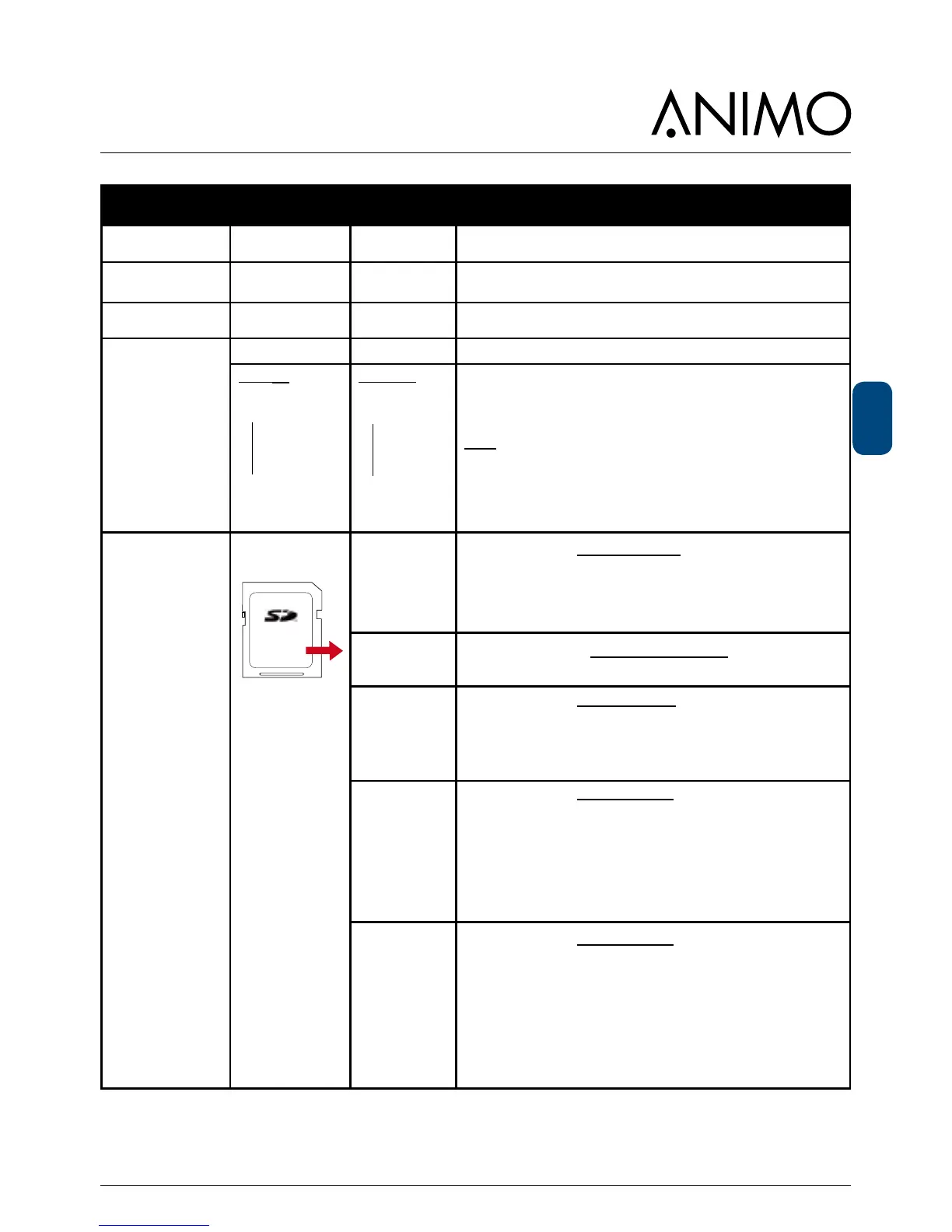
2.11 SD menu
Before loading
or saving data,
place an empty SD
memory card in the
card reader.
This is located
behind the stainless
steel panel on the
inside of the door.
Load data
Personal
settings
With this menu item Personal settings can be loaded into the
machine using an SD memory card (uploaded).
This le contains the (changed) personal settings for the menus; 2.4
Settings / 2.6 Service boiler / 2.13 Additional settings.
The data le (2Bxxxx00.MDU) must be on the SD card.
Language
With this menu item, a non-standard language set can be loaded
into the machine. The data le (xxxxxx.TLF) must be on the SD card.
Recipe
With this menu item Personal recipes can be loaded into the
machine using an SD memory card (uploaded).
This le contains the (changed) personal recipes for the menus; 2.1
Quick recipe / 2.2 Button settings / 2.3 Recipe settings. The data
le (2Bxxxx00.RCU) must be on the SD card.
Counters
With this menu item Recipe counters can be loaded into the ma-
chine using an SD memory card (uploaded).
There must be a data le (2Bxxxx00.CNT) on the SD card.
This le contains all recipe counters from the 1.3 Recipe counters
Use this function only when, for example, a new control must be
installed in the machine and the counters must be ‘moved’ from the
old control to the new one. Do not misuse this function!
Operating hours
With this menu item Operating hours can be loaded into the ma-
chine using an SD memory card (uploaded).
There must be a data le (2Bxxxx00.TMR) on the SD card.
This les contains all the operating hours from the menu 2.7 Hard-
ware test / operating hours.
Use this function only when, for example, a new control must be
installed in the machine and the counters must be ‘moved’ from the
old control to the new one. Do not misuse this function!



 To Next Page