Personal
settings
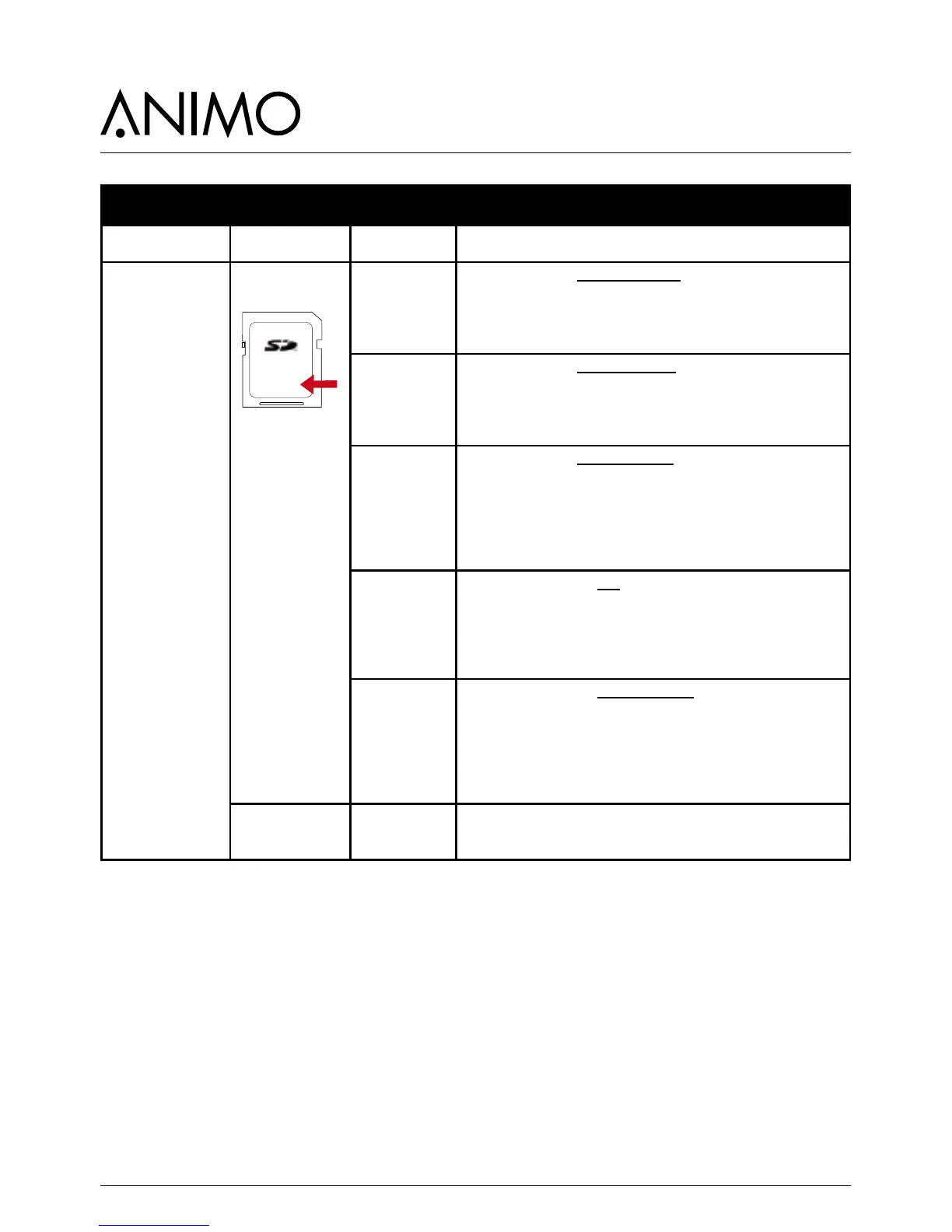
With this menu item Personal settings can be saved on an SD
memory card and/or copied to another machine.
All changed settings made in the menus; 2.4 Settings / 2.6 Service
boiler / 2.13 Additional settings are saved in a data le (2Bxxxx00.
MDU) on the card.
Recipes
With this menu item Personal recipes can be saved on an SD
memory card and/or copied to another machine.
All changed settings made in the menus; 2.1 Quick recipe pro /
2.2 Button settings) / 2.3 Recipe settings are saved in a data le
(2Bxxxx00.RCU) on the SD card.
Counters
With this menu item Recipe counters (personal recipes) can be
saved on an SD memory card.
All counter readings from the menu; 1.3 Recipe counters are saved
in a data le (2Bxxxx00.CNT) on the SD card.
Note; after the counters have been saved you will be asked if the
counters in the machine must be reset. Press Esc. (X) for NO, press
Enter (V) for YES.
Log
With this menu item the Log (error messages overview) can be
saved on an SD memory card.
All error messages from the menu; 2.8 Read log are saved in a data
le (2Bxxxx00.LOG) on the SD card.
Note; Depending on your settings, Windows can see this le as a
TXT le.
Operating hours
With this menu item the Operating hours can be saved on an SD
memory card.
All operating hours from the menu; 2.7 Hardware test / Operating
hours are saved in a data le (2Bxxxx00.TMR) on the SD card.
Note; after the operating hours have been saved you will be asked
if the counters in the machine must be reset. Press Esc. (X) for NO,
press Enter (V) for YES.
Remove SD-card yes > no



 To Next Page