10. FAULT RECTIFICATION
WARNING
● When there are defects and for (cleaning) activities on the machine, the plug must be removed
from the wall socket before the machine is opened
Introduction
Check, before troubleshooting whether all the components are still in the right location. To do this,
remove the rear wall of the machine and check that all circuit boards, connectors, wiring looms and
hoses are still properly mounted.
After a general inspection of the components, use the fault analysis table below to check what the
possible cause of the problem is.
#) If the ‘solution’ column advises replacing the component concerned, there is always the possibility
that the defect is caused by another problem. Therefore, test the machine thoroughly for operation to
check whether the defect occurs again.
10.1 Read log
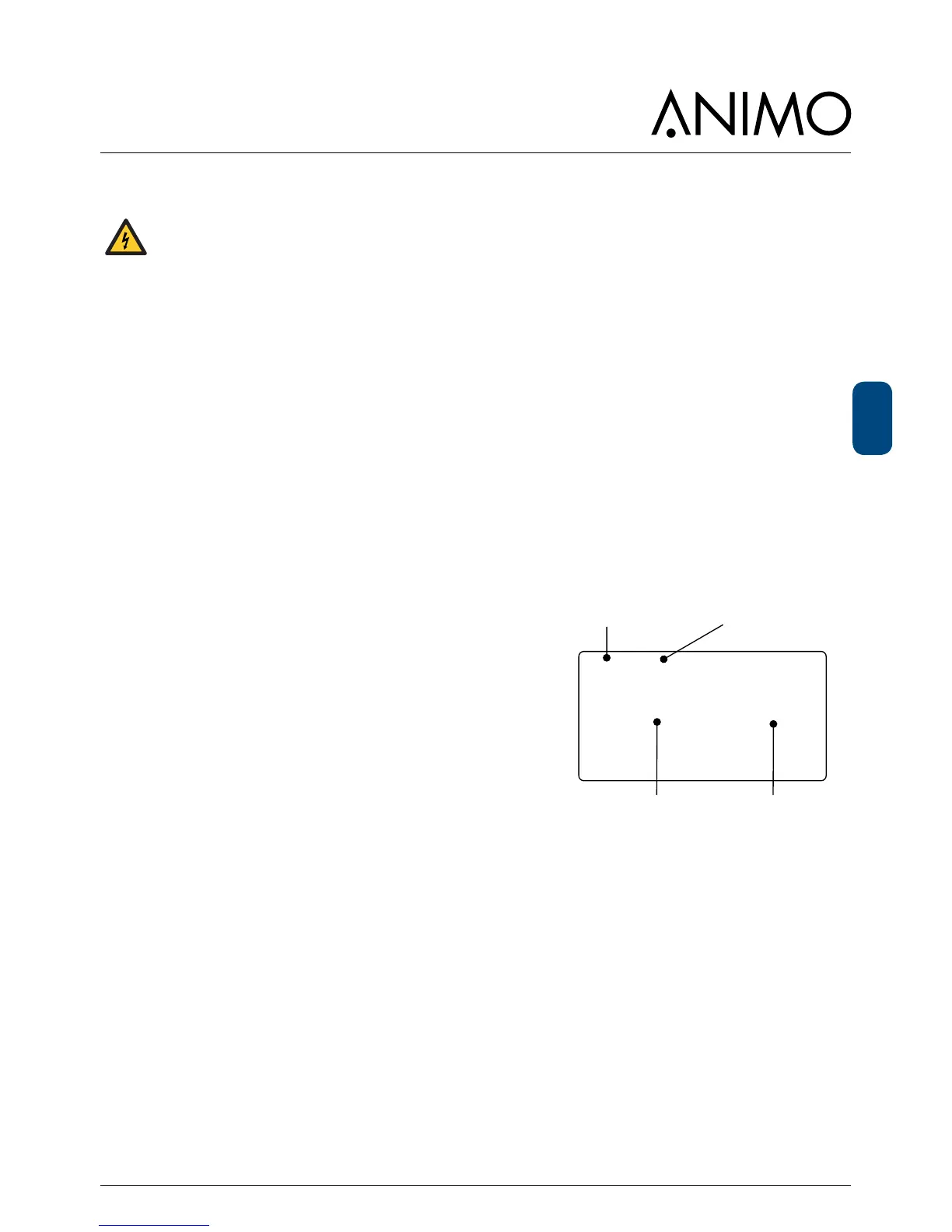
During use, the last 20 error messages displayed
are registered and saved.
To read these error messages, activate the menu item Read
log (menu 2.8) in the service menu. The rst error displayed is
the most recent error message.
• In the 1st line the same error codes are displayed as used
in the fault analysis table (see Section 10.4).
• In the 2nd line are the date and time at which the error
code occurred.
10.2 Erase log
Use the Clear log function (service menu 2.9) to clear the log.













 To Next Page