2. FIRST MENU SETTINGS AFTER INSTALLATION
The following data must be set in the operator and service menus immediately after the machine’s rst
use. The language factory setting is English.
Switch ON the machine
● Follow the instructions on the display
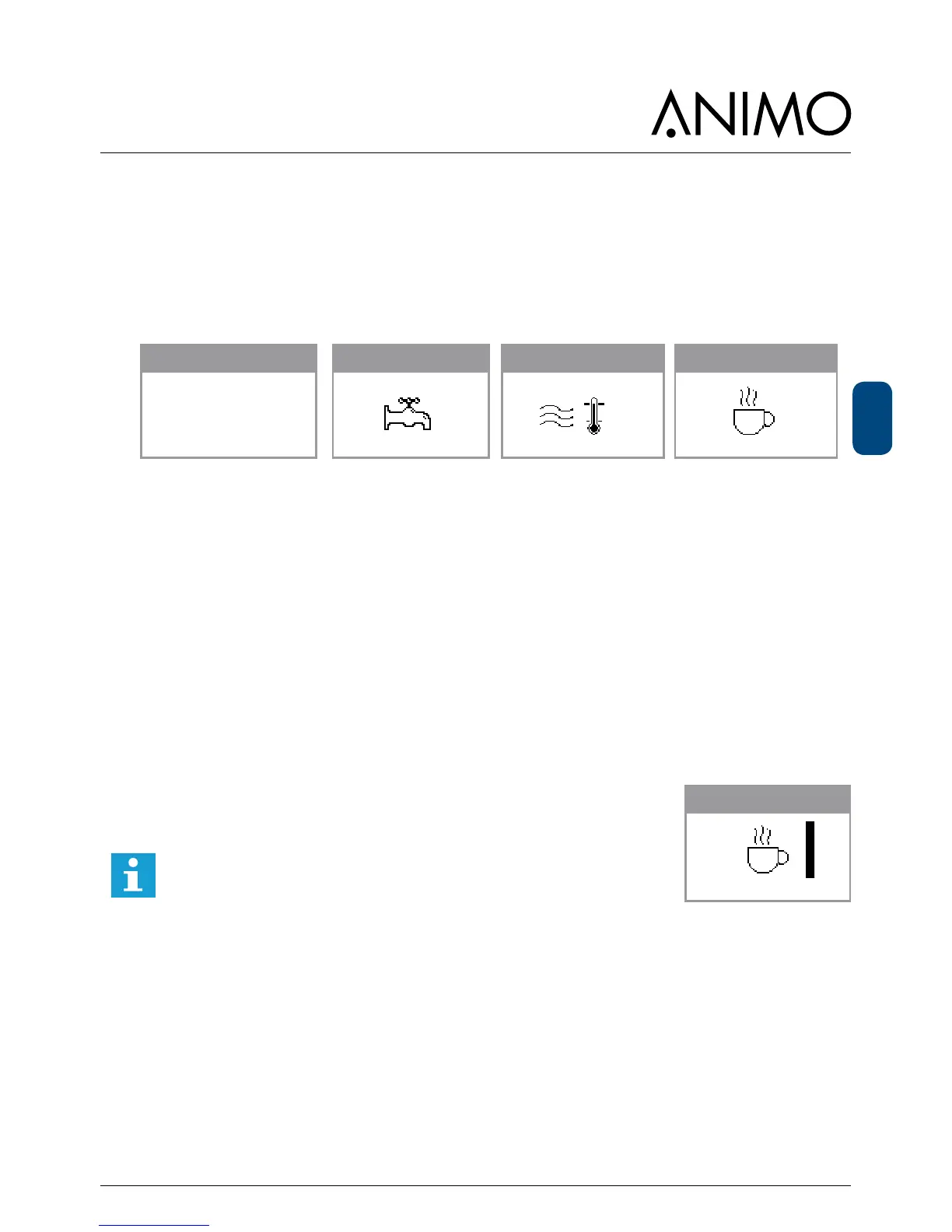
boiler filling out of order out of order place cup
place empty container
press enter (v)
stop? press x
75 %
boiler filling
90 C
boiler heating Cleaning
Operatormenu (Page 46)
● 1.1 Clock Time (set)
Date (set)
● 1.7 PIN-code 2 - 2 - 2 - 2 - 2 (PIN-Code)
Service menu (Page 49)
● 2.4 Settings Language (set)
● 2.6 Service boiler Service moment
Cups (set)
Months (set)
Cups
The message indicates that the device must be descaled. If a water
lter is tted (recommended), this is also an indication that the lter
must be replaced.
We strongly recommend to use a water lter. Calculate your llter
capacity by using the capacity information provided with the lter.
Set the amount of cups into the menu so the signal [Service Boiler]
appears on the display.
Months (from software V5.15)
If desired a point of time can de set when the service boiler needs to appear.
Example: If 12 months is set during installation the boiler service message will appear on the
display 12 months after installation.
place cup
Service boiler













 To Next Page