Digital Video Recorder User Manual
18
2.4.2 User Logout
Purpose:
After logging out, the monitor turns to the live view mode and if you want to perform some operation, you need to
enter user name and password log in again.
Steps:
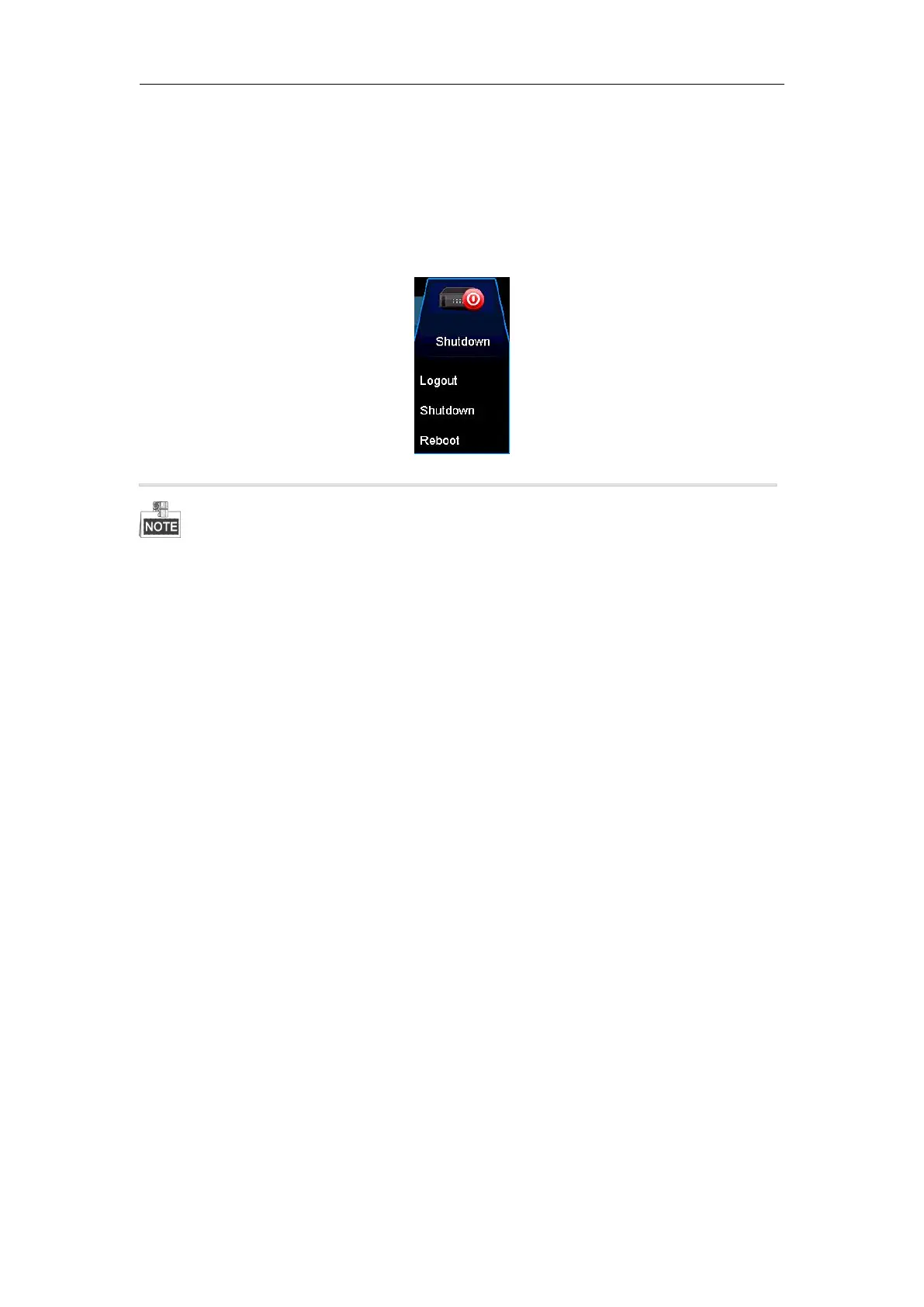
1. Enter the Shutdown menu.
Menu > Shutdown
After you have logged out the system, menu operation on the screen is invalid. It is required to input a user name
and password to unlock the system.
2.5 Adding and Connecting the IP Cameras
2.5.1 Activating the IP Camera
Purpose:
Before adding the camera, make sure the IP camera to be added is in active status. Most kinds of camera are active
already
Steps:
1. Select the Add IP Camera option from the right-click menu in live view mode or click Menu> Camera>
Camera to enter the IP camera management interface.
For the IP camera detected online in the same network segment, the Security status shows whether it is
active or inactive.



 To Next Page