Digital Video Recorder User Manual
17
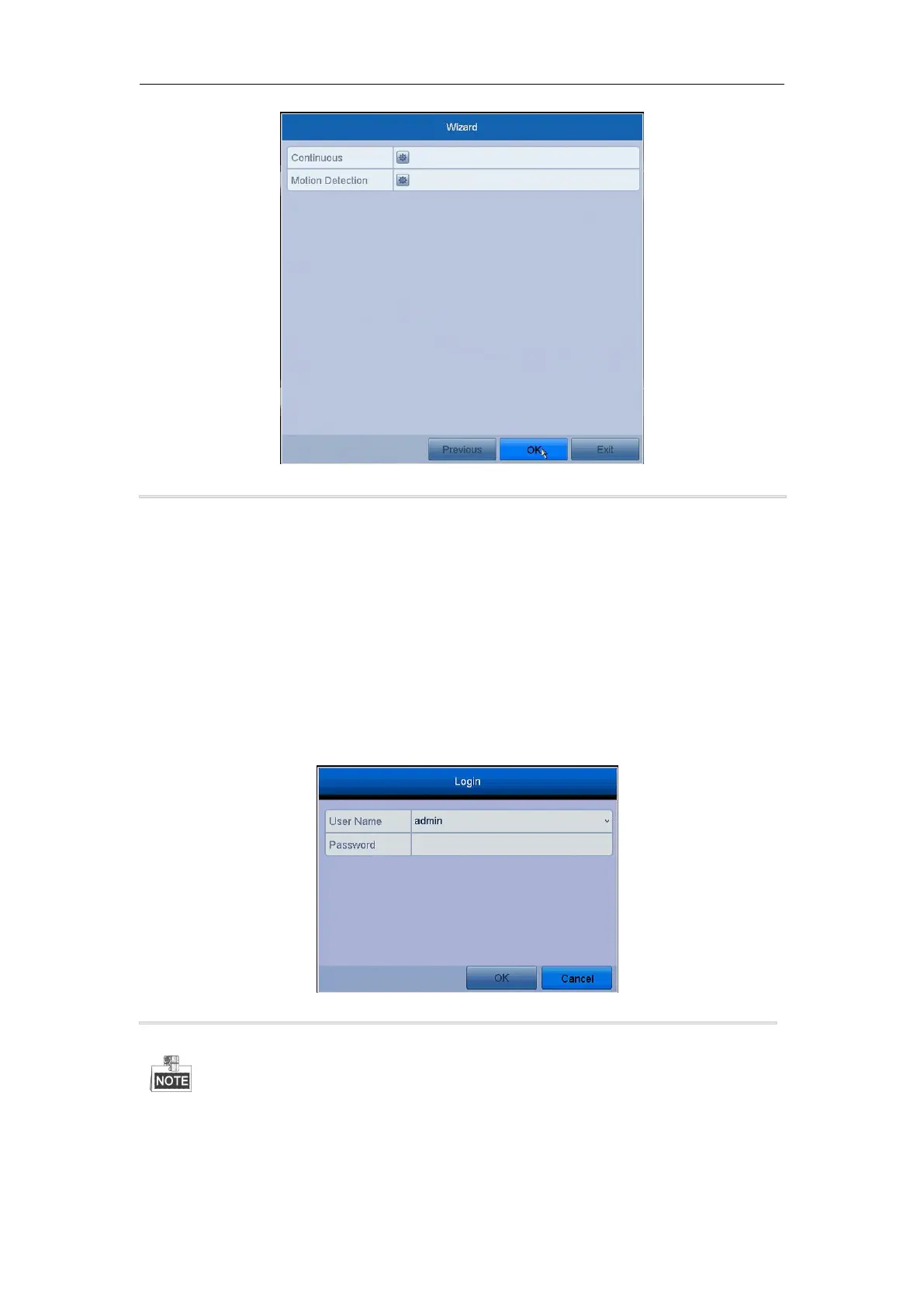
Figure 2. 12 Record Settings
12.Click OK to complete the wizard settings.
2.4.1 User Login
Purpose:
You have to log in to the device before operating the menu and other functions
Steps:
1. Select the User Name in the dropdown list.
Figure 2. 13 Login Interface
In the Login dialog box, if you have entered the wrong password for 7 times, the current user account will be
locked for 60 seconds.



 To Next Page