Digital Video Recorder User Manual
91
Chapter 13 DVR Management and
Maintenance
13.1 Viewing System Information
Steps:
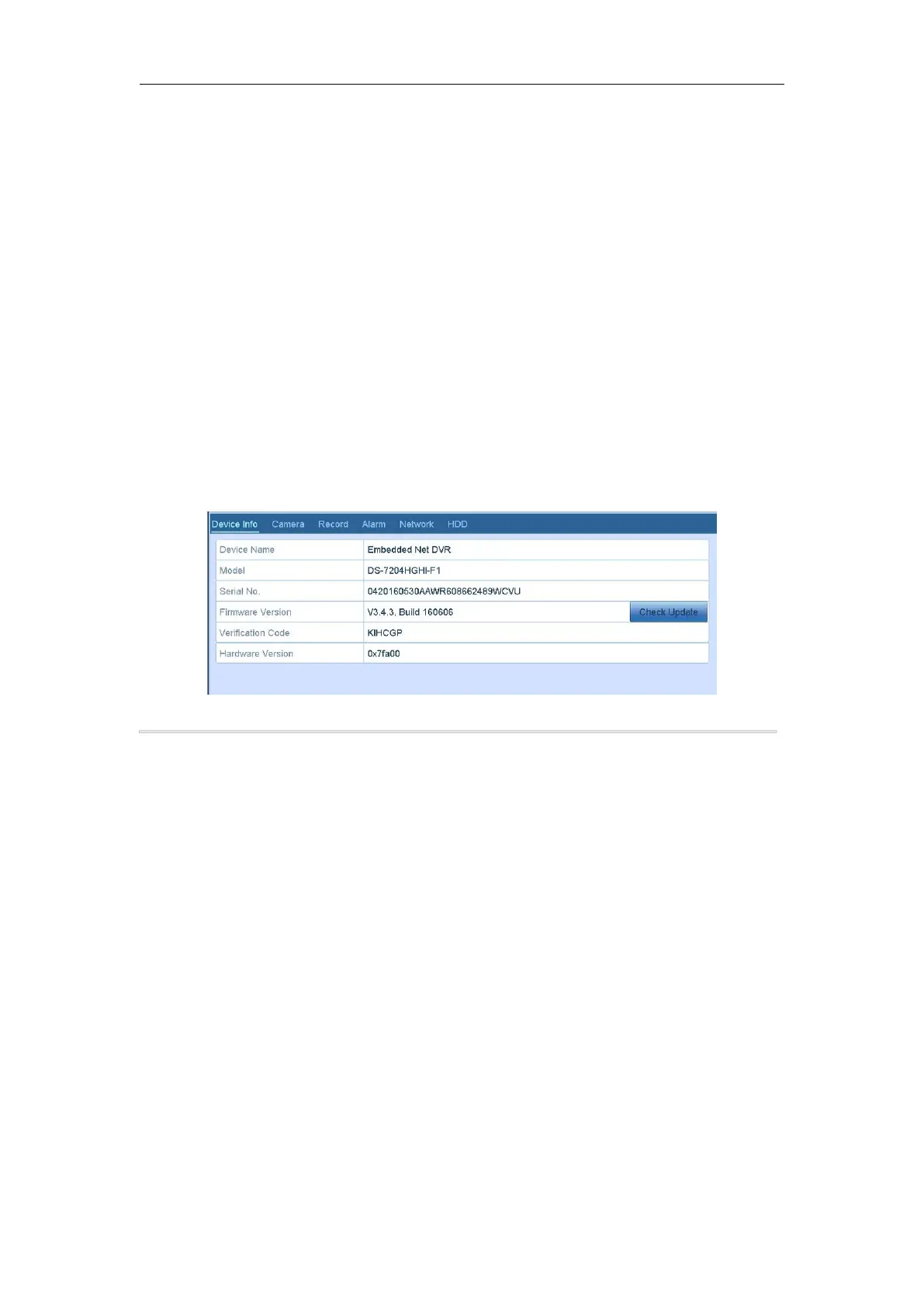
1. Enter the System Information interface.
Menu > Maintenance > System Info
2. You can click the Device Info, Camera, Record, Alarm, Network and HDD tabs to view the system
information of the device.
Figure 13. 1 System Information Interface
Purpose:
The operation, alarm, exception and information of the DVR can be stored in log files, which can be viewed and
exported at any time.
Steps:
1. Enter the Log Search interface.
Menu > Maintenance > Log Information



 To Next Page