Digital Video Recorder User Manual
28
4.1 Configuring PTZ Settings
Purpose:
Follow the procedure to set the parameters for PTZ. The configuring of the PTZ
parameters should be done before you control the PTZ camera.
Steps:
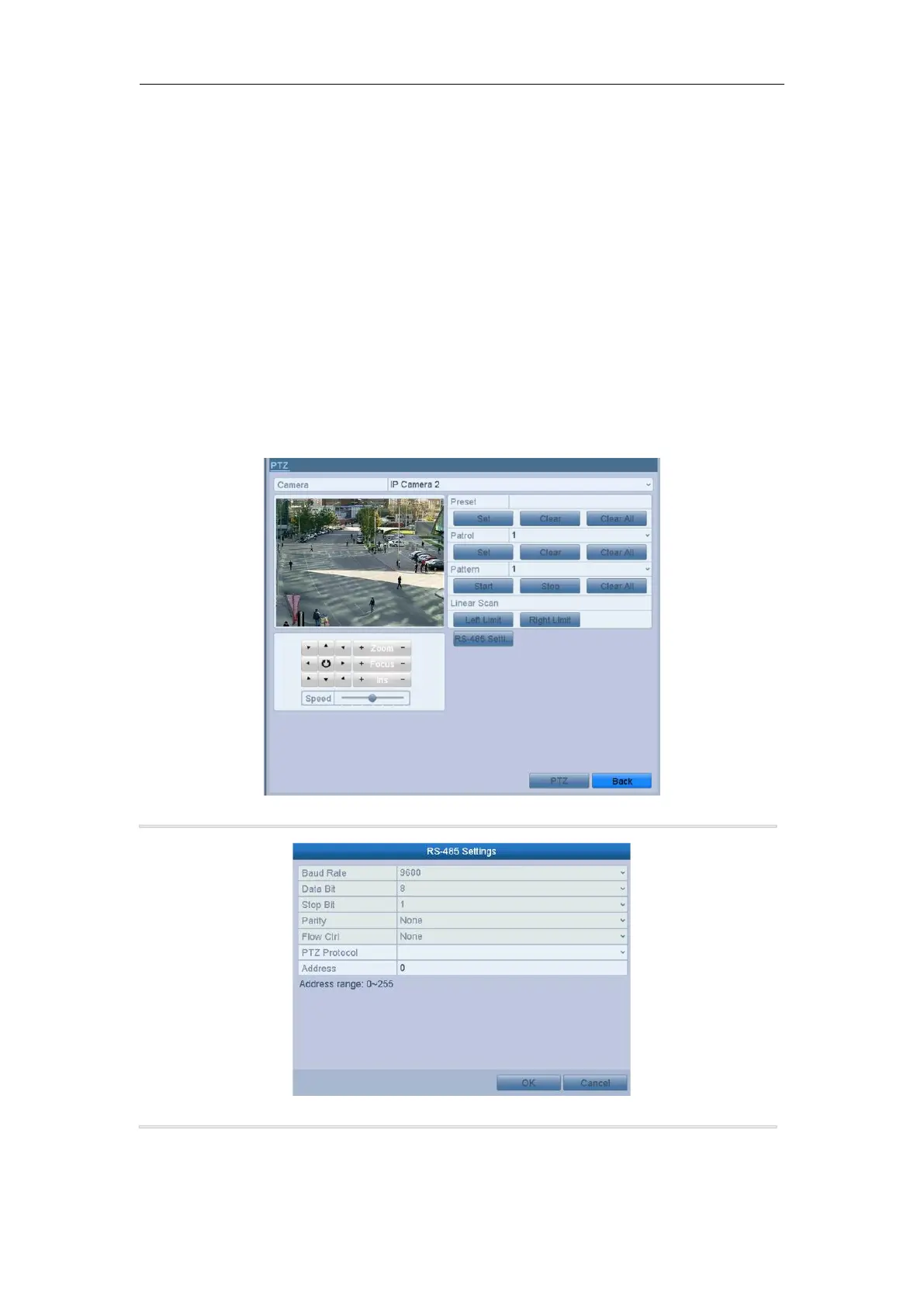
1. Enter the PTZ Settings interface.
Menu > Camera > PTZ
2. Click the RS-485 Settings button to set the RS-485 parameters.
3. Choose the camera for PTZ setting in the Camera dropdown list.
4. Enter the parameters of the PTZ camera.



 To Next Page