Digital Video Recorder User Manual
81
Chapter 11 HDD Management
Purpose:
A newly installed hard disk drive (HDD) must be initialized before it can be used with your DVR.
Steps:
1. Enter the HDD Information interface.
Menu > HDD > General.
Figure 11. 1 HDD Information Interface
2. Select HDD to be initialized.
3. Click the Init button.
Figure 11. 2 Confirm Initialization
4. Select the OK button to start initialization.
5. After the HDD has been initialized, the status of the HDD will change from Uninitialized to Normal.
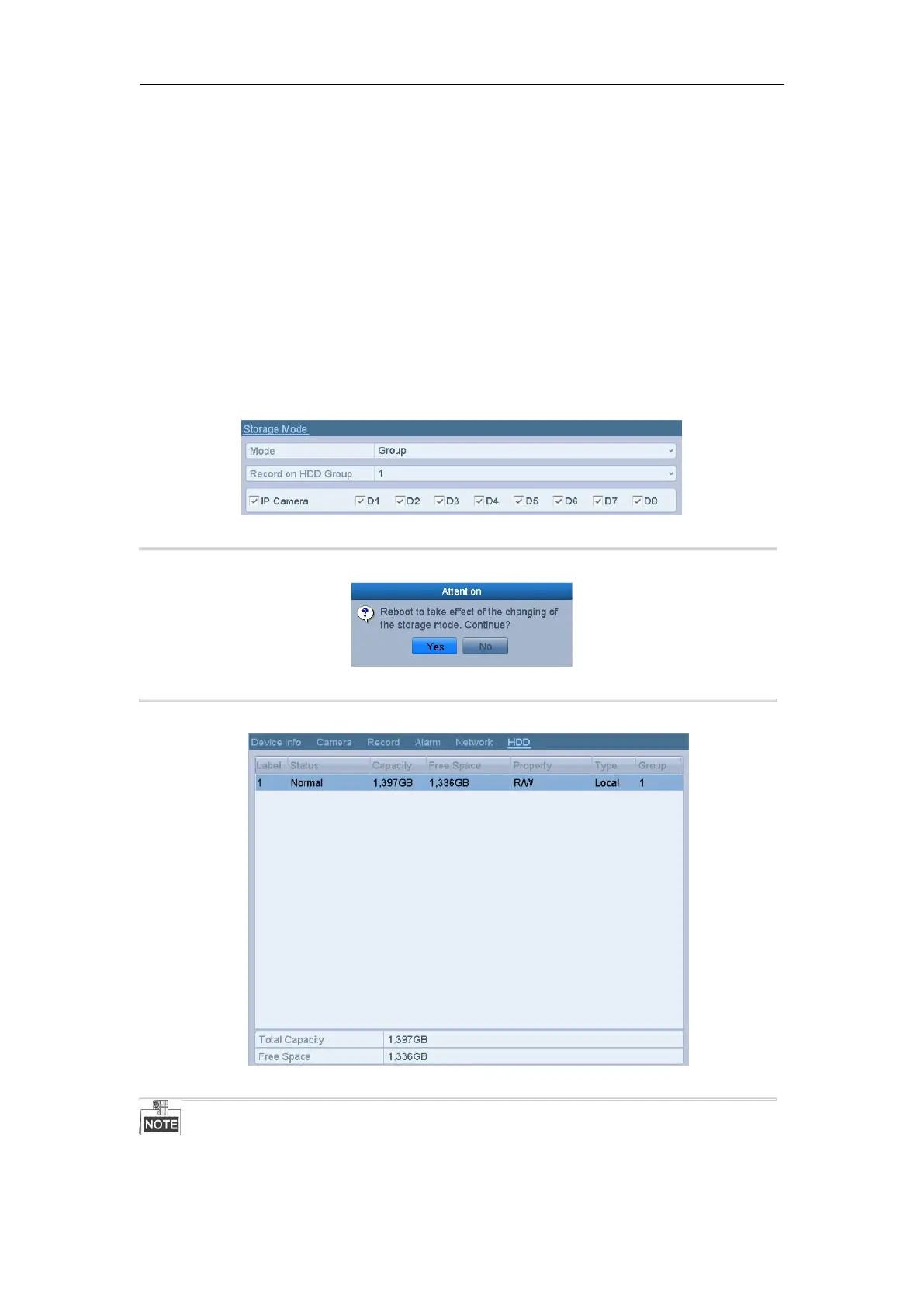
Figure 11. 3 HDD Status Changes to Normal
Initializing the HDD will erase all data on it.
The HDDs which are free of working for a long time can be enabled to sleep, thus to decrease the power



 To Next Page