Digital Video Recorder User Manual
76
in entertainment and communications systems to control streaming media servers.
Enter the RTSP port in the text field of RTSP Port. The default RTSP port is 554, and you can change
it according to different requirements.
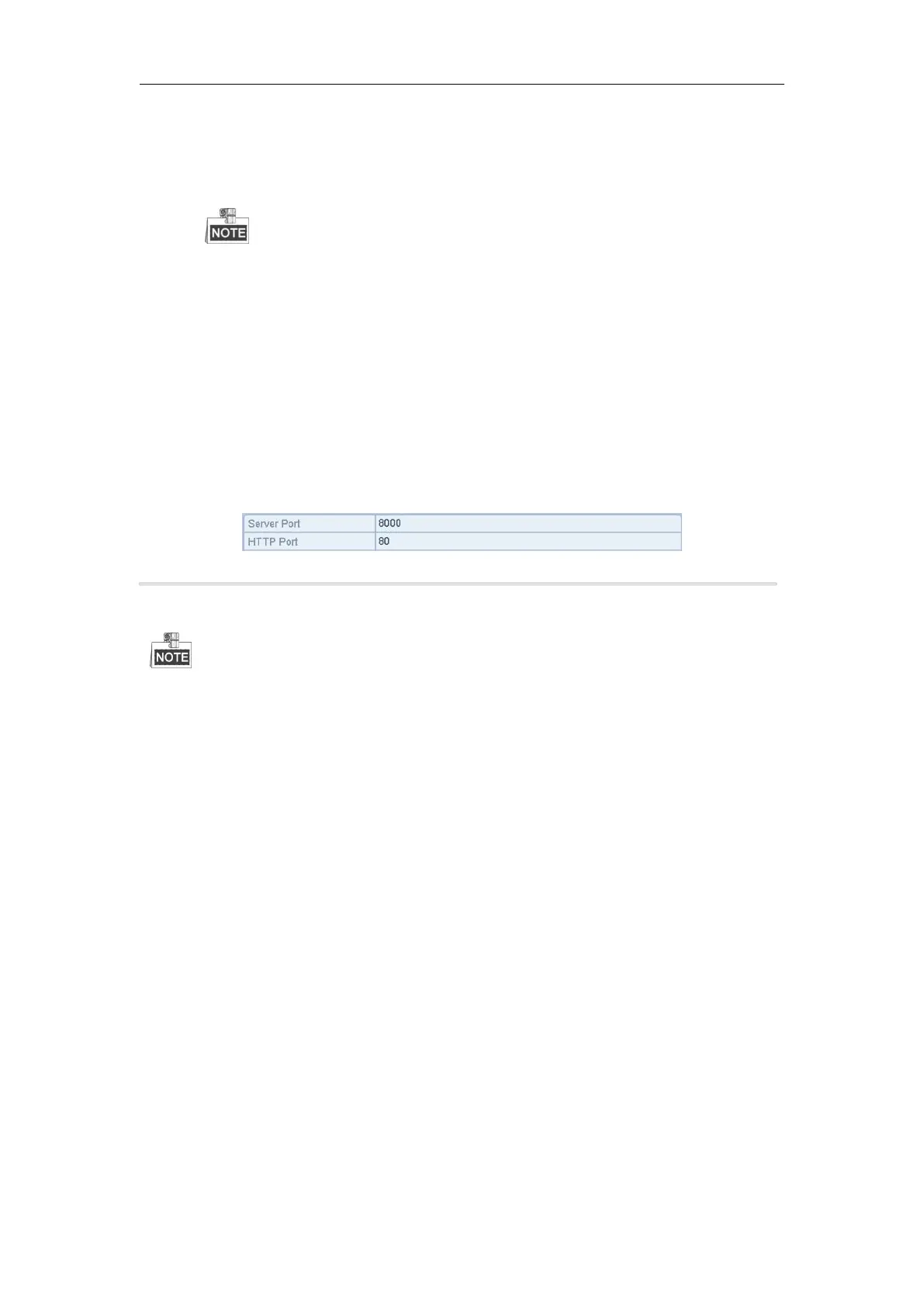
Server Port and HTTP Port: Enter the Server Port and HTTP Port in the text fields. The default
Server Port is 8000 and the HTTP Port is 80, and you can change them according to different
requirements.
The Server Port should be set to the range of 2000-65535 and it is used for remote client software
access. The HTTP port is used for remote IE access.
4. Click the Apply button to save and exit the interface.
10.2.7Configuring HTTPS Port
Purpose:
You can change the server and HTTP ports in the Network Settings menu. The default server port is 8000 and the
default HTTP port is 80.
Steps:
1. Enter the Network Settings interface.
Menu > Configuration > Network
2. Select the More Settings tab to enter the More Settings interface, as shown below.
3. Enter new Server Port and HTTP Port.
Figure 9.18 Host/Others Settings Menu
4. Enter the Server Port and HTTP Port in the text fields. The default Server Port is 8000 and the HTTP Port is
80, and you can change them according to different requirements.
5. Click the Apply button to save and exit the interface.
The Server Port should be set to the range of 2000-65535 and it is used for remote client software access. The
HTTP port is used for remote web browser access.
Purpose:
The system can be configured to send an Email notification to all designated users if an event is detected, e.g. an
alarm or motion event is detected, etc.
Before configuring the Email settings, the DVR must be connected to a local area network (LAN) that maintains
an SMTP mail server. The network must also be connected to either an intranet or the Internet depending on the
location of the e-mail accounts to which you want to send notification. Additional, the Preferred DNS server must
be configured.
Before you start:
Make sure you have configured the IPv4 Address, IPv4 Subnet Mask, IPv4 Gateway and the Preferred DNS Server
in the Network Settings menu. Please refer to Chapter 11.1 Configuring General Settings for detailed information.
Steps:
1. Enter the Network Settings interface.
Menu > Configuration > Network
2. Select the Email tab to enter the Email Settings interface.



 To Next Page