Digital Video Recorder User Manual
55
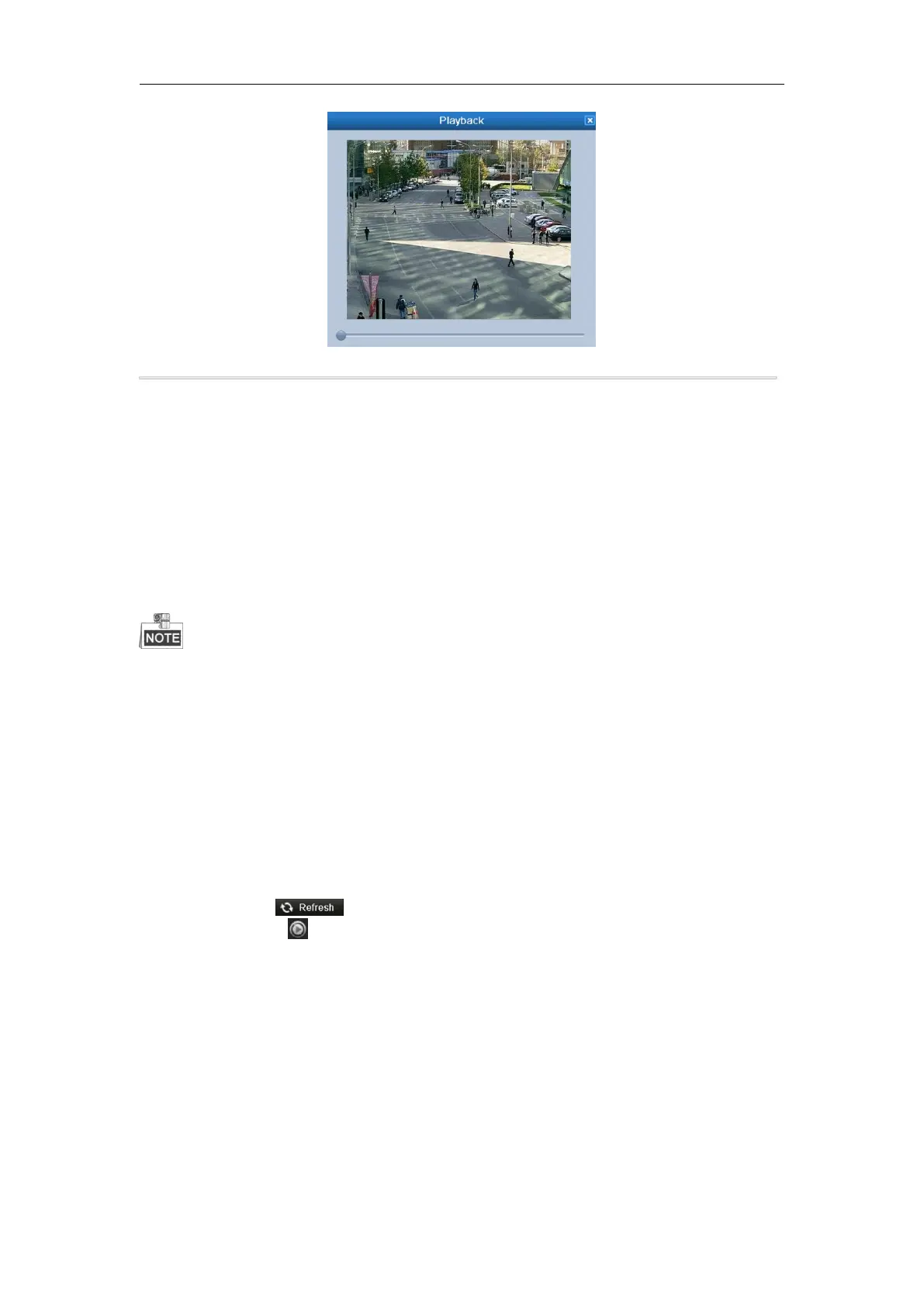
Figure 6. 14 Interface of Playback by Log
6.1.7 Playing Back by Sub-periods
Purpose:
The video files can be played in multiple sub-periods simultaneously on the screens.
Steps:
1. Enter Playback interface.
Menu>Playback
2. Select Sub-periods from the drop-down list in the upper-left corner of the page to enter the Sub-periods
Playback interface.
3. Select a date and start playing the video file.
4. Select the Split-screen Number from the dropdown list. Up to 16 screens are configurable.
According to the defined number of split-screens, the video files on the selected date can be divided into average
segments for playback. E.g., if there are video files existing between 16:00 and 22:00, and the 6-screen display
mode is selected, then it can play the video files for 1 hour on each screen simultaneously.
6.1.8 Playing Back External File
Purpose:
Perform the following steps to look up and play back files in the external devices.
Steps:
1. Enter the Playback interface.
Menu>Playback
2. Select the External File in the drop-down list on the top-left side.
The files are listed in the right-side list.
You can click the button to refresh the file list.
3. Select and click the button to play back it.



 To Next Page