Digital Video Recorder User Manual
87
11.7 Configuring HDD Error Alarms
Purpose:
You can configure the HDD error alarms when the HDD status is Uninitialized or Abnormal.
Steps:
1. Enter the Exception interface.
Menu > Configuration > Exceptions
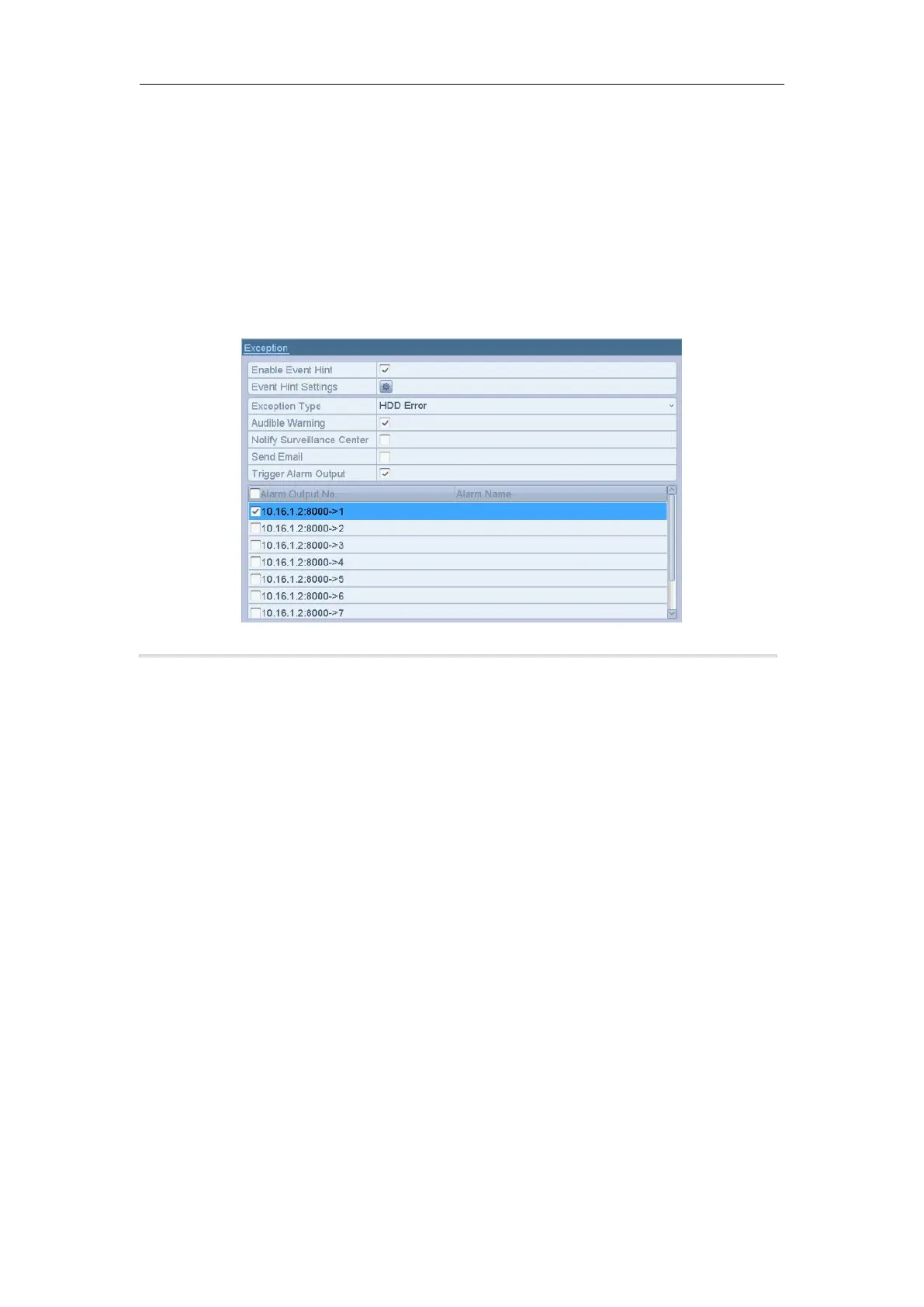
2. Select the Exception Type to HDD Error from the dropdown list.
3. Check the checkbox(s) below to select the linkage action(s) for HDD error.
The linkage actions can be selected to: Audible Warning, Notify Surveillance Center, Send Email and
Trigger Alarm Output.
Figure 11. 15 Configure HDD Error Alarm
4. When the Trigger Alarm Output is selected, you can also select the alarm output to be triggered from the list
below.
5. Click the Apply button to save the settings.



 To Next Page