Digital Video Recorder User Manual
56
Figure 6. 15 Interface of External File Playback
6.2 Auxiliary Functions of Playback
6.2.1 Playing Back Frame by Frame
Purpose:
Play video files frame by frame, in order to check image details of the video when abnormal events happen.
Steps:
1. Go to Playback interface and click button until the speed changes to Single frame.
2. One click on the playback screen represents playback or adverse playback of one frame. You can use button
in toolbar to stop the playing.
Steps:
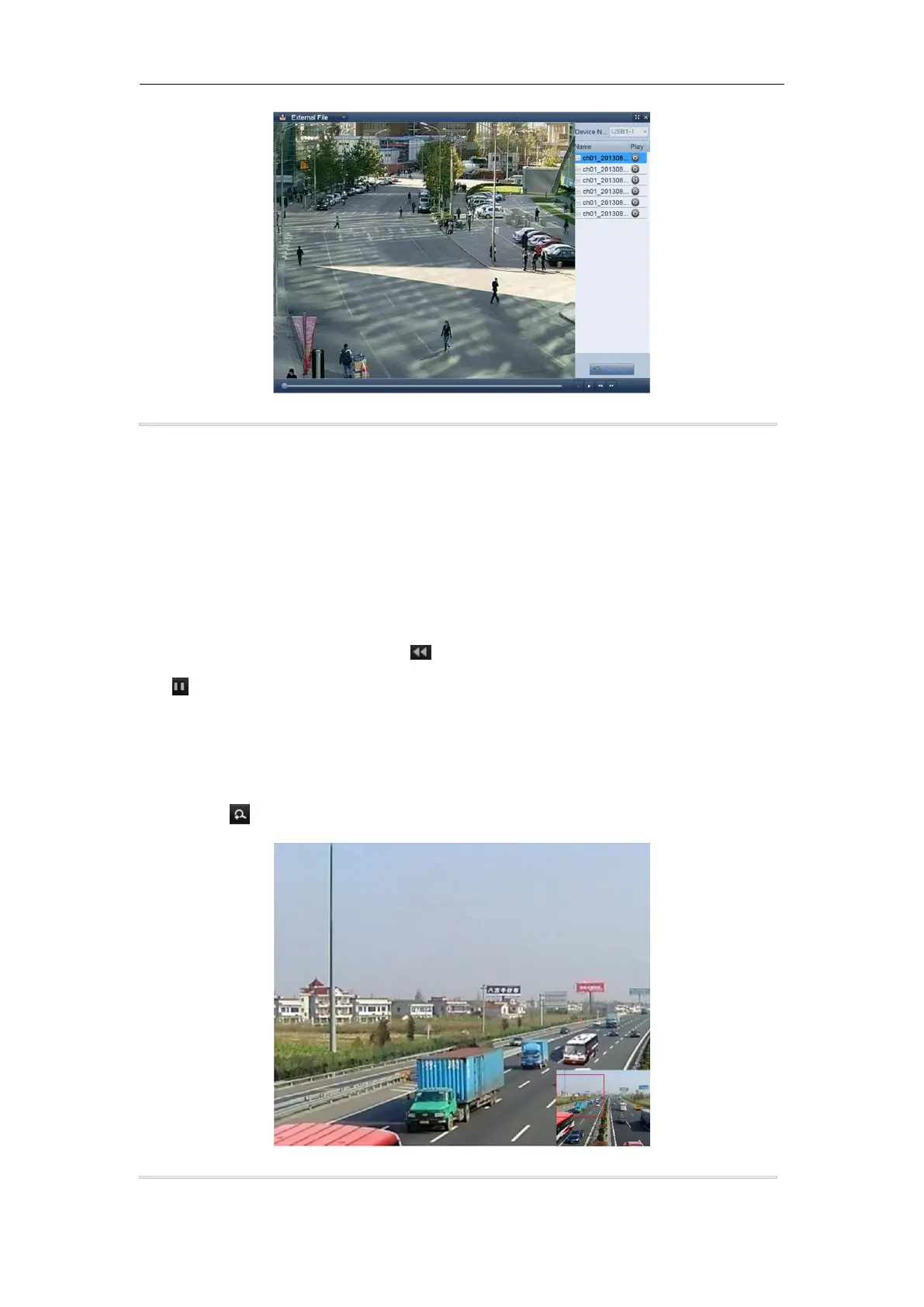
1. Click the button on the playback control bar to enter Digital Zoom interface.
2. Use the mouse to draw a red rectangle and the image within it will be enlarged up to 16 times.
Figure 6. 16 Draw Area for Digital Zoom
3. Right-click the image to exit the digital zoom interface.



 To Next Page