Digital Video Recorder User Manual
92
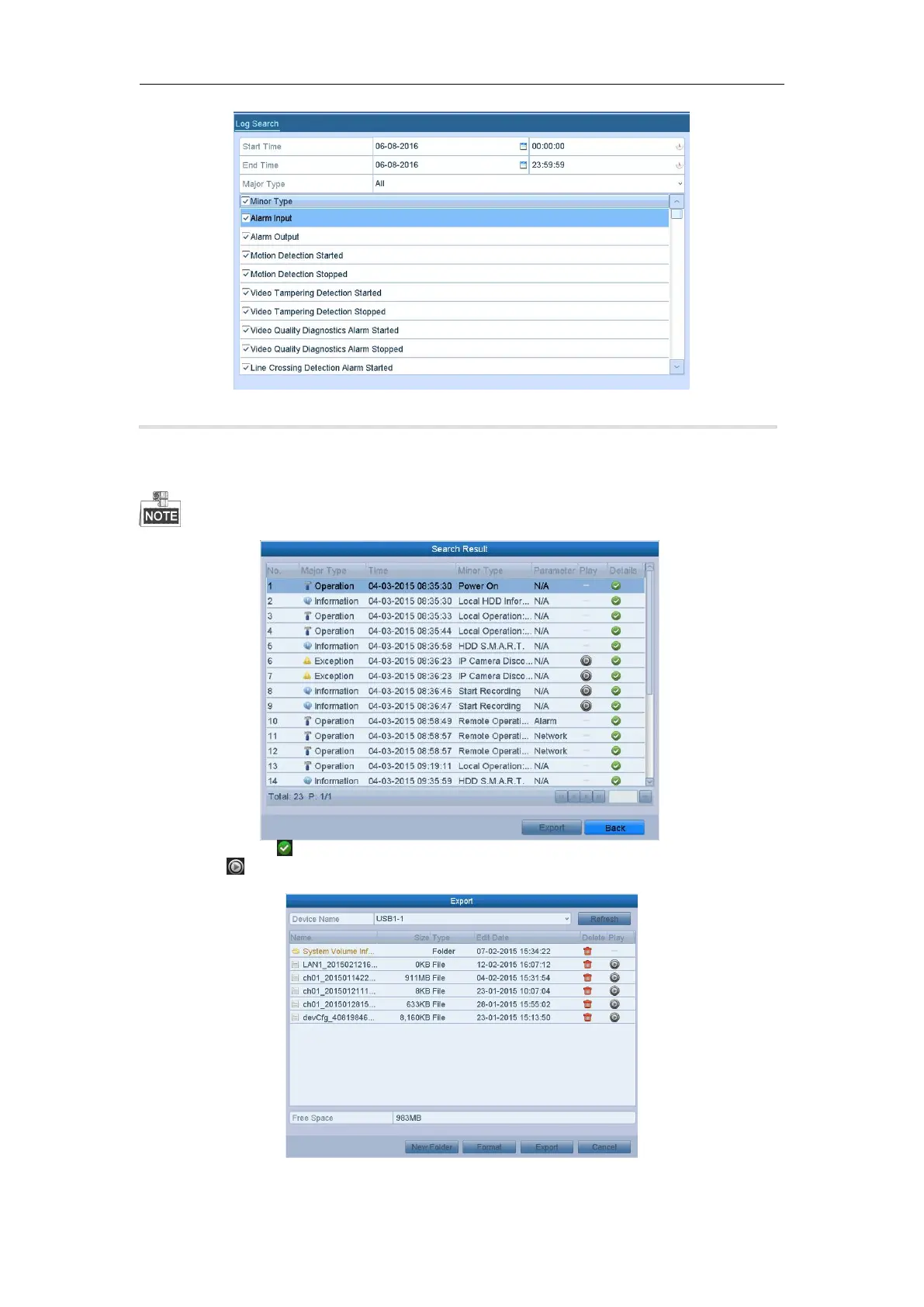
Figure 13. 2 Log Search Interface
2. Set the log search conditions to refine your search, including the Start Time, End Time, Major Type and
Minor Type.
3. Click the Search button to start search log files.
4. The matched log files will be displayed on the list shown below.
Up to 2000 log files can be displayed each time.
5. You can click the button of each log or double-click it to view its detailed information. And you can also
click the button to view the related video files if available.
6. If you want to export the log files, click the Export button to enter the Export menu.
Figure 13. 3 Export Log Files



 To Next Page