Digital Video Recorder User Manual
25
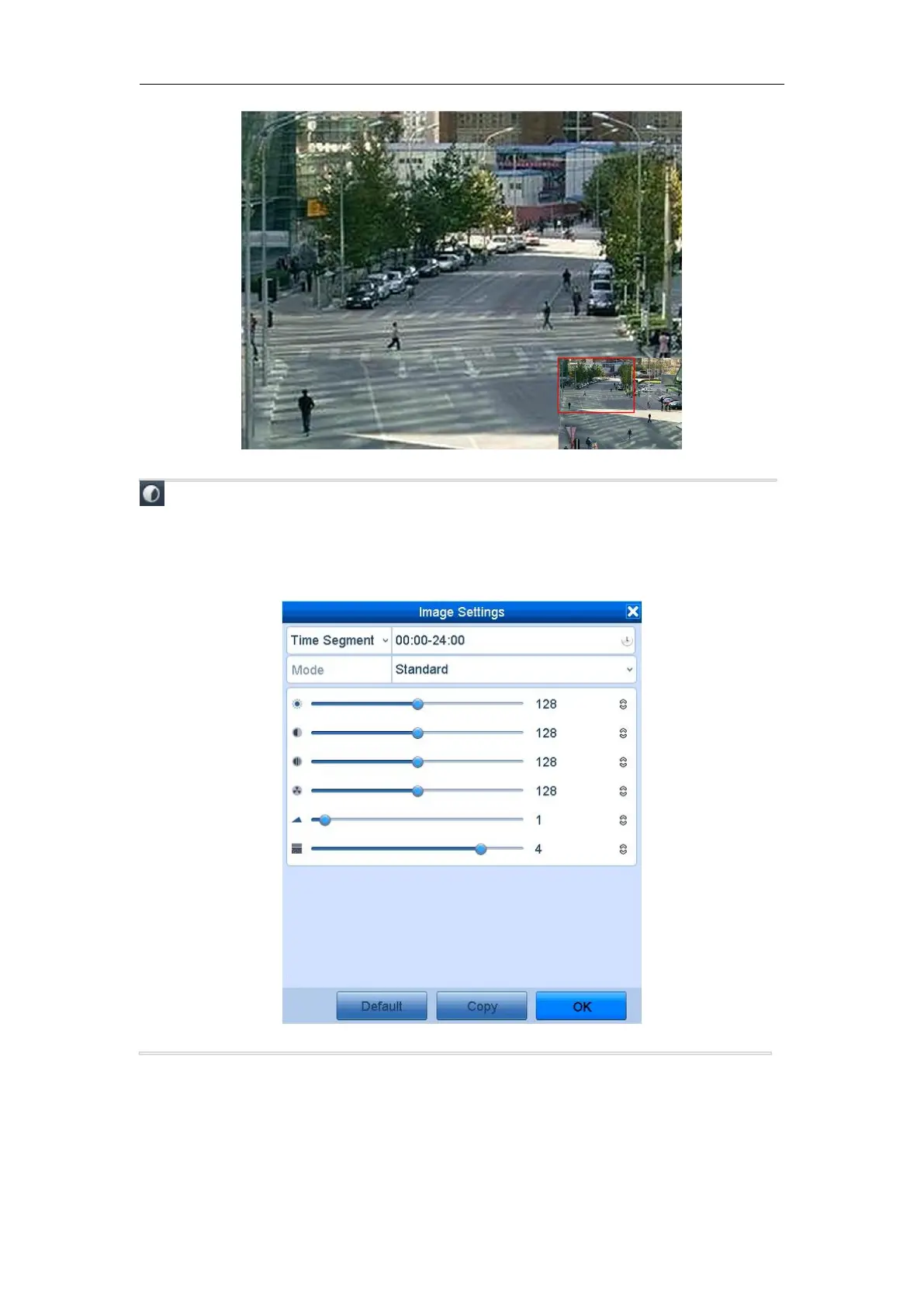
Image Settings icon can be selected to enter the Image Settings menu.
Four modes are selectable according to the real situation:
• Standard: for general lighting conditions (default).
• Indoor: the image is relatively smoother.
• Dim Light: the image is smoother than the other two modes.
• Outdoor: the image is relatively clearer and sharper. The degree of contrast and saturation is high.
Figure 3. 5 Image Settings
You can adjust the image parameters, including brightness, contrast, saturation, hue, sharpness and denoising. You
can also click Default to restore the default settings and click Copy to copy the image settings to other analog
cameras.
Refer to the Chapter 13.3 Configuring Video Parameters for details.



 To Next Page