Instrument Overview 2-3 Front Panel Overview
Site Master User Guide PN: 10580-00252 Rev. J 2-3
Front Panel Keys
Menu Key
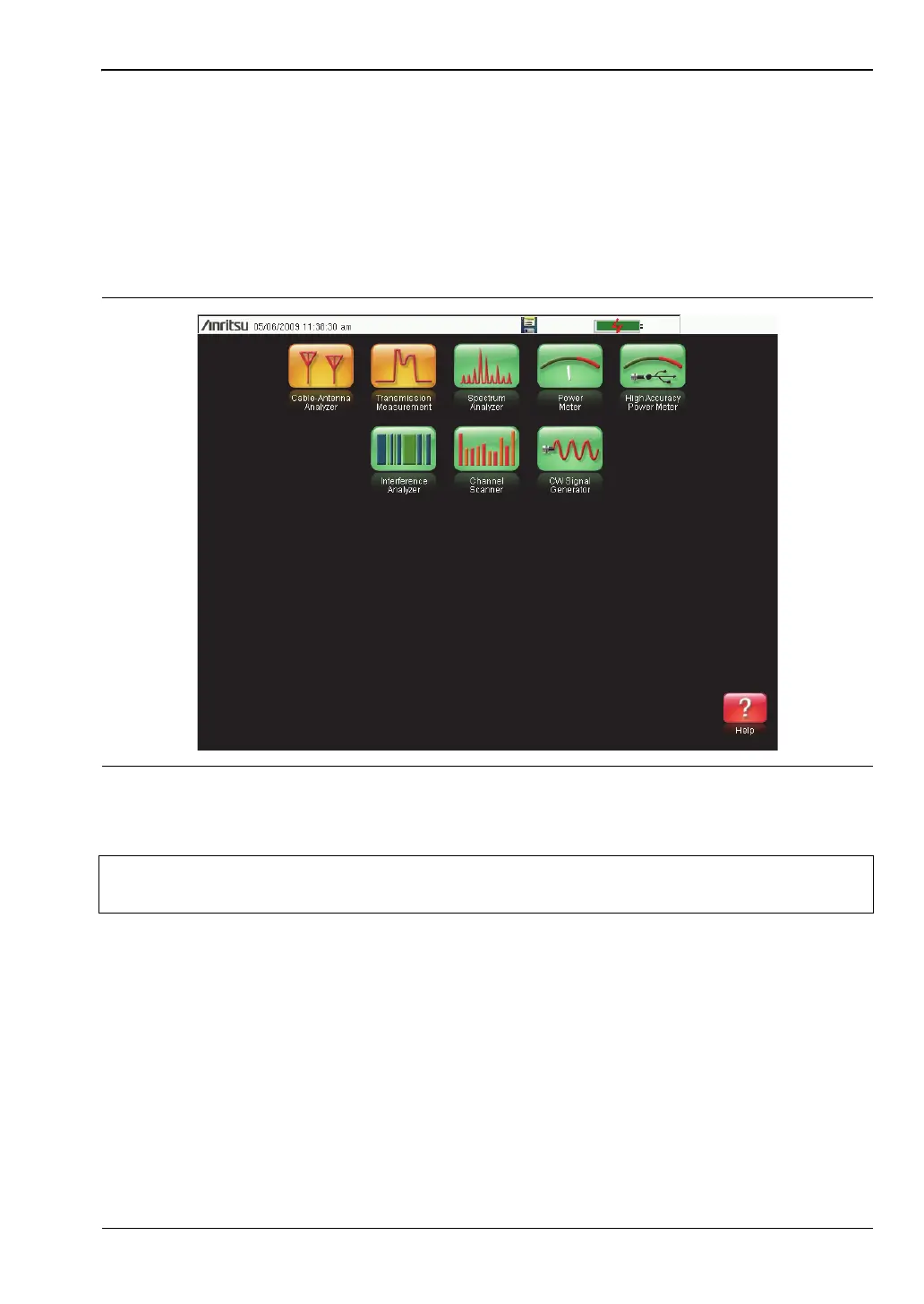
Press this key to display a grid of shortcut icons for installed measurement modes and user
selected menus and setup files.
Figure 2-2 shows the Menu key screen with shortcut icons for the installed measurement
modes. Touch one of the icons in the top two rows to change modes. These icons are
preinstalled and can not be moved or deleted.
Figure 2-2. Menu Key Screen, Icons for Installed Measurements
Note
The display of the Menu screen will vary depending on Site Master model and
installed options.













 To Next Page