Quick Start Guide 3-6 Useful MST Utilities
Site Master User Guide PN: 10580-00252 Rev. J 3-13
3-6 Useful MST Utilities
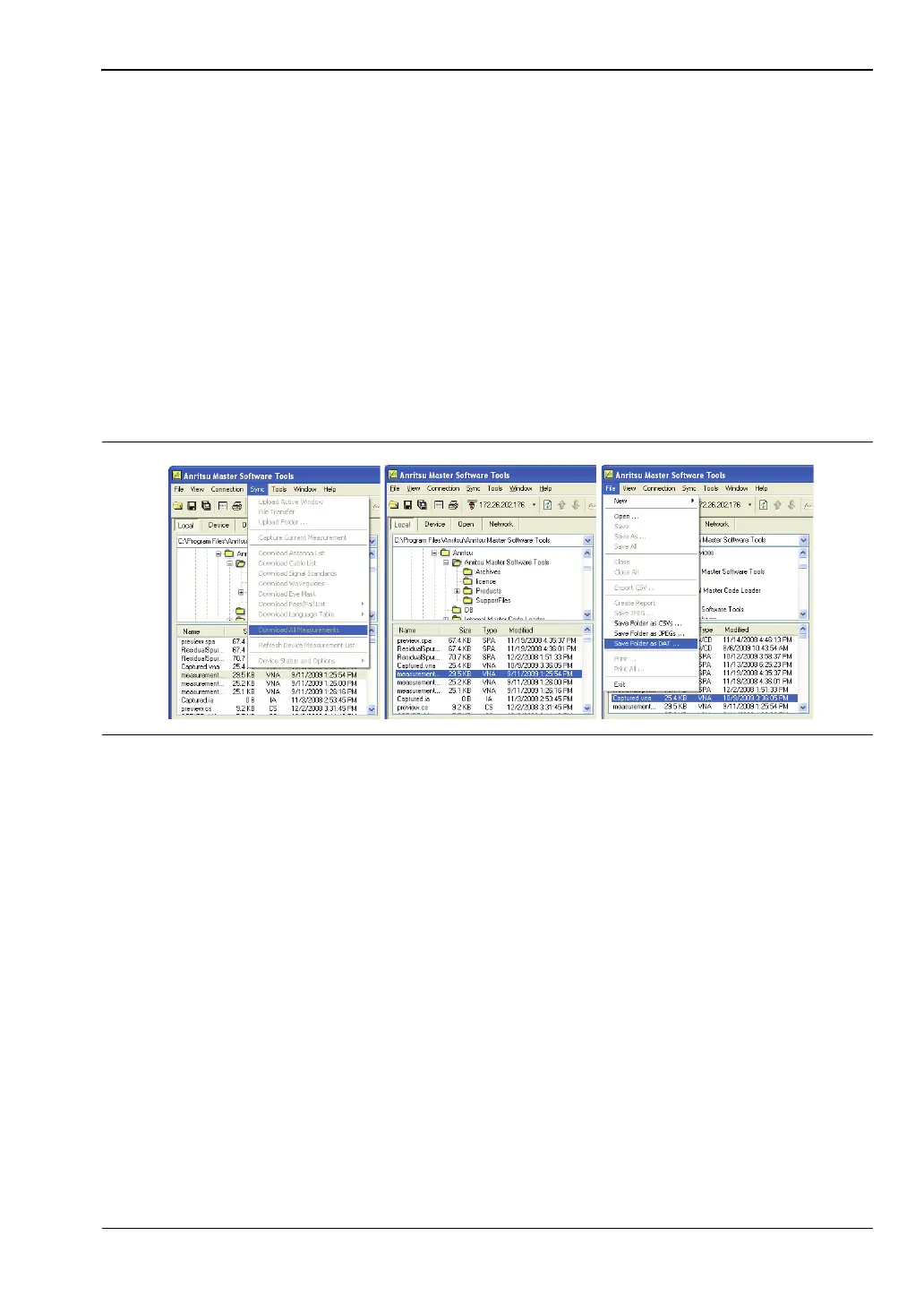
Converting Files to .DAT File Format
1. Establish a connection with MST.
2. Download measurements:
a. Go to Sync | Download all measurements.
b. Select the folder on the computer or select Local, and then set the location.
c. Click Device and drag all of the traces into the measurement window. All of the
traces will automatically be saved in the selected “Local” location.
3. To convert all of the files in a folder, select File | Save Folder as .DAT, and then select
the folder used above. To convert files one-by-one, select File | Save As, and then
change the extension to .DAT to convert the trace.
4. Files converted to .DAT file format can be opened in HHST.
Figure 3-9. MST Dialog













 To Next Page