2-6 Symbols and Indicators Instrument Overview
2-12 PN: 10580-00252 Rev. J Site Master User Guide
Detailed battery information is also available in the Status dialog box (System > Status).
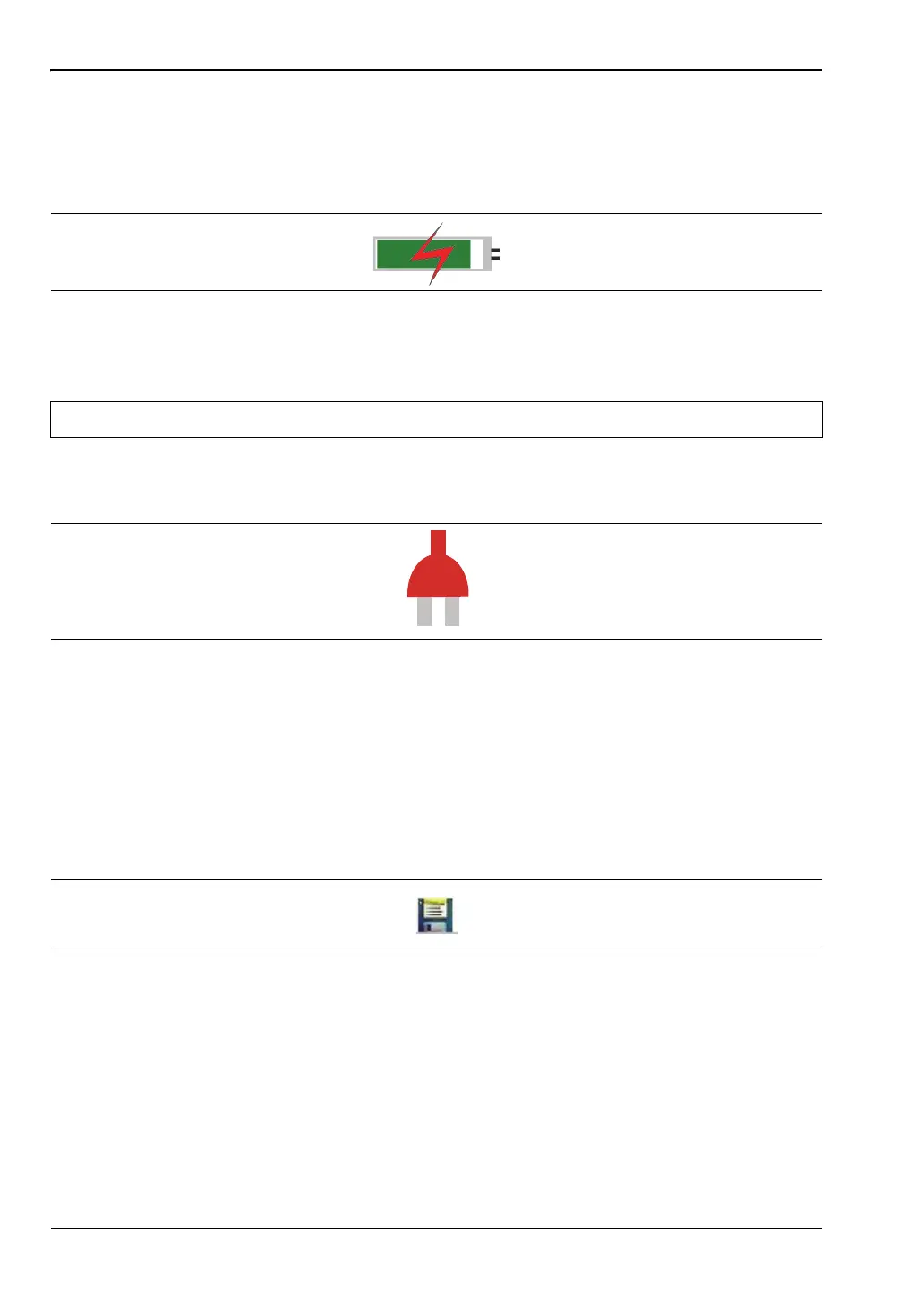
When either the AC-DC Adapter or the Automotive Cigarette Lighter Adapter is connected,
the battery automatically receives a charge, and the battery symbol with the lightning bolt is
displayed (Figure 2-10).
The green Charge LED flashes when the battery is charging, and remains on steady when the
battery is fully charged.
When operating from external power without a battery installed, the battery symbol is
replaced by a red plug body (Figure 2-11).
Additional Symbols
Single Sweep
Single Sweep is selected. Press
Continuous in the Sweep menu to resume continuous sweeping.
Floppy Icon
Shortcut to the Save submenu. Touch the icon to open the touch screen keyboard for saving
measurements, setups, or screen displays.
Figure 2-10. Battery Charging Icon
Caution Use only Anritsu-approved batteries, adapters, and chargers with this instrument.
Figure 2-11. Battery Not Installed
Figure 2-12. Floppy Icon













 To Next Page