2-8 Mode Selector Menu Instrument Overview
2-14 PN: 10580-00252 Rev. J Site Master User Guide
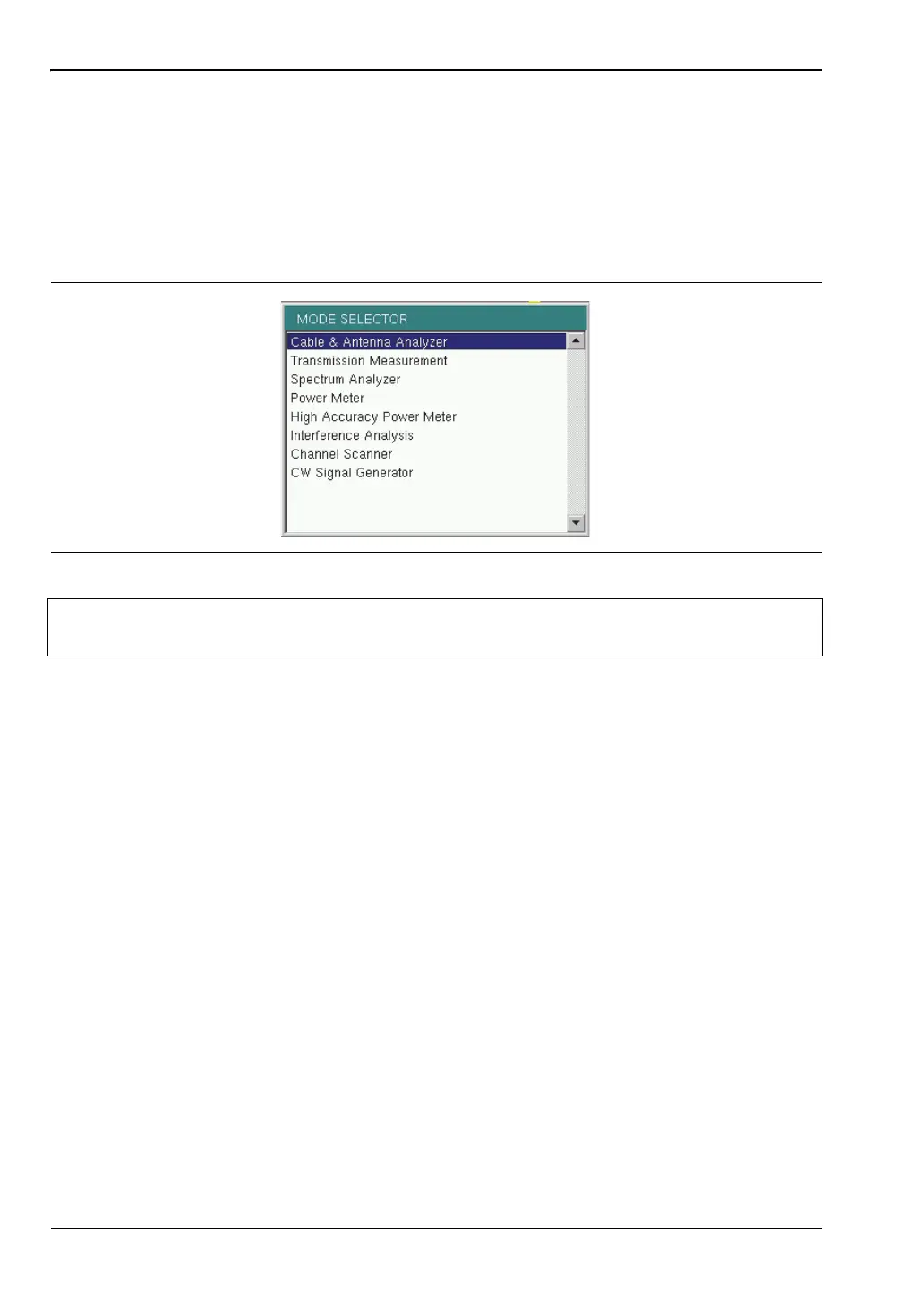
2-8 Mode Selector Menu
To access the functions under the Mode menu, select the Shift key, then the Mode (9) key. Use
the directional arrow keys, the rotary knob, or the touch screen to highlight the selection, and
press the Enter key to select. The list of modes that appear in this menu will vary depending
upon the options that are installed and activated in the instrument. Figure 2-14 is an
example of the Mode menu. Your instrument may not show the same list. The current mode is
displayed below the battery symbol.
The Menu key is another option to quickly change measurement modes. Press the Menu key
then select one of the Measurement icons in the top two rows (Figure 2-2 on page 2-3).
Figure 2-14. Mode Selector Menu
Note
The display of the Mode Selector will vary depending on Site Master model and
installed options.













 To Next Page