Site Master User Guide PN: 10580-00252 Rev. J 9-1
Chapter 9 — Anritsu Tool Box and
Line Sweep Tools
9-1 Introduction
This chapter provides a brief overview of the Anritsu Tool Box and the Line Sweep Tools
program. For detailed information about Line Sweep Tools, refer to the program Help.
9-2 Anritsu Tool Box with Line Sweep Tools
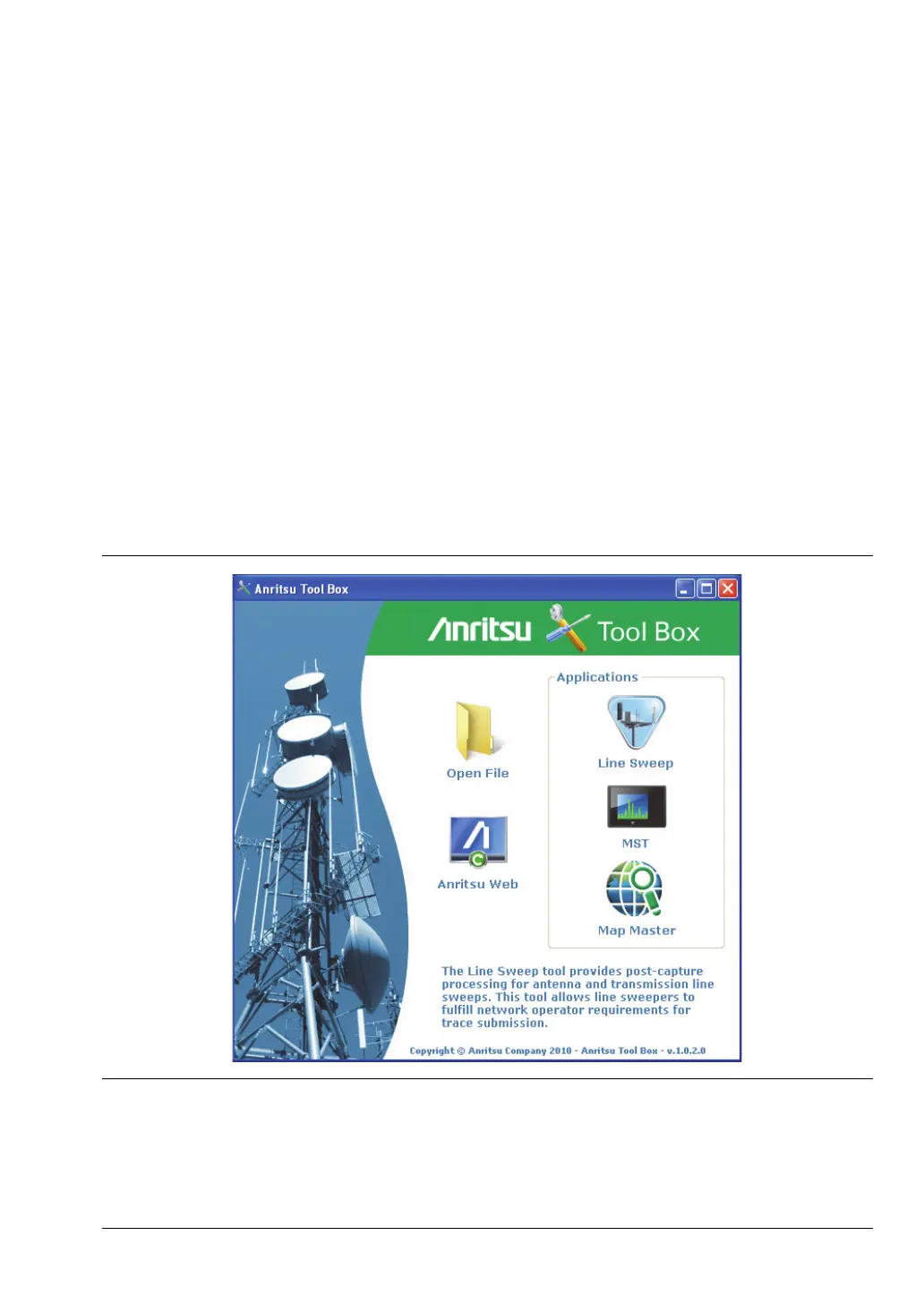
The Anritsu Tool Box is a central location to open an Anritsu measurement, visit the
Anritsu web site, or launch an Anritsu application (Figure 9-1). To open the Anritsu Tool Box,
either click on the shortcut icon on the desktop or click Start and navigate through the
Programs folder to the Anritsu folder. Then click on the Anritsu Tool Box shortcut to open the
Anritsu Tool Box. Once the Tool Box is open, move the mouse pointer over any of the
application icons to view a short description of the application.
Figure 9-1. Anritsu Tool Box













 To Next Page