5-3 System Menu System Operations
5-6 PN: 10580-00252 Rev. J Site Master User Guide
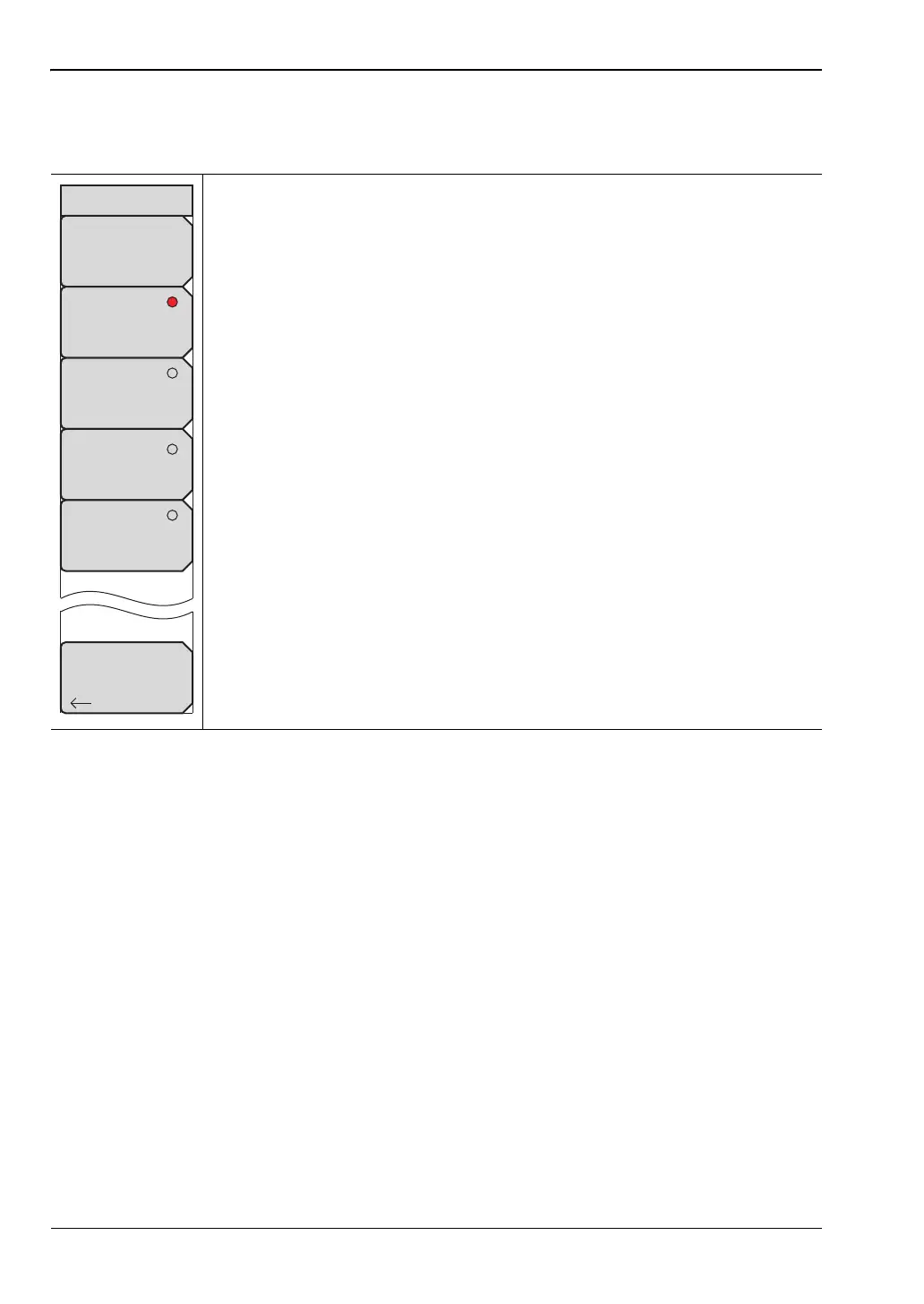
Display Settings Menu
Key Sequence: Shift, System (8) > System Options > Display
Brightness: The brightness of the display can be adjusted to optimize
viewing under a wide variety of lighting conditions. Use the keypad, the
Up/Down arrow keys or the rotary knob to select a brightness level from 1 to
9, with 9 being the brightest. Press Enter to accept the change.
Default Colors: Sets the display colors to their factory default condition.
Used for normal viewing.
Black & White: Sets the display colors to black and white. Used for printing
and viewing in broad daylight conditions.
Night Vision: Sets the display to a red-tinted color. Optimized for night-time
viewing.
High Contrast: Increases the contrast of the default display colors. Used for
other challenging viewing conditions.
Back: Press this submenu key to return to the “System Options Menu”
on page 5-4.
Figure 5-6. Display Settings Menu
Back
Display Settings
Brightness
Default Colors
Black & White
Night Vision
High Contrast













 To Next Page