Page 21
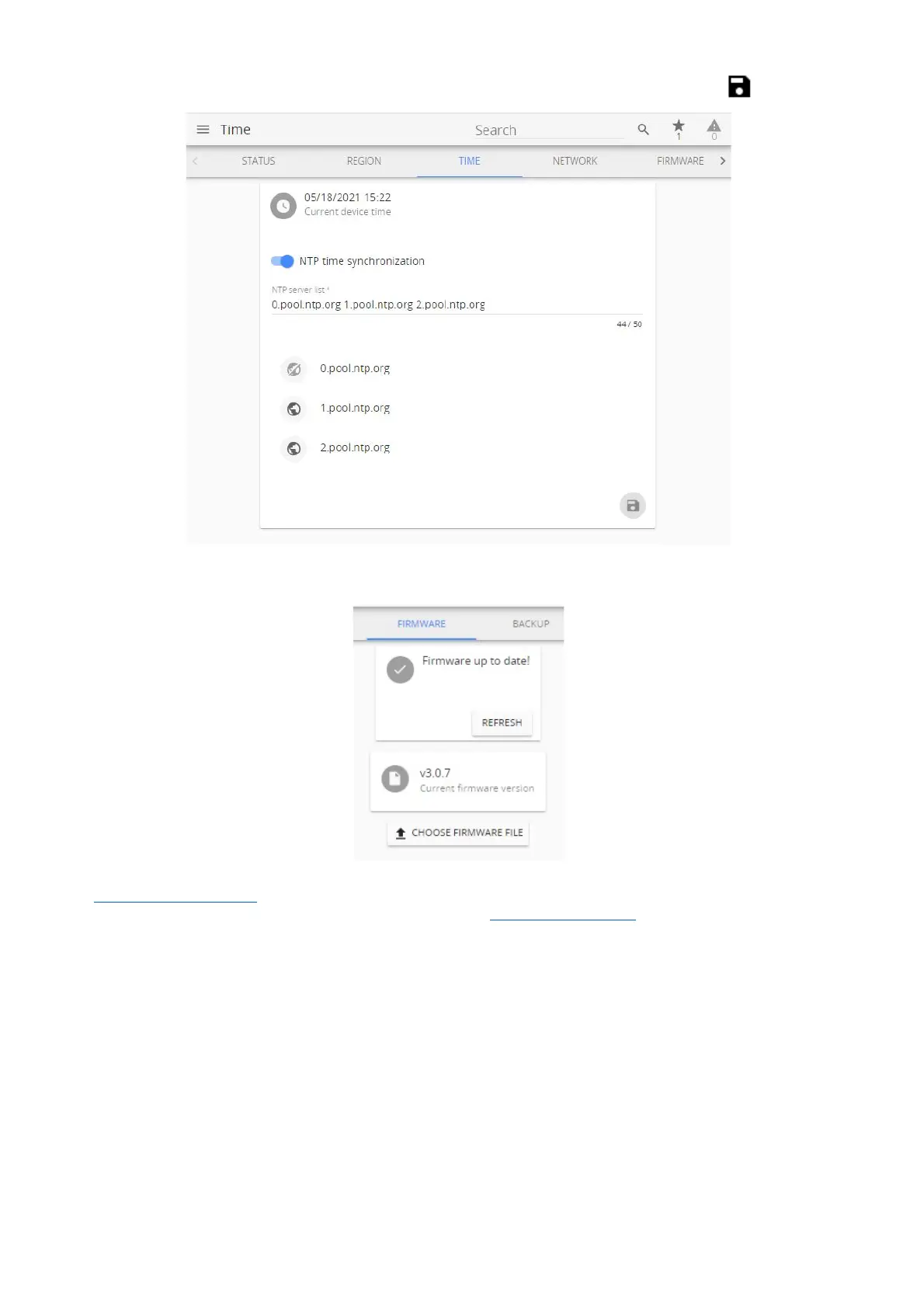
Navigate to Time menu and set time manually, synchronize with your PC or NTP. Click Save .
Navigate to Firmware menu.
It is highly advised to install the latest firmware for your Aranet PRO/PRO+ base. Visit
aranet.com/downloads/ to download the latest firmware version and upgrade your device if it has older
firmware version installed. Refer to this document chapter 3.6.5 Firmware menu for upgrade instructions.



 To Next Page