Page 35
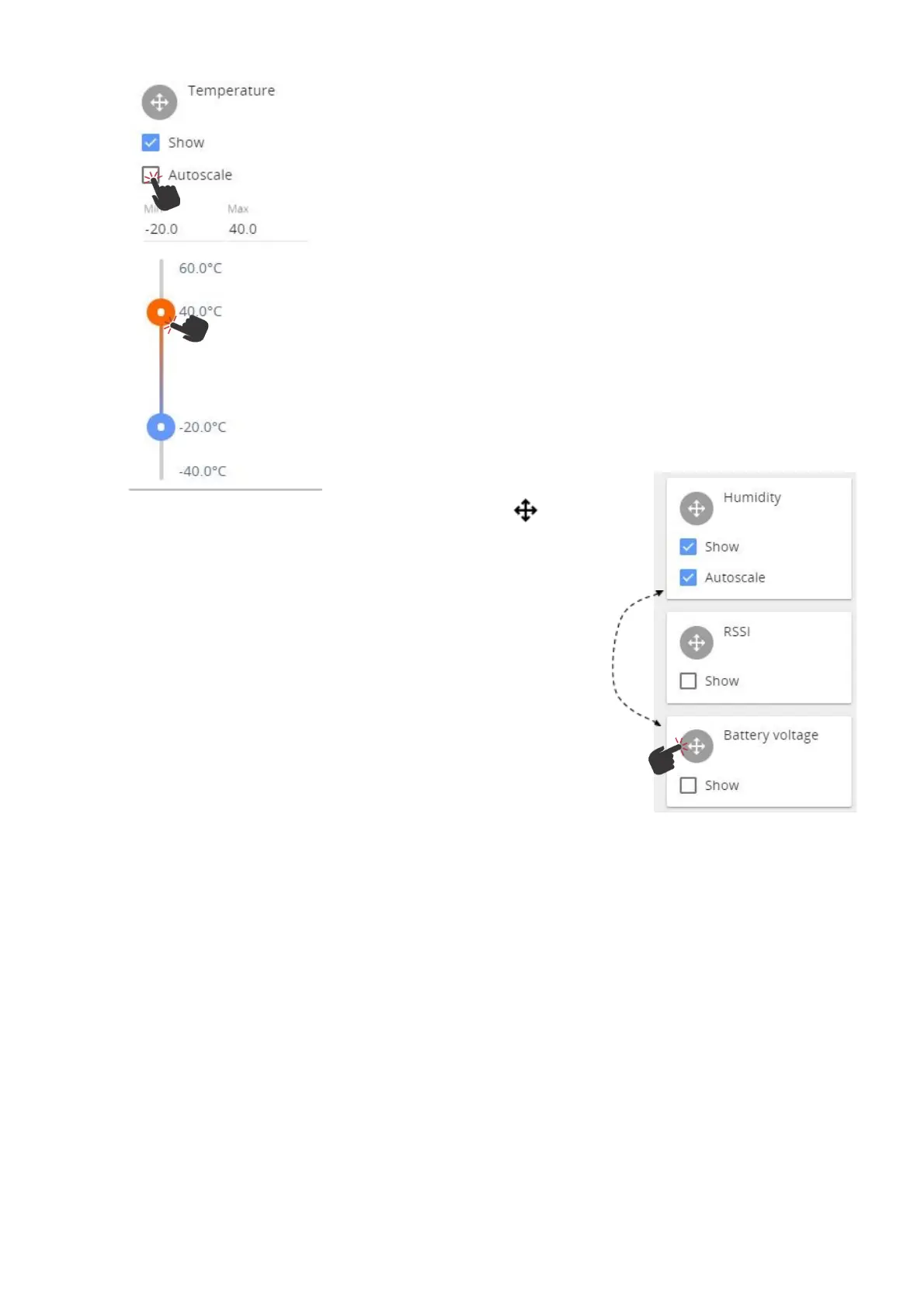
To display the measurement curves with more granularity, untick the
Autoscale and choose the Min and Max values by moving the slide
bars or typing in the required values.
To rearrange the order in which the
graphs are displayed, drag the parameter boxes by the Move handle.
Release it in the desired position.



 To Next Page