Page 42
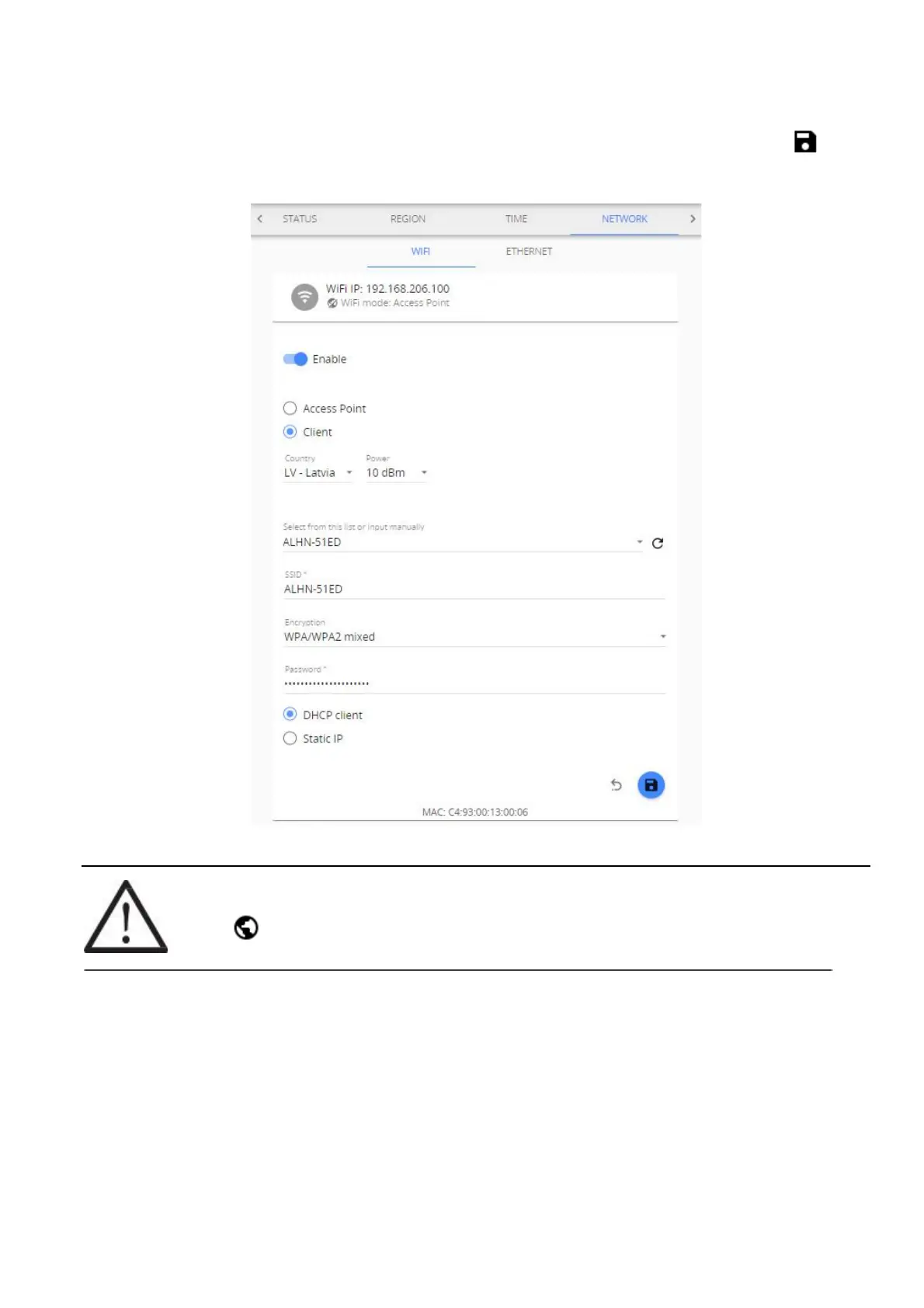
(2) In case you wish to connect Aranet PRO/PRO+ to a local Wi-Fi network choose the Client mode,
find the appropriate Wi-Fi connection, and fill in the Wi-Fi password. Apply the changes by Save
button.
!NOTE! Most routers have DHCP enabled by default, we recommend keeping this setting for
ease of set up. For advanced users, however, static IP address set up is possible.
Globe symbol with no crossover indicates successful connectivity to network.



 To Next Page