11
001-15698-EN rev.12
Control Panel
Control Panel
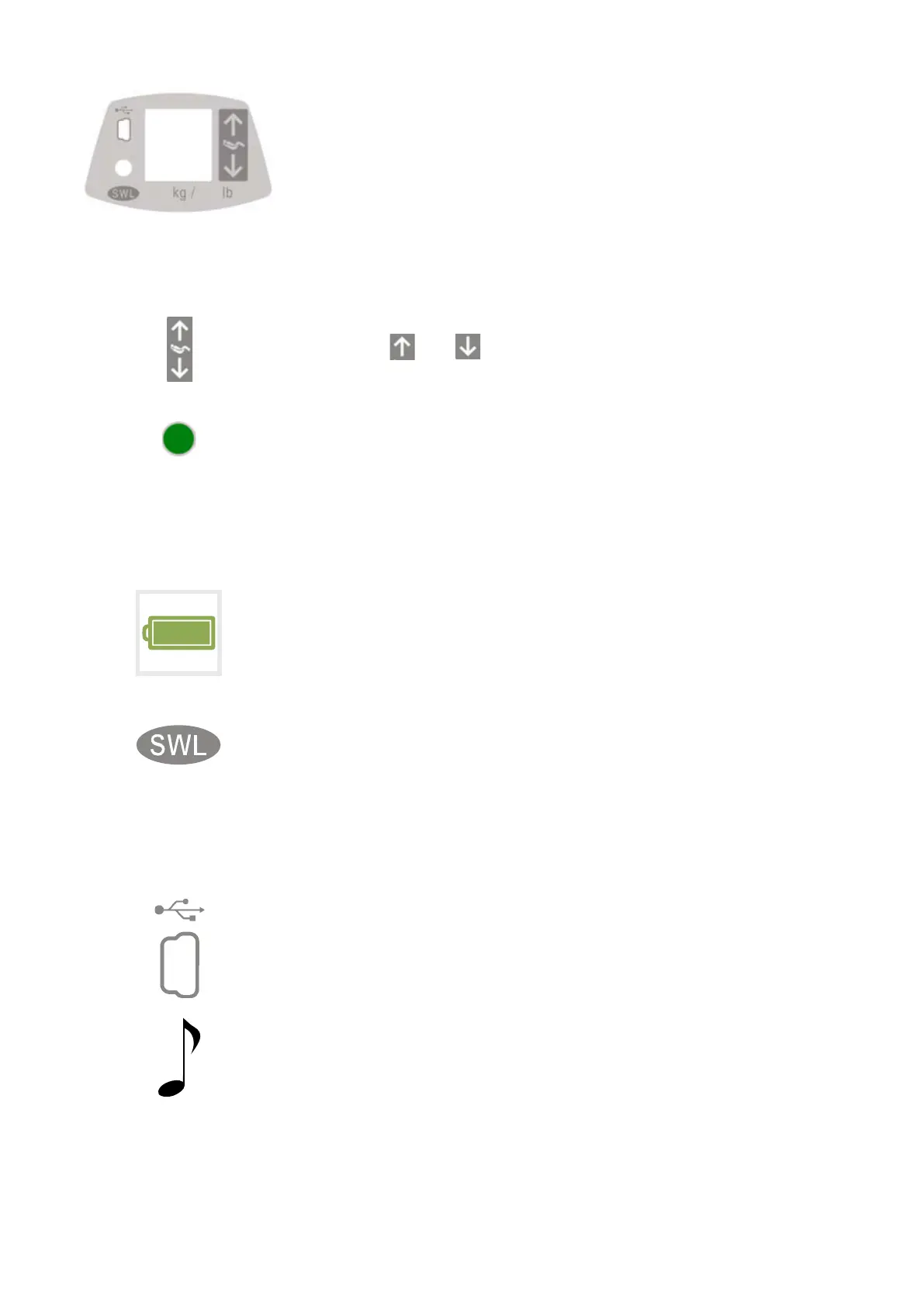
The control panel regroups several elements intended to provide information
to the user related to:
• Command acknowledgment
• Maintenance requirement
• Customizing menus
• Status LED
• USB access port
• Auxiliary Up-Down button
Auxiliary Up-Down Button
• The and buttons are used to complete a transfer if a problem
occurs with the hand control during the operation.
Status LED
• The LED is a complement to the display to draw user's attention that a
message is being displayed on the screen.
• The LED will flash Green to confirm charging is in progress or light up
solid Green when batteries are charged.
• The LED will light up Red when an abnormal situation occurs.
• Refer to "Customizing" section to set enable/disable parameters.
Display
• This is the message centre that informs the user of the different statuses
of the lift by means of intuitive Icons (see "Display Symbols" for details).
SWL Rating
• This label indicates the maximum lifting capacity of the lift.
• The Maxi Sky 2 is built to operate in three different maximum weight
settings.
• 120 kg / 265 lb
• 200 kg / 440 lb
• 272 kg / 600 lb
USB Access Port
• The USB port is intended for MAXISMART users only. It allows to
access certain functions such as query history data.
Beeper
• The Control Panel is also equipped with a component that provides
beeping sounds for acknowledging commands or to draw user's
attention that a message is being displayed on the screen.



 To Next Page