59
001-15698-EN rev.12
Troubleshooting
PROBLEM TO CHECK
After power ON, the LED does
not light and nothing appears on
display.
• Bring the unit to the charging station.
• If the unit is not charging, contact your Arjo agent for
maintenance.
The LED is RED and nothing
appears on display.
• The lift may be in “Sleep mode”. Press a button on the hand
control and see if something appears on the display.
• If the problem persists, contact your Arjo agent for maintenance.
The LED is GREEN and nothing
appears on display.
• The lift may be in “Sleep mode”. Press a button on the hand
control and see if something appears on the display.
• If problem persists, contact your Arjo agent for maintenance.
If a maintenance code appears
on the display after a sleep
mode.
• The unit can be used but maintenance shall be done as soon as
possible by an Arjo technician.
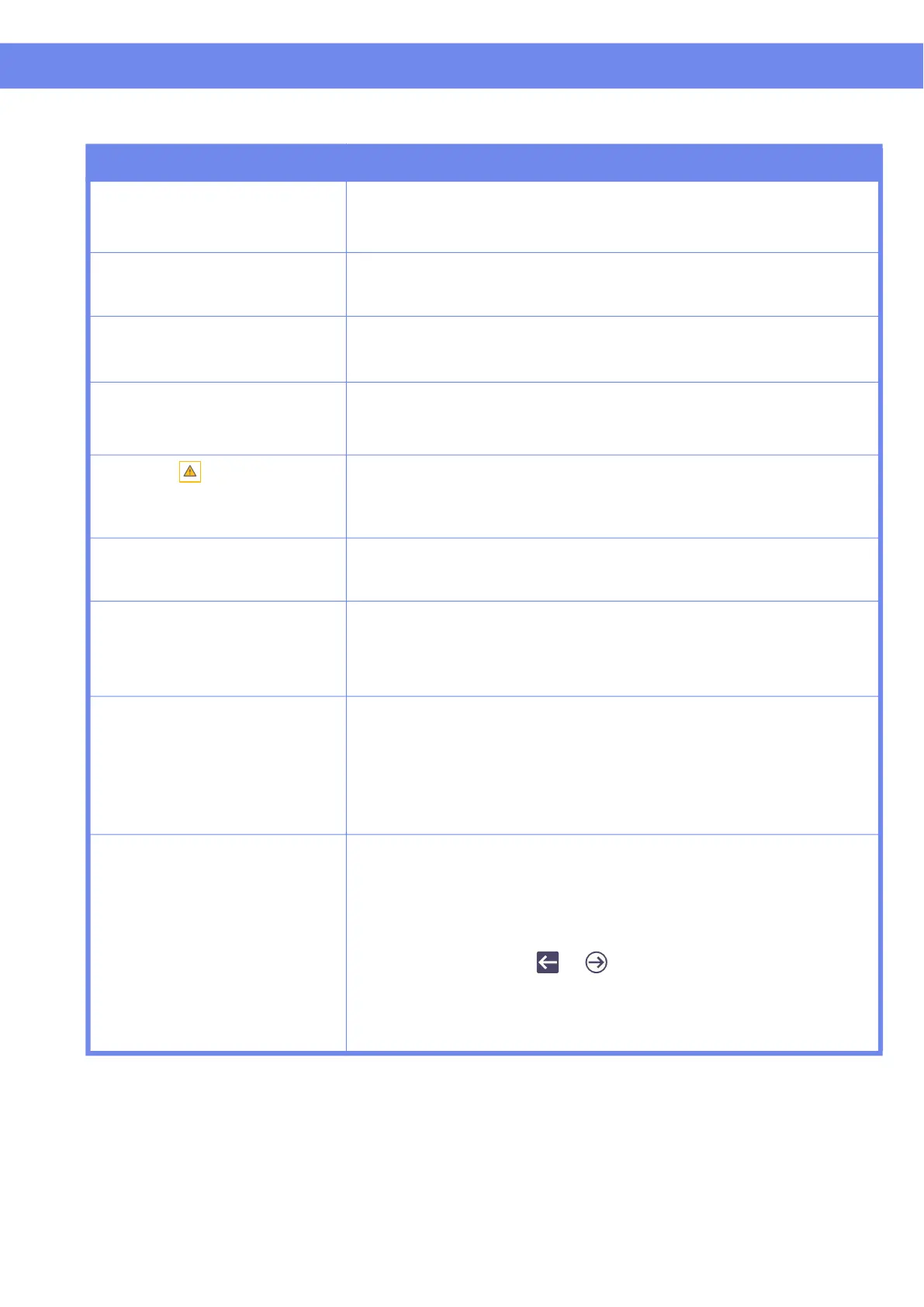
The icon is displayed on
display and flashing.
• The duty cycle has been reached for the motor in use. It could
be the left-right, up-down or sit-lay motor. Wait until the “triangle-
exclamation point” symbol disappears from display before
reusing the motor.
LED does not light at all. Display
is working properly.
• Check in “customize” menu if LED is in ENABLED state.
• If LED is in ENABLED state and it still does not light up, contact
your Arjo agent for maintenance.
The lift emits a beep during
utilization. The unit may stop
lifting but the lowering function
can still be used.
• Batteries are low (see if display indicates a low battery). Return
the lift to the charging station.
The battery level is not full and
the LED does not flash GREEN
when the unit is on the charger.
• Check that the charger is plugged into a standard outlet and that
the outlet has power. The green light on the charging station
indicates that it is functioning.
• Check if the two blades make good contact with charging station.
• With a mild detergent, clean the lift contact blades and/or the
contact plates of the charging station if necessary.
• If problem persists, contact your Arjo agent for maintenance.
RTC does not work when
pressing the RTC button for
3 seconds.
• Check that the spreader bar is not too close to the highest limit.
Lower the spreader bar 6 inches (15 cm) and press the RTC
button for 3 seconds.
• Check if the RTC function is enabled (refer to the “Customizing”
section).
• If the parameter is set to “Auto”, bring the unit to the charging
station using the or button. After the lift starts charging,
move it away from the charging station and test the RTC function
again. Note: The lift looses track of the charging station location
when it is turned OFF. In this event, repeat above procedure to
allow the unit to memorise the location of the charging station.



 To Next Page