97
button will silence the alarm and reset the instrument.
Turn the Fail Stop function ON and OFF by pressing the “Fail Stop” soft key. If
security is enabled you may not turn Fail Stop ON and OFF using the “Fail Stop” soft
key. Fail Stop automatically defaults to the setting stored in the file when security is
activated.
Fail Stop with Run and Leakage Current tests
Associated Research recommends performing a Hipot test with the Fail Stop ON prior
to performing a Run Test or Leakage Current test. Performing a Hipot test first can
detect if a DUT is shorted line to ground before applying line power to it.
5.2.4. Results
At the end of a test sequence or single step test, you may review the measurements
of each test by pressing the “Results” soft key. Results may be accessed from the
end of test Summary screen or from the Perform Tests screen. The end of test
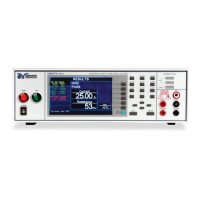
Summary screen appears as follows:



 To Next Page
 Loading...